






























Knowledge Base

What is the difference between the HYPERVSN App and Pro App? 

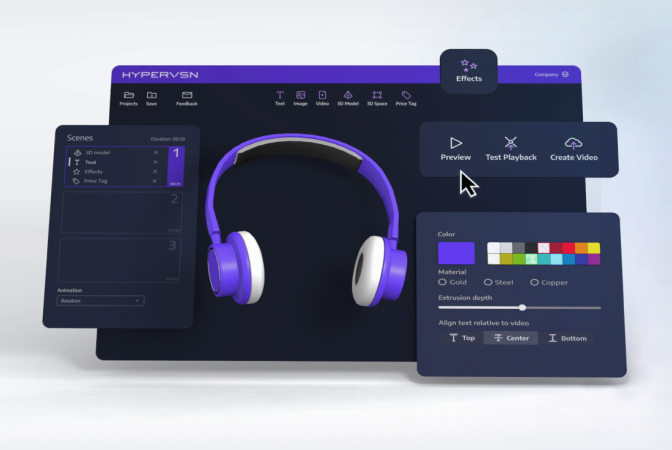
The HYPERVSN ecosystem has two applications for SmartV devices control: the mobile HYPERVSN App and the desktop HYPERVSN Pro App.  

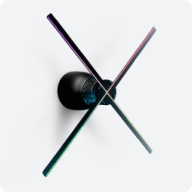
HYPERVSN App: A mobile application available for Android and iOS devices. It is the preferred tool for managing SmartV Solo units and standard SmartV Walls containing up to 12 displays. 

HYPERVSN Pro App: A desktop application installed on a Windows PC using the Microsoft Store. It is specifically designed and mandatory for controlling Multi-Walls featuring more than 12 SmartV Displays. 

Both applications allow users to perform the essential operations required to run a holographic display system: 

● Preparation: Both tools handle device activation, physical layout setup, and image calibration.

● Content management: Users can download media from their CMS Cloud, create and manage playlists, and control real-time media playback.

● Device control: Both apps allow for the adjustment of operational settings such as brightness, RPM, network configurations, and power schedules.

● Maintenance: Both applications provide tools to monitor module health and trigger software or firmware updates.

Beyond their basic operations, each application offers unique capabilities:

● Multi-factor Authentication (MFA): MFA is a security feature that can be enabled for the HYPERVSN App to provide an extra layer of protection during login.

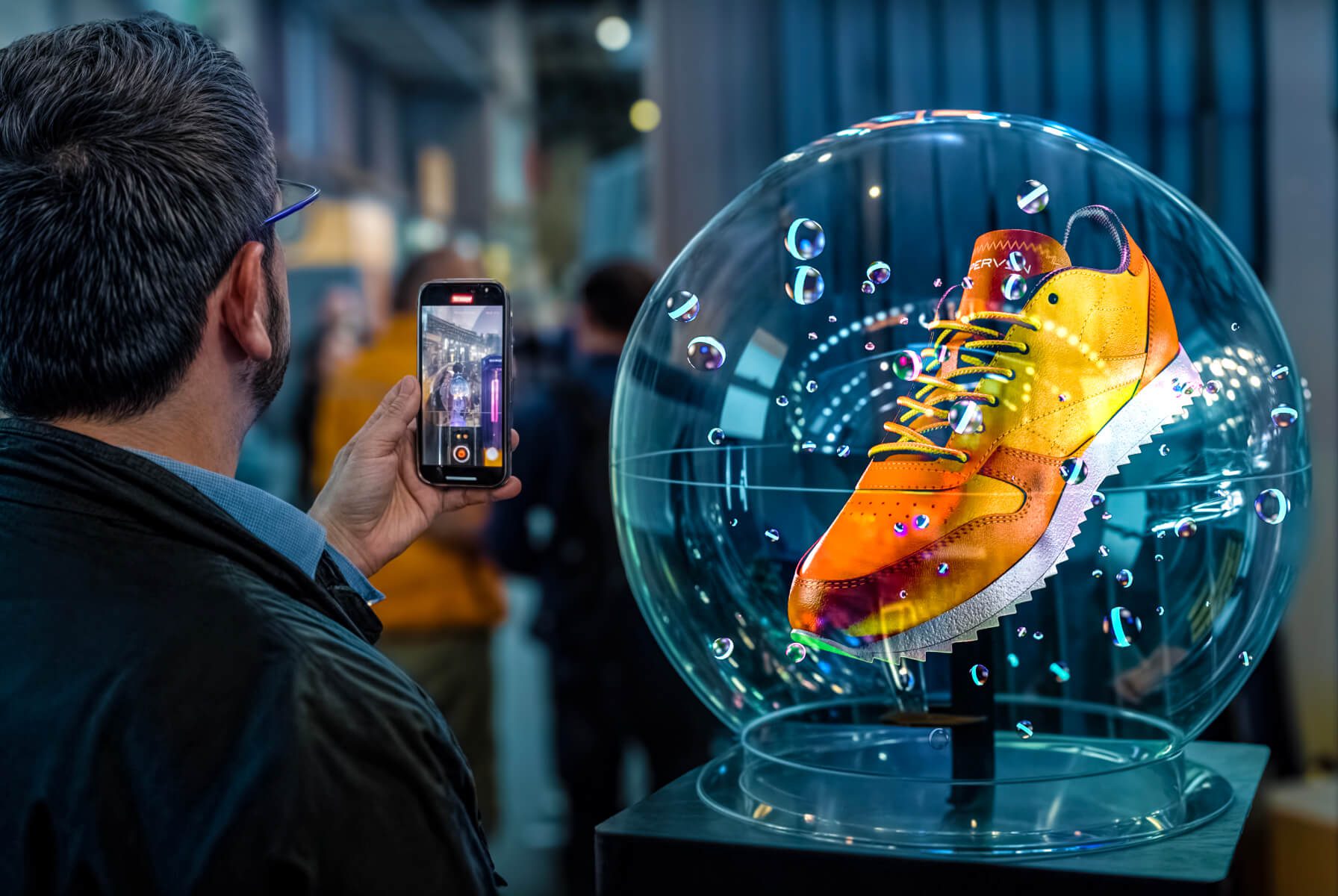
● Advanced Capture (Hypercamera): The mobile HYPERVSN App includes a specialized Hypercamera feature designed to capture high-quality video of the spinning holographic displays.

Related Questions

Can’t find your answer?

4 Item in cart

HYPERVSN 3D Catalog

USD 1,200

Qty

Remove Item

HYPERVSN 3D Catalog

USD 1,200

Qty

Remove Item

HYPERVSN 3D Catalog

USD 1,200

Qty

Remove Item

Cart Subtotal:

USD 3,600