






















-
HYPERVSN Knowledge Base
HYPERVSN SmartV Wall
-
What is a HYPERVSN SmartV Wall?
-
What are the main components of the SmartV Wall?
The hardware and software required for the SmartV Wall installation include:
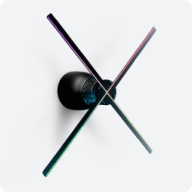
● SmartV Displays: Devices with rotating LED rays that create floating 3D visuals appearing in mid-air. Available in Model M (567 mm diameter) or Model L (750 mm diameter).
● SmartV Box 6/SmartV Box 12: The control modules that manage content playback and connectivity for SmartV Displays. A SmartV Box 6 supports up to 6 SmartV Displays, while a SmartV Box 12 supports up to 12.
● SmartV Power 1000: A dedicated unit used to supply power to the Displays, with one module required for every 6 SmartV Displays.
● Software suite: Includes the HYPERVSN App for the SmartV Walls with less than 12 Displays, the HYPERVSN Pro App for the Walls with more than 12 SmartV Displays, and the web-based CMS for remote content and device management.
● Mounting accessories: Including Wall Mounts, modular systems such as Wall Chain, and layout-specific solutions such as Prime and Edge, used to secure SmartV Displays in the required configuration.
-
What are key features of the SmartV Wall?
Key features of the SmartV Wall include:
● Image merging algorithms: The system uses proprietary calibration, synchronization, and image merging technology to ensure perfect alignment of orientation, rotation, and spatial positioning across SmartV Displays.
● Image enhancement algorithms: The displays feature an sRGB mode for precise colour rendering, with brightness and colour uniformity from the centre to the edges of the image.
● Scalability: The SmartV Wall is highly scalable, ranging from small setups of 1 to 6 SmartV Displays to Multi-Walls consisting of up to 420 Displays managed by multiple SmartV Box 12 units linked in a master-repeater chain.
● Diverse content playback: Beyond standard media files, the SmartV Wall can reproduce real-time video signals from external devices using HDMI or stream content from specific URLs.
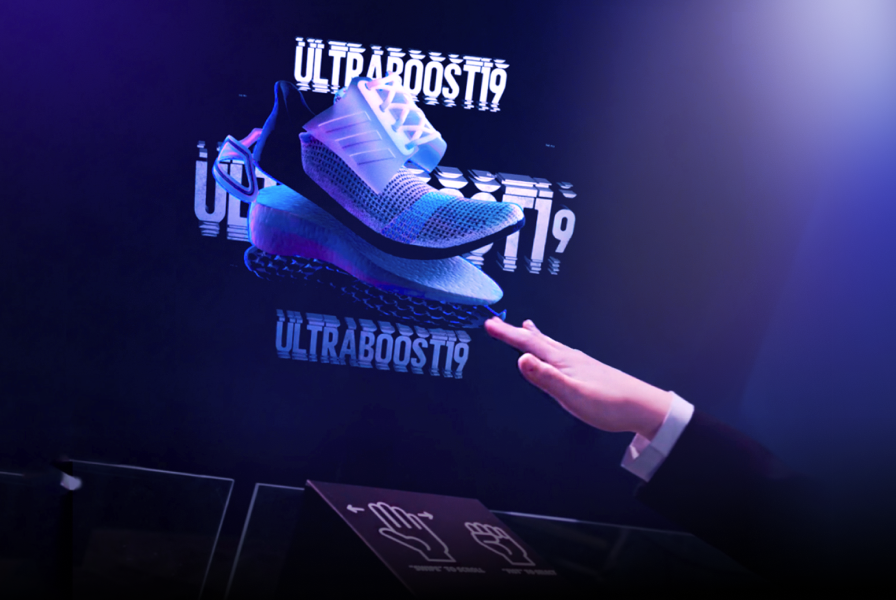
● Interactive capabilities: The SmartV Wall supports a wide range of HYPERVSN interactive solutions, including Digital Avatars, 3D Modeller, 3D Library, 3D Slots and automated Lift & Learn scenarios.
● High-performance visuals: SmartV Display provides a peak brightness of up to 3200 nits for clear visibility in ambient light and supports high frame rates of up to 60 FPS for smooth 3D motion.
● Modular mounting options: Modular accessories such as the SmartV Wall Chain allow you to create any Wall configuration in both vertical and horizontal orientations.
● Hardware protection, including:
a) Protection of the SmartV Display and SmartV Box from overheating and malfunction.
b) An emergency stop feature to protect the SmartV Display from physical impact.
c) Comprehensive health monitoring, tracking CPU, FPGA, stator and rotor temperatures, available memory, RAM usage, uptime, and errors.
d) An energy-efficient mode to optimise power consumption.● Software security, including:
a) A secure HTTPS connection for encrypted data transmission.
b) Encryption of data both in transit and at rest.
c) Multi-factor authentication (MFA) and single sign-on (SSO).
d) Role-based access control to manage user permissions.
e) Infrastructure maintained to high-security standards and compliant with GDPR. -
What are the differences between Overlapped, Adjacent, and Duplicated layouts?
The layout type determines how the SmartV Displays process media content:
● Overlapped: SmartV Displays are installed so that their rays physically overlap. This layout spreads a single piece of content across all connected Displays to create one seamless, large-scale 3D visual.
● Adjacent: Similar to the overlapped layout, the system spreads the initial content across the entire Wall to form one large image, but without overlapping.
● Duplicated: In this mode, each individual Display duplicates and repeats the same content simultaneously.
-
What is a Multi-Wall?
A Multi-Wall is a large-scale SmartV Wall configuration that consists of more than 12 SmartV Displays. To manage this volume of hardware, the setup requires at least two SmartV Boxes linked together in a chain using HDMI cables. In this configuration, the first SmartV Box 12 in the chain is designated as the master, while all subsequent SmartV Boxes (which can be SmartV Box 12 or Box 6) are designated as repeaters.
-
What is the maximum number of SmartV Displays supported in a Multi-Wall?
A Multi-Wall can scale up to 35 SmartV Boxes, supporting a total of 420 SmartV Displays.
-
What are the mandatory safety heights and viewing distance requirements for a SmartV Wall?
Technicians must adhere to specific rules when planning a SmartV Wall installation:
● Viewing distances: The minimum viewing distance from the SmartV Wall must be at least 2 metres.
● Viewing angle: The HYPERVSN SmartV Wall should be installed on an even surface at a 90° angle. The viewing angle for HYPERVSN SmartV Wall must not exceed 60°. Optimal image quality is achieved when the viewing angle to the central point of the Wall is less than 30°.
● Mandatory safety height: For public safety, the HYPERVSN SmartV Wall must be installed so that the lower edge of its rotating rays is at least 3.1 metres above floor level, unless it is protected by a physical barrier or protective accessory.
● Mounting integrity: The installation surface or ceiling must be capable of supporting at least four times the weight of the mounted equipment to prevent falling.
● Startup safety: Before switching the device on, ensure that no one is standing within a 0.5 m radius of the Display.
● Operational visibility: Because the rays become invisible while spinning, they pose a danger. Ensure no objects or people can contact them.
● Maintenance safety: Always unplug the power cords and wait for the rays to be completely stationary before performing any technical maintenance.
● Prohibited installation areas:
a) Children’s playgrounds or areas where children are left unattended.
b) Animal cages or areas accessible to domestic pets and birds.
c) Near sources of heat or water.
d) Next to flammable objects, such as curtains, that could be blown into the rotating rays.
-
What is the optimal viewing distance for the SmartV Wall?
For the best holographic effect, the optimal viewing distance is calculated as 3 times the size of the display area.
For the SmartV Wall measuring 1.7 metres diagonally, the optimal viewing distance would be 5.1 metres.
-
What mounting accessories are available for SmartV Walls?
HYPERVSN offers a range of accessories designed to provide scalability, protection, and versatile installation options for SmartV Walls.
Individual Wall Mounts (High and Low): High and low mounts are used on vertical surfaces and are typically alternated in a chessboard pattern to prevent the rays from touching while rotating.
SmartV Wall Chain: a modular accessory designed to arrange SmartV Walls in any desired configuration. The Wall Chain modules support both vertical and horizontal layouts.
SmartV Prime (Ellipse L3, L6, L9, L12): A premium accessory range that can hold SmartV Displays in the following vertical setups:
● 1×3
● 2×3
● 3×3
● 3×4
● 4×3
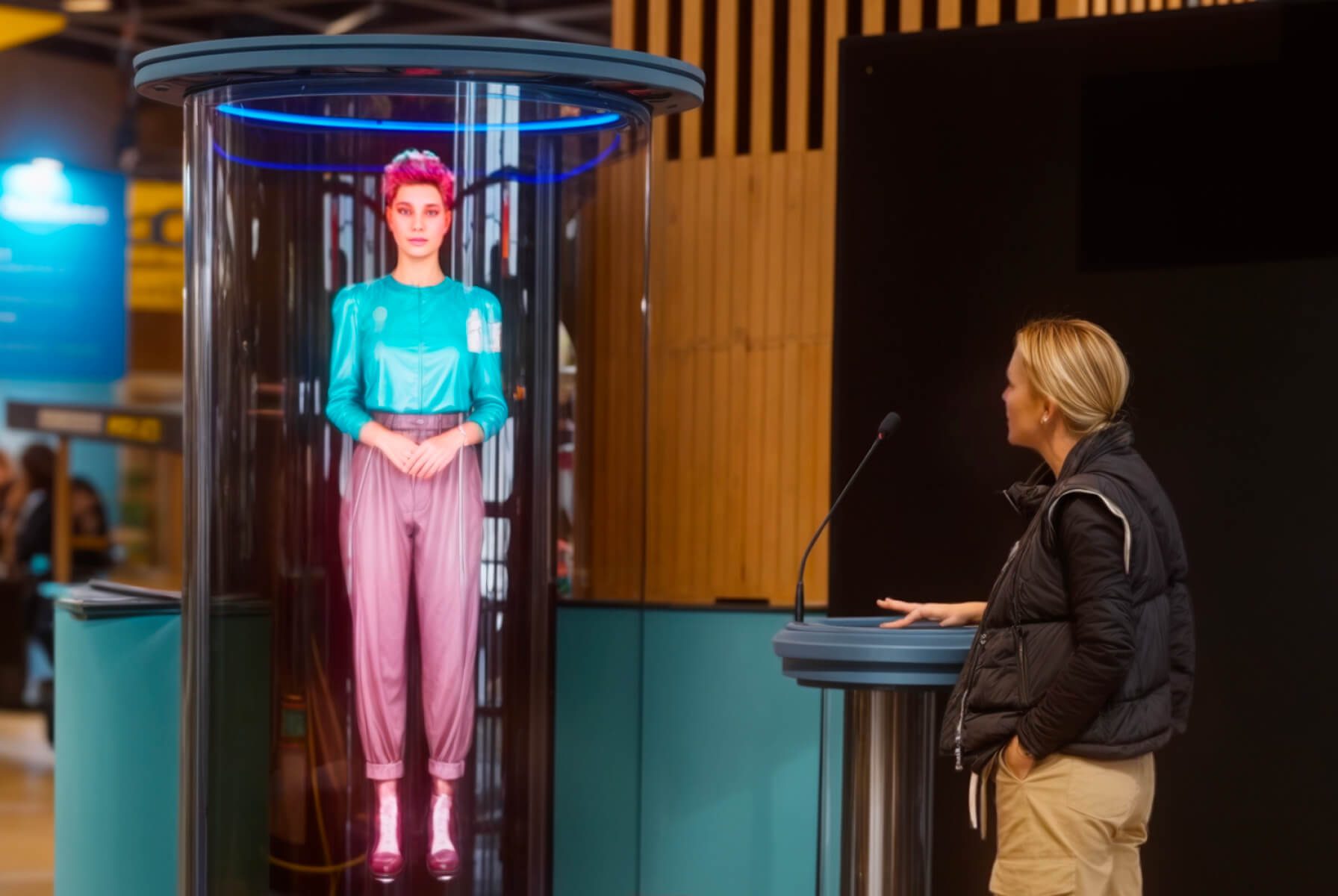
1×3 setup is used for Life-size Digital Avatars or Holographic Humans.
SmartV Edge: An accessory with glass-like protective panels, framed with glowing LED tubes. SmartV Edge is available in the following configurations:
● 1×3
● 2×3
● 2×3 double-sided
-
What interactive solutions are compatible with the SmartV Wall?
The HYPERVSN SmartV Wall is compatible with the following HYPERVSN interactive solutions:
● Digital Avatar (Life-size)
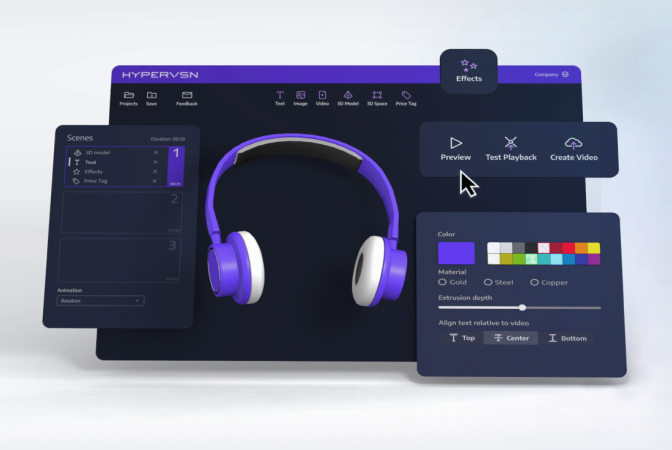
● 3D Modeller
● 3D Library
● Live-Stream
● Slots
● Lift & Learn (Automation)
The HYPERVSN SmartV Wall is compatible with all HYPERVSN interactive solutions designed for engagement and immersive visual experiences:
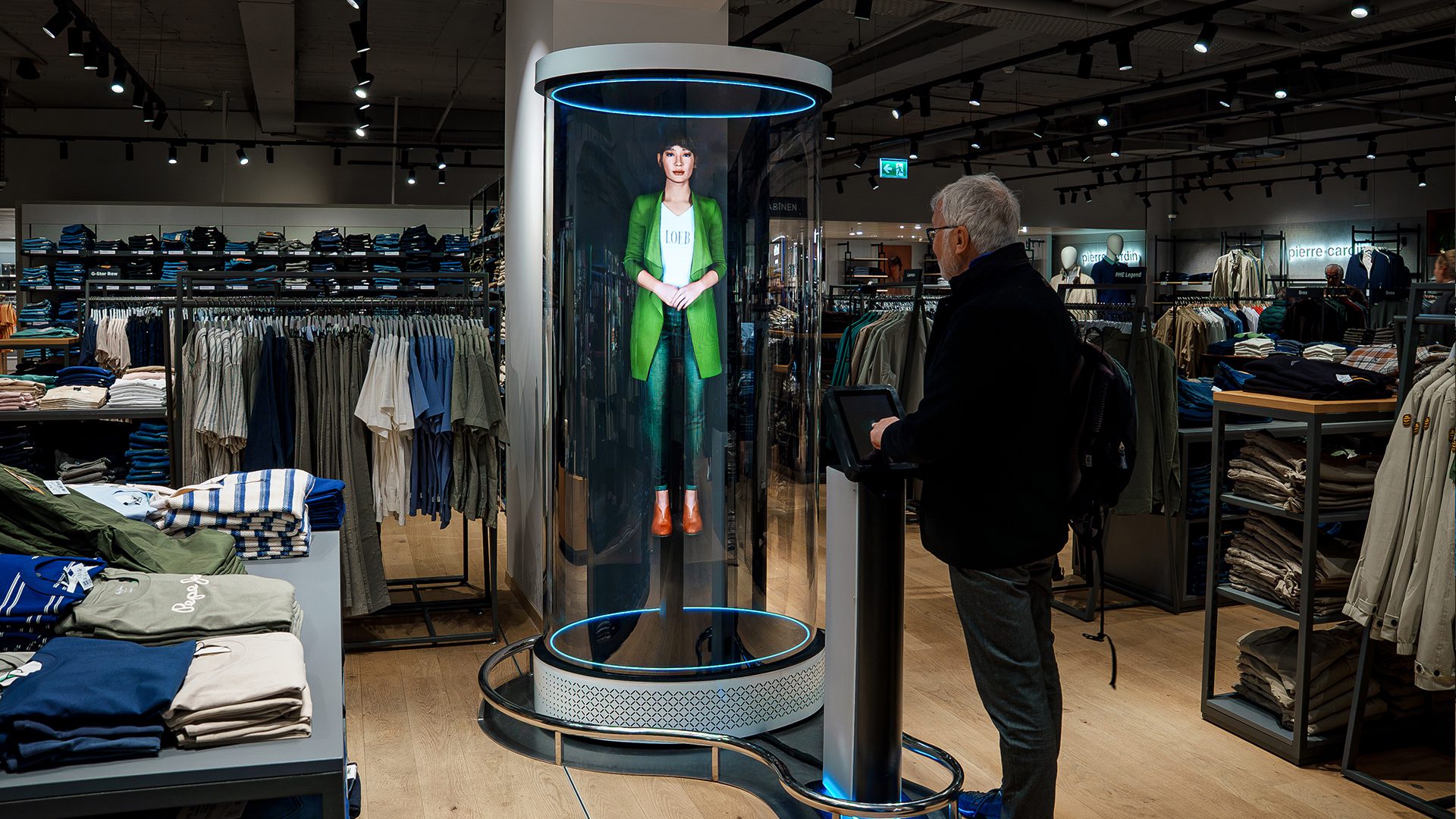
HYPERVSN SmartV Digital Avatar is an interactive holographic AI solution featuring a 3D digital human. For a life-size appearance, it is typically deployed using a 1×3 vertical overlapped setup with 3 SmartV Displays, though custom scalable configurations are also supported. Users communicate with the avatar using a microphone and a Speak button on a touchscreen. The avatar understands spoken questions and responds in real-time with natural speech, replicating human facial expressions and movements.
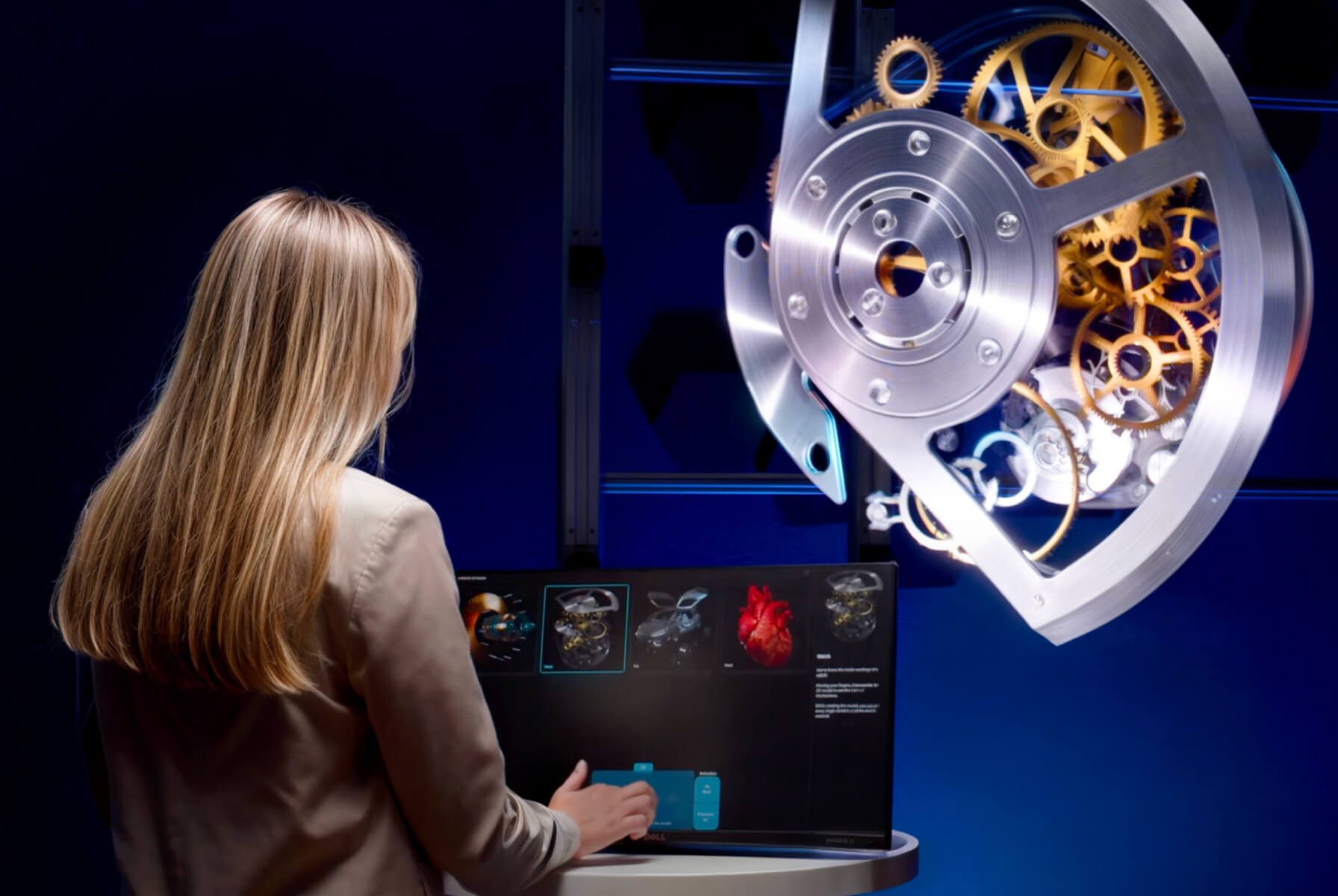
HYPERVSN SmartV 3D Modeller is an interactive application that allows users to manipulate 3D models in real-time on a SmartV Wall. Users can rotate, move, and scale models using a touchscreen or a Bluetooth air mouse. It is compatible with overlapped Walls in 3×2, 3×3, 4×3, or 4×4 layouts (consisting of 6, 9, 12, or 16 SmartV Displays).
HYPERVSN 3D Library is a Windows desktop application that allows users to navigate playback scenarios on a touchscreen. It is compatible with any overlapped configuration of the SmartV Wall or Multi-Wall.
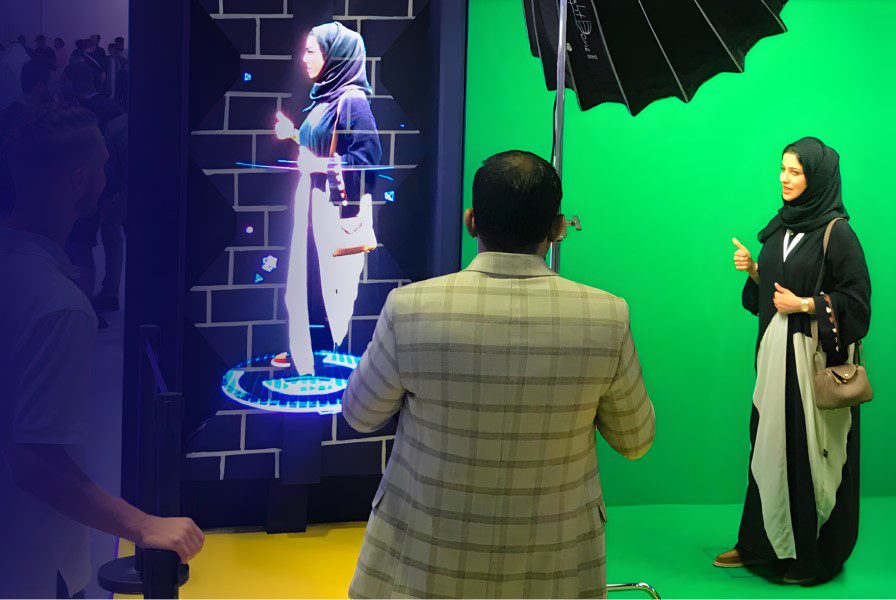
HYPERVSN SmartV Live-Stream captures video of a human in real-time and translates it into a holographic visual. It utilises an overlapped 1×3 layout with 3 SmartV Displays.
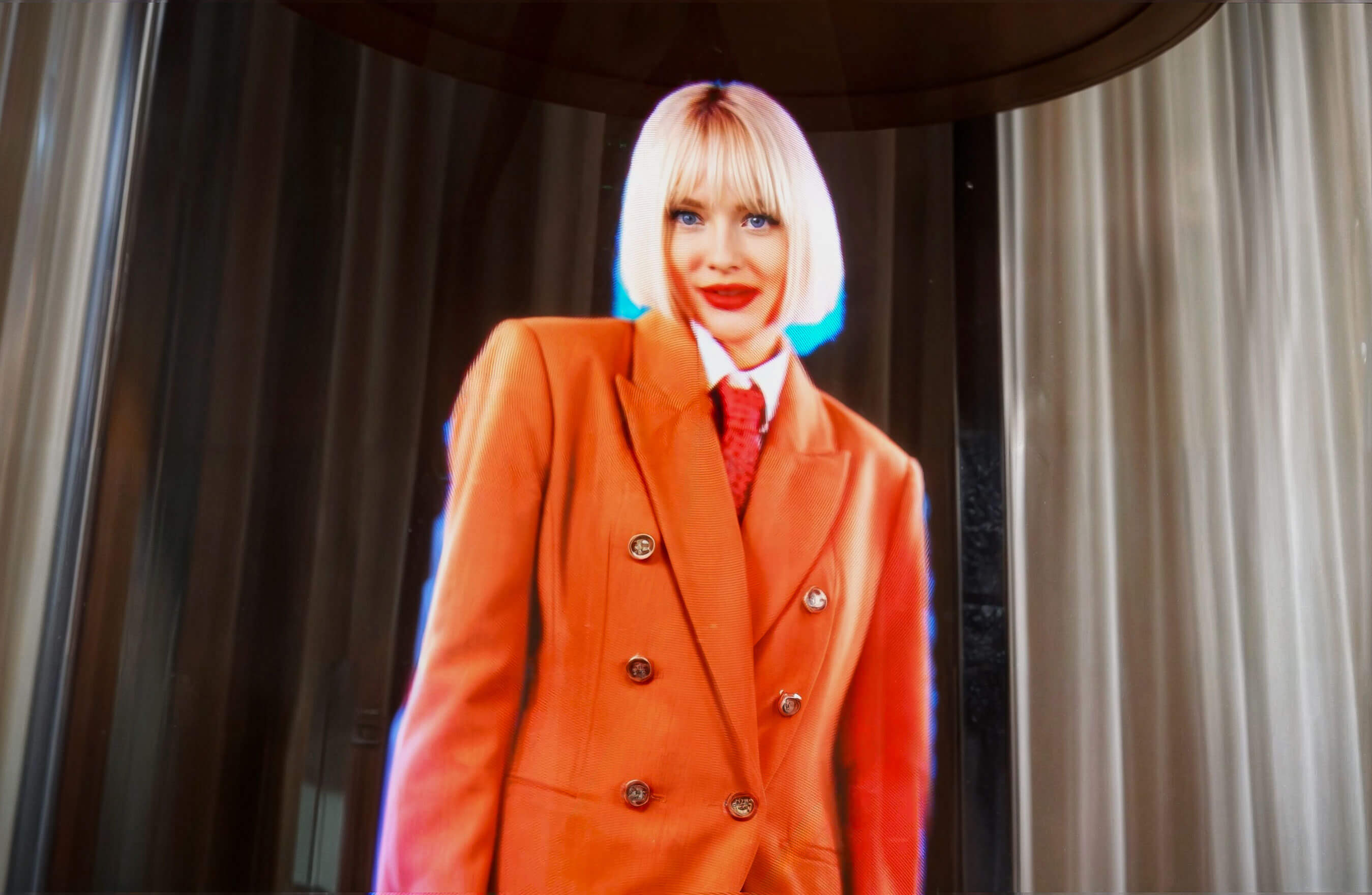
HYPERVSN SmartV Holographic Human is designed to display high-resolution 3D holographic human visuals. This solution typically uses a 1×3 vertical overlapped setup.
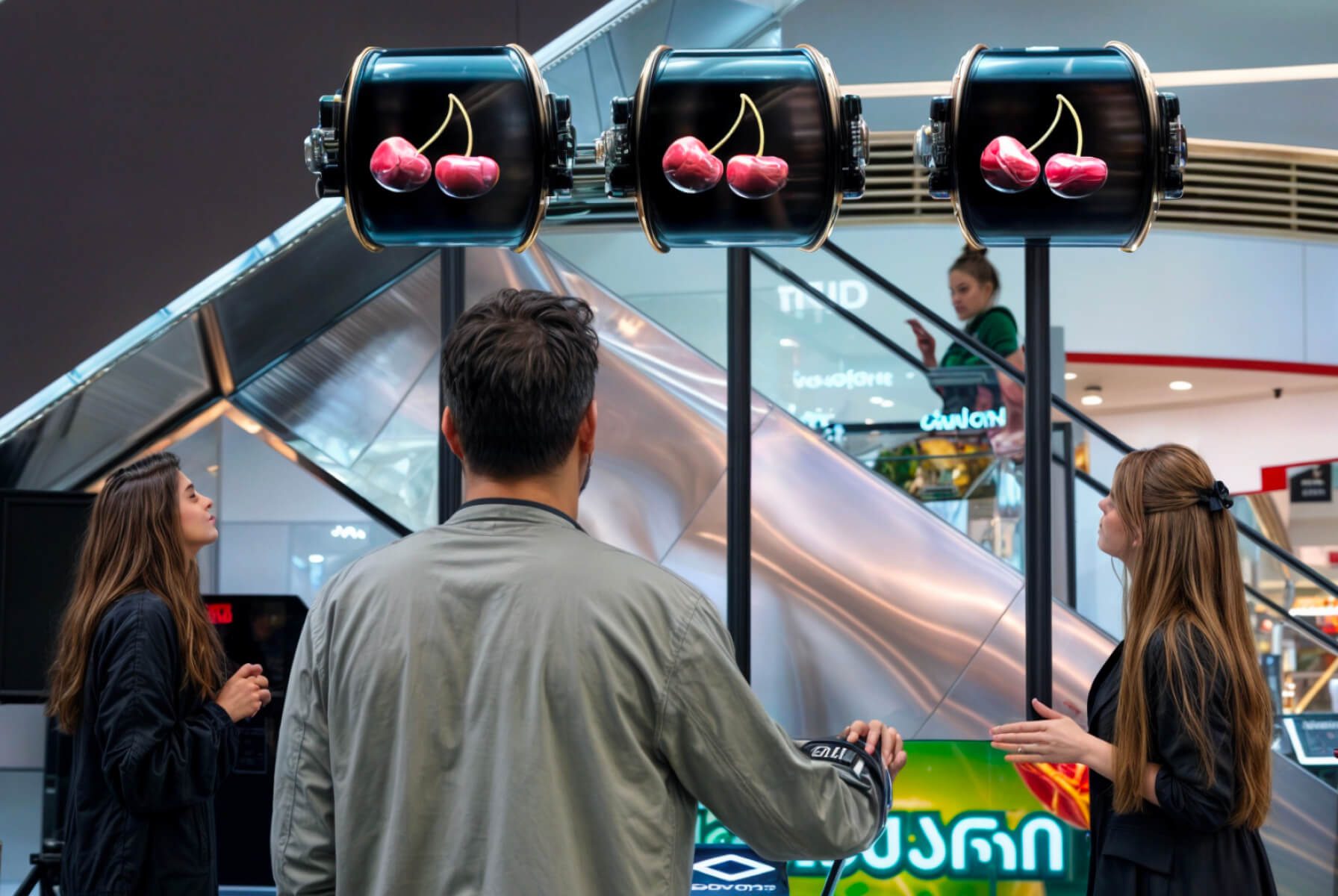
HYPERVSN SmartV Slots is a specialised interactive version of the SmartV Wall that functions like a slot machine. It is designed for adjacent type Walls using 3 SmartV Displays.
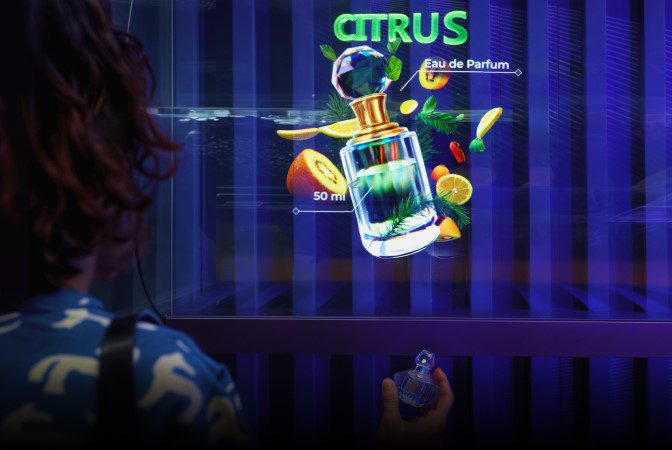
HYPERVSN SmartV Lift & Learn (Automation) is an interactive automation feature that triggers holographic content when a customer interacts with a physical product. Using sensors connected to the SmartV Box, the system detects when a product is picked up or placed back on a shelf. Triggers can include light sensors, RFID antennas and tags, or wired X-Snapper modules. It is compatible with any layout and type of the SmartV Wall or Multi-Wall.
-
How to upload content to the SmartV Wall?
Select the way for uploading content to the HYPERVSN SmartV Wall depending on the size of the installation and whether you require local or remote control:
1. Using the HYPERVSN App – the mobile application for managing Walls with less than 12 Displays.
2. Using the HYPERVSN Pro App – the Windows desktop application for Multi-Walls with more than 12 Displays.
3. Using HYPERVSN CMS – web-based application for remote SmartV device management using Media Campaigns.
Media Campaigns are included in the SmartV Pro subscription, which comes with the SmartV Box 6 and SmartV Box 12.
4. Real-time content sources:
● HDMI mode: Connect an external source (PC, media player) to the HDMI IN port of the SmartV Box. In the app, switch the device mode to HDMI.
● Stream mode: Enter a specific URL in the application settings and switch the device to Stream mode.
-
How to perform technical maintenance of the SmartV Wall?
Monthly technical maintenance ensures peak performance and equipment longevity. Monthly procedures involve the following steps:
1. Follow safety instructions: Before performing any maintenance, you must unplug all power cords from their sources. Wait for the rotating rays to come to a complete stop before touching the device.
2. Inspect electrical components: Examine the power cords for any signs of damage, such as cracks, cuts, exposed wires, or frayed casings. If any electrical fault is discovered, you must stop using the modules immediately until the cords are replaced.
3. Perform a visual hardware check: Inspect the SmartV Display, SmartV Box, and Power module for any noticeable dents or components that require replacement.
4. Remove dust: Wipe any collected dust off the SmartV Display body and modules. Do not use a moist rag on the SmartV Displays or rays. Use a very soft bristle brush to gently clean the rays. Never touch the LEDs directly with your fingers.
5. Inspect accessories according to the manual’s instructions.
6. Wipe the accessory with a microfiber cloth. A plexiglass cleaner solution might be used to remove accumulated dust from the accessories with plexiglass surfaces.
7. Perform final verification: Once cleaned and inspected, ensure all fixing screws are securely tightened to prevent components from falling. If any parts require repair or you need to purchase spares, contact your HYPERVSN vendor.
Can’t find your answer?
Request a Callback
☎️
Demo Request form
Support contact

Thank you!
We’ve received your message and will get back to you shortly.
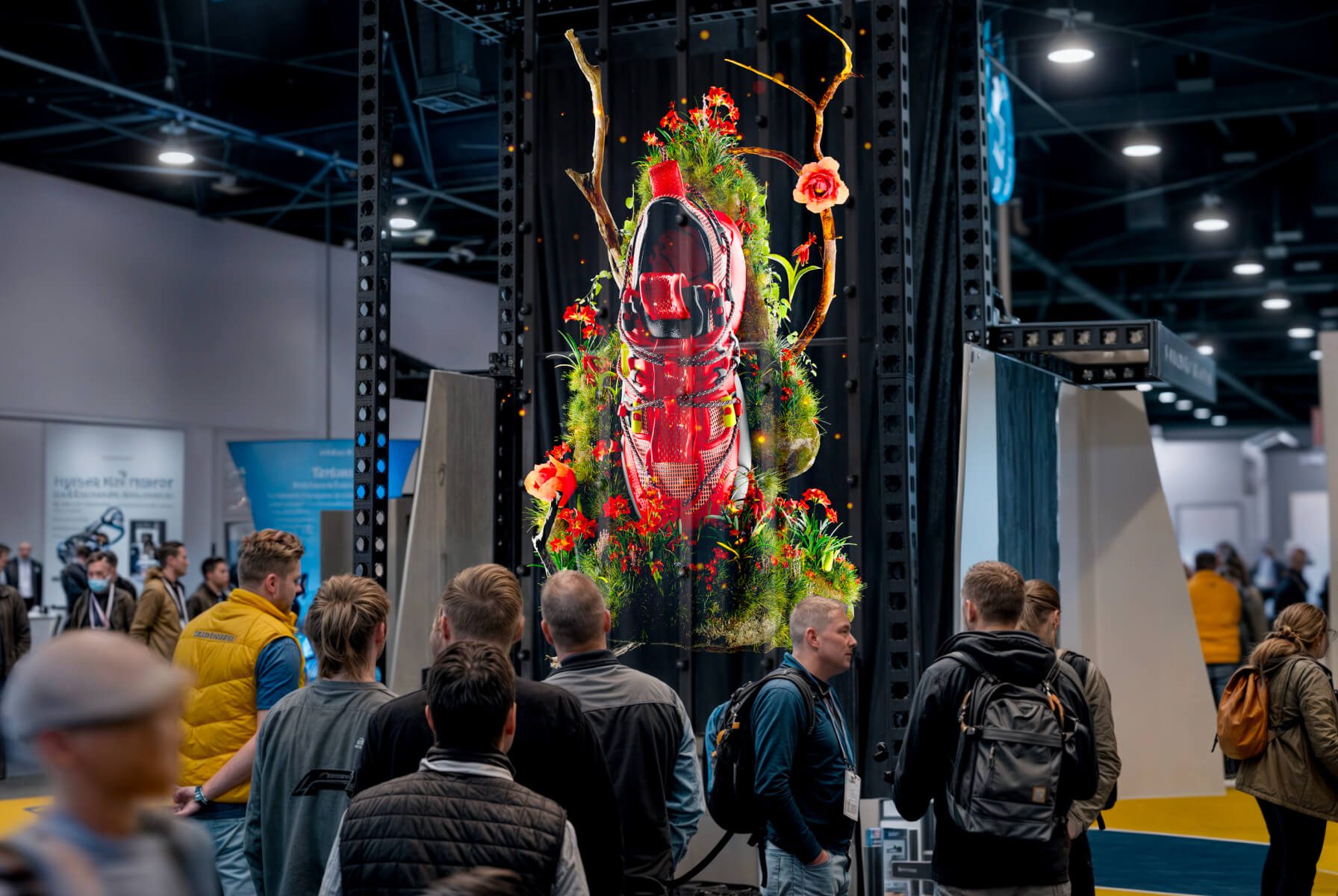
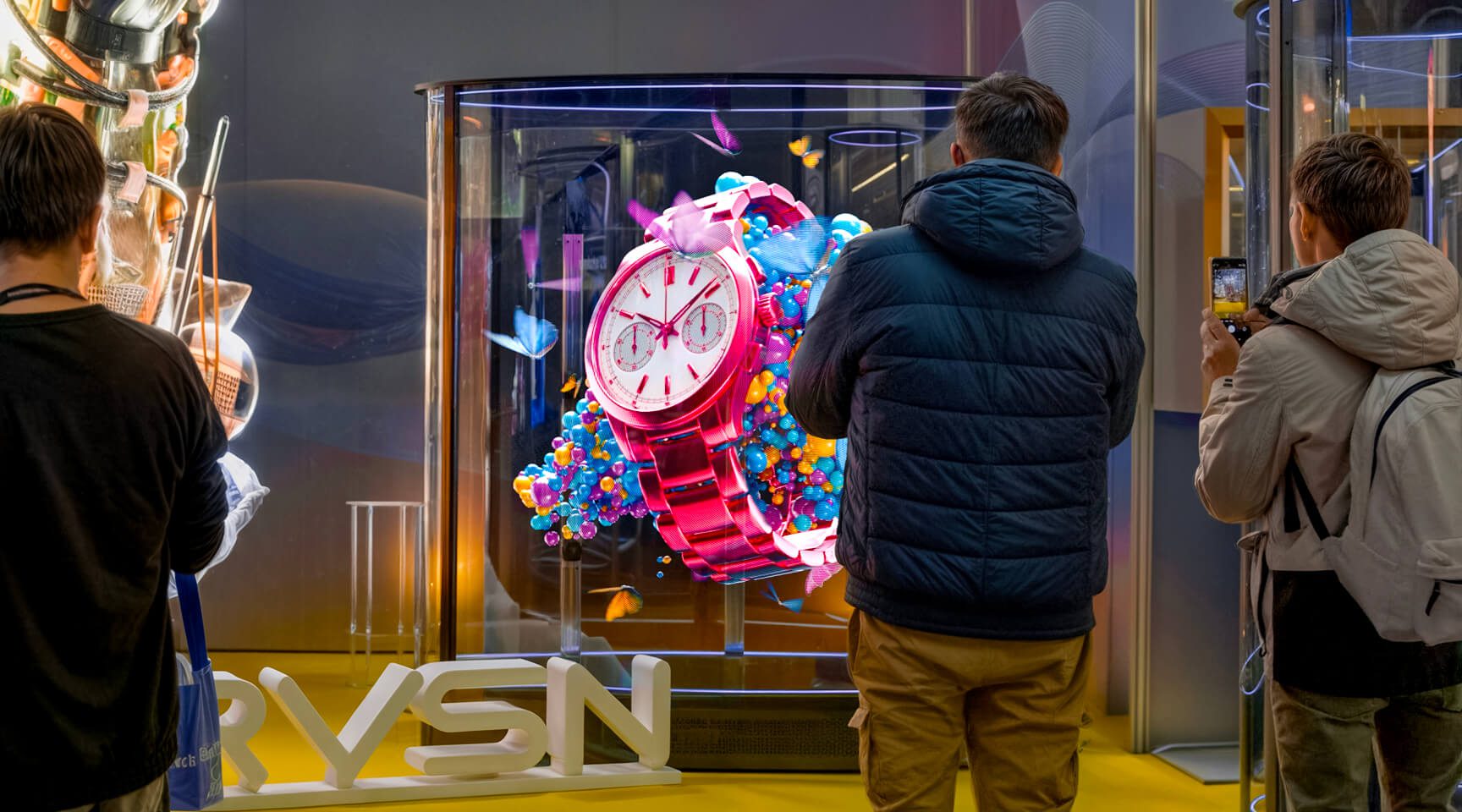
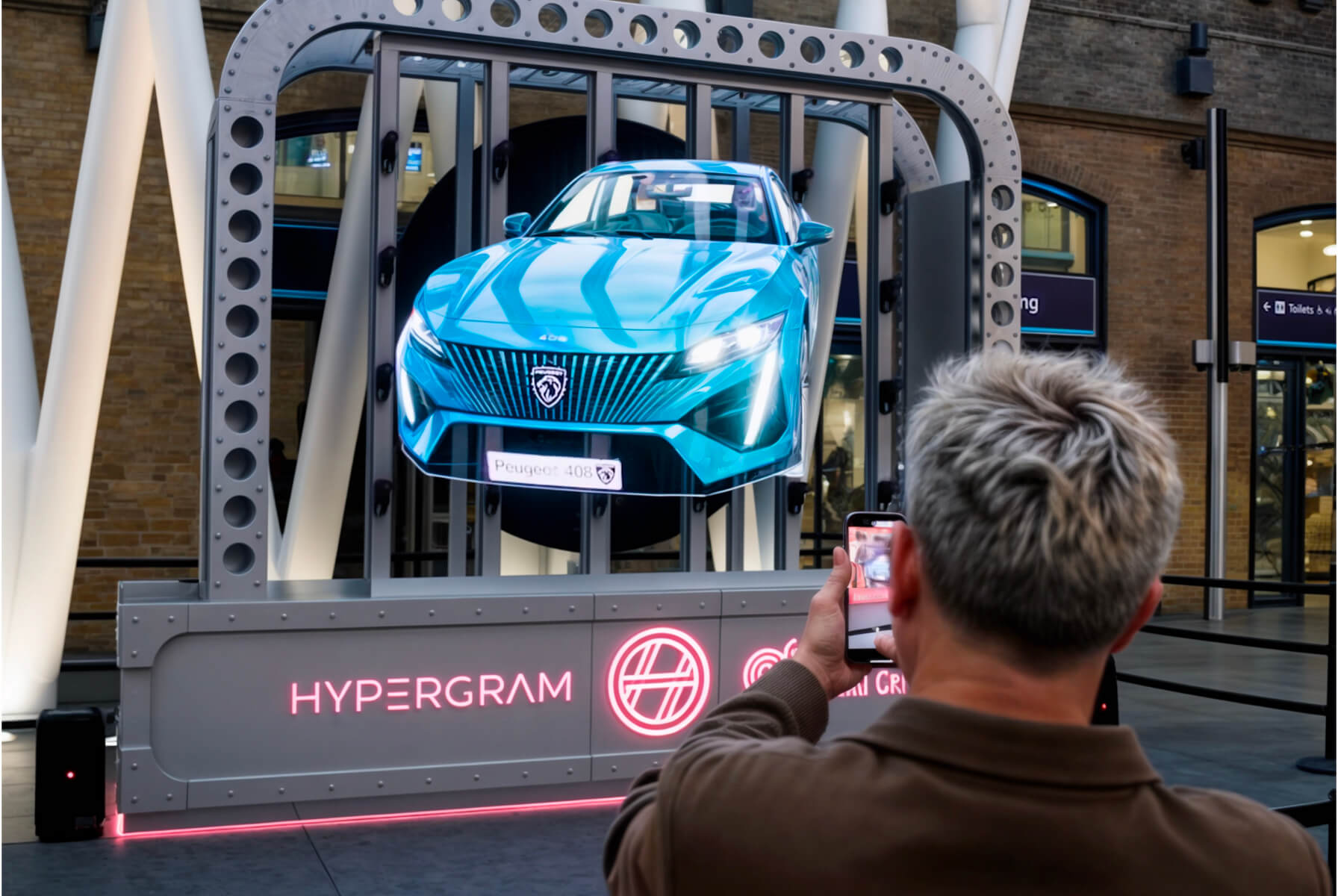
A HYPERVSN SmartV Wall is a holographic solution that displays high-resolution 3D visuals floating in mid-air. It is a scalable system composed of multiple SmartV Displays installed on a single surface to reproduce either a single, large-scale image or separate pieces of content.