






















HYPERVSN Prime

  • What is the HYPERVSN SmartV Prime? 

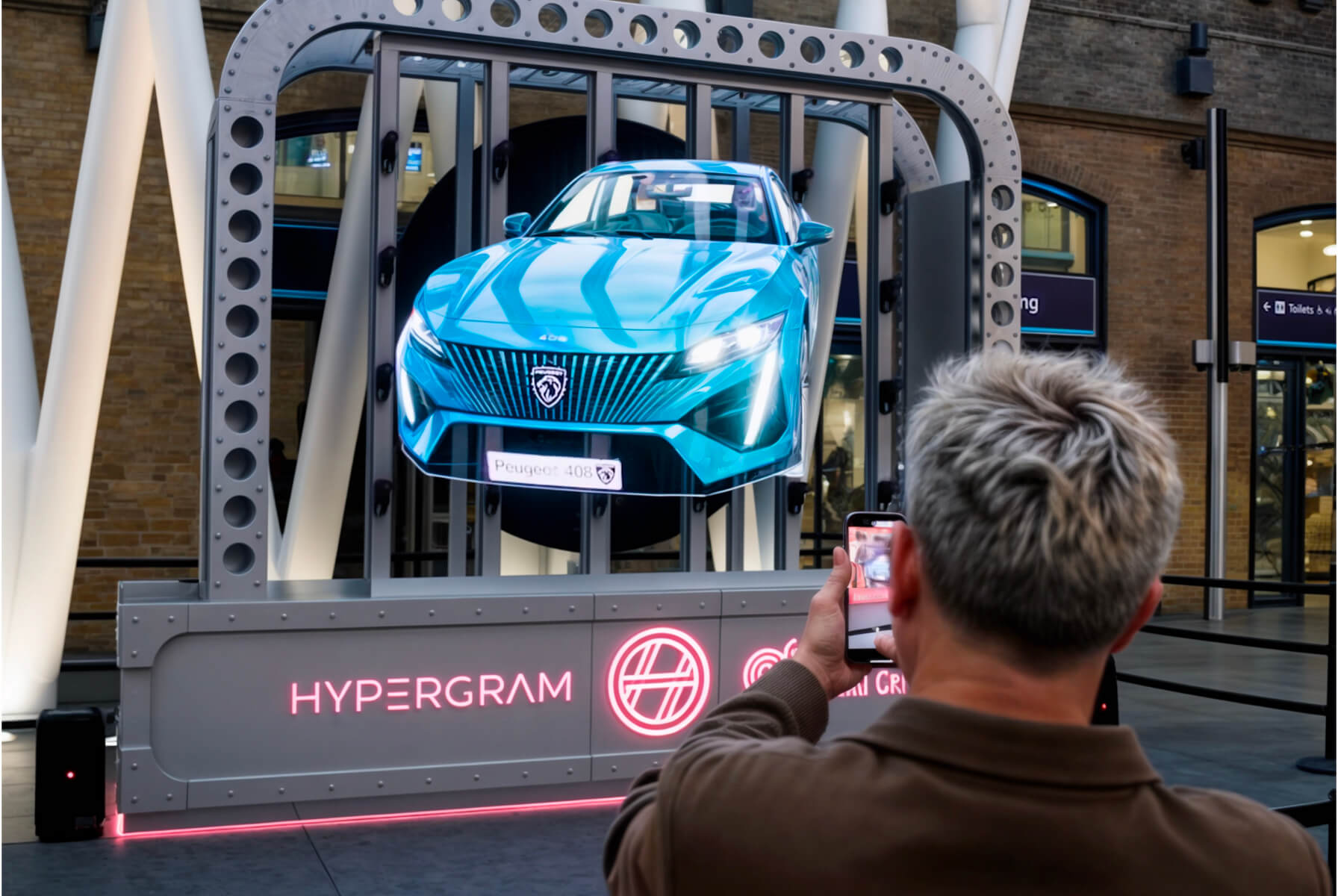
    The HYPERVSN SmartV Prime is an all-in-one holographic solution consisting of a SmartV Wall that is pre-mounted inside a SmartV Ellipse accessory. This solution is designed to provide a ready-to-use, integrated setup for high-impact holographic displays.

  • What are the available configurations of SmartV Prime? 

    The HYPERVSN SmartV Prime solution is available in several configurations based on the size of the SmartV Wall and the suitable Ellipse accessory.

    The available configurations include:

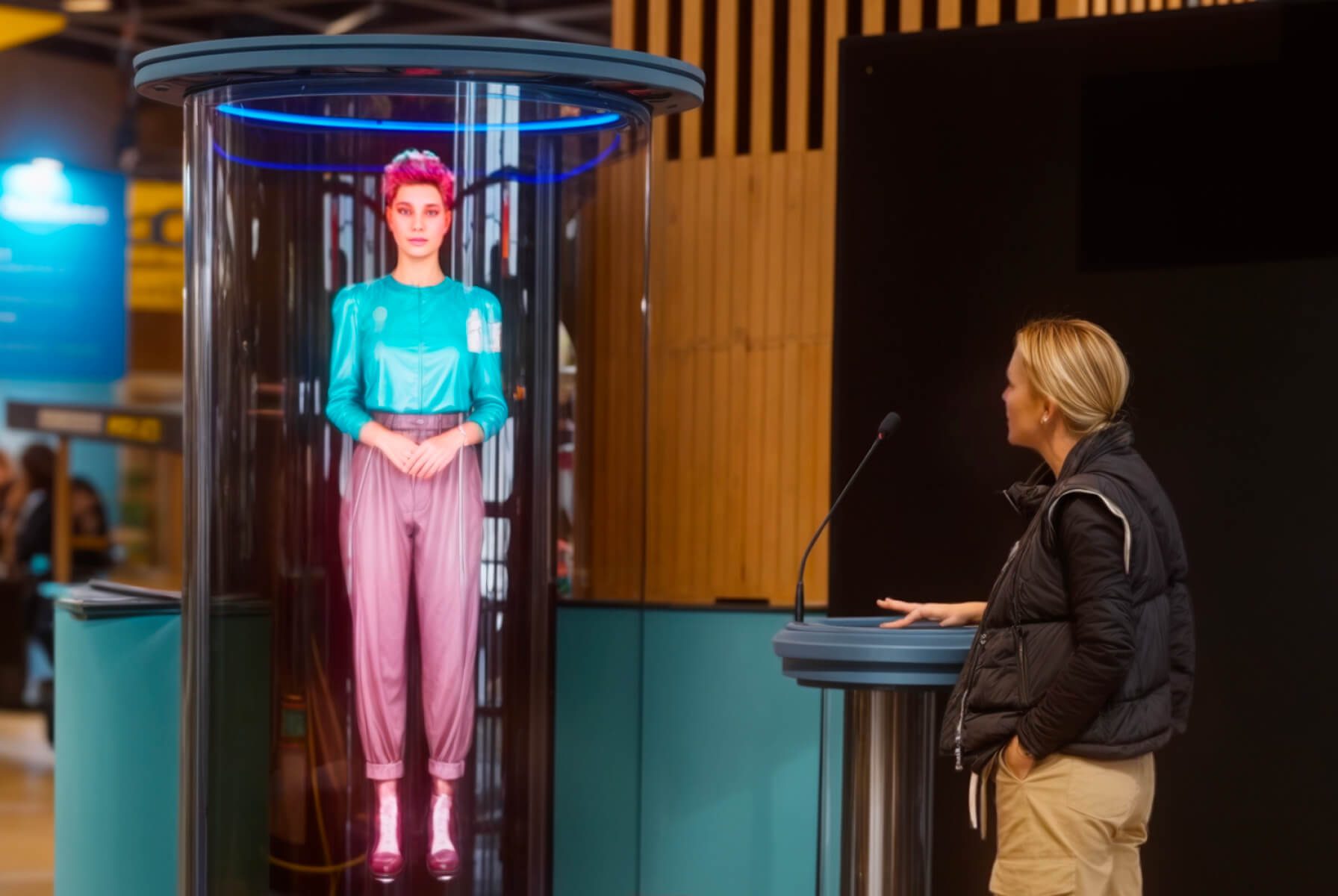
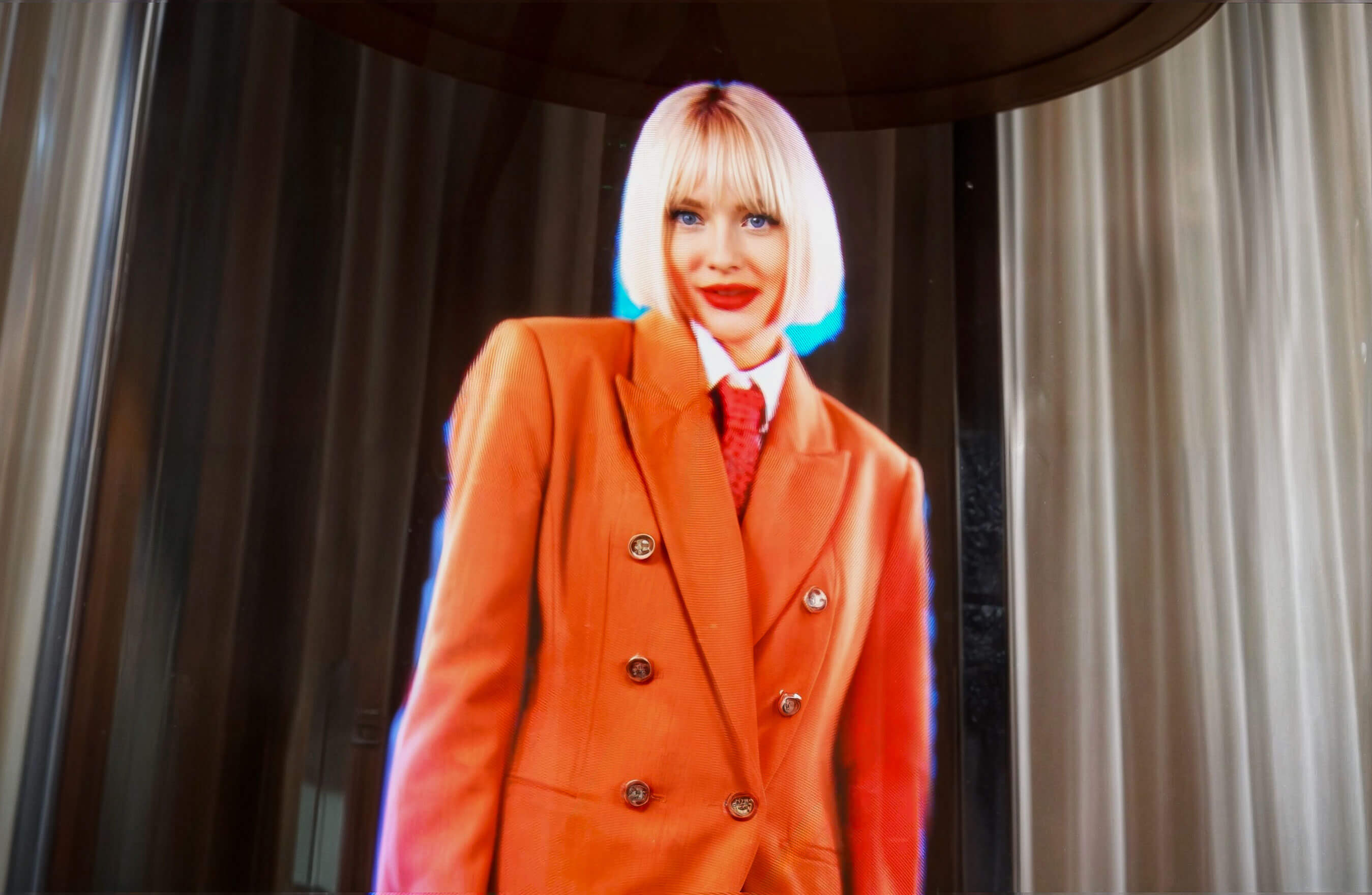
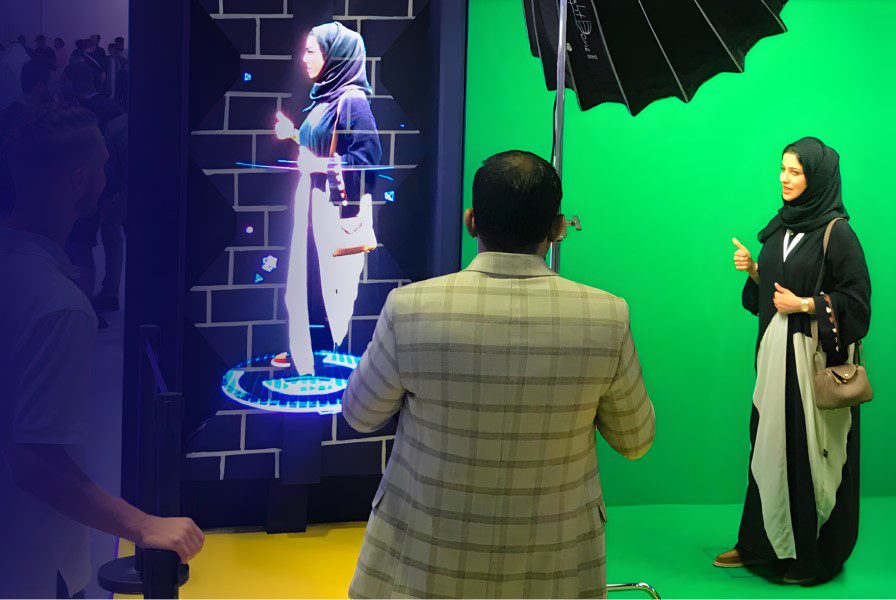
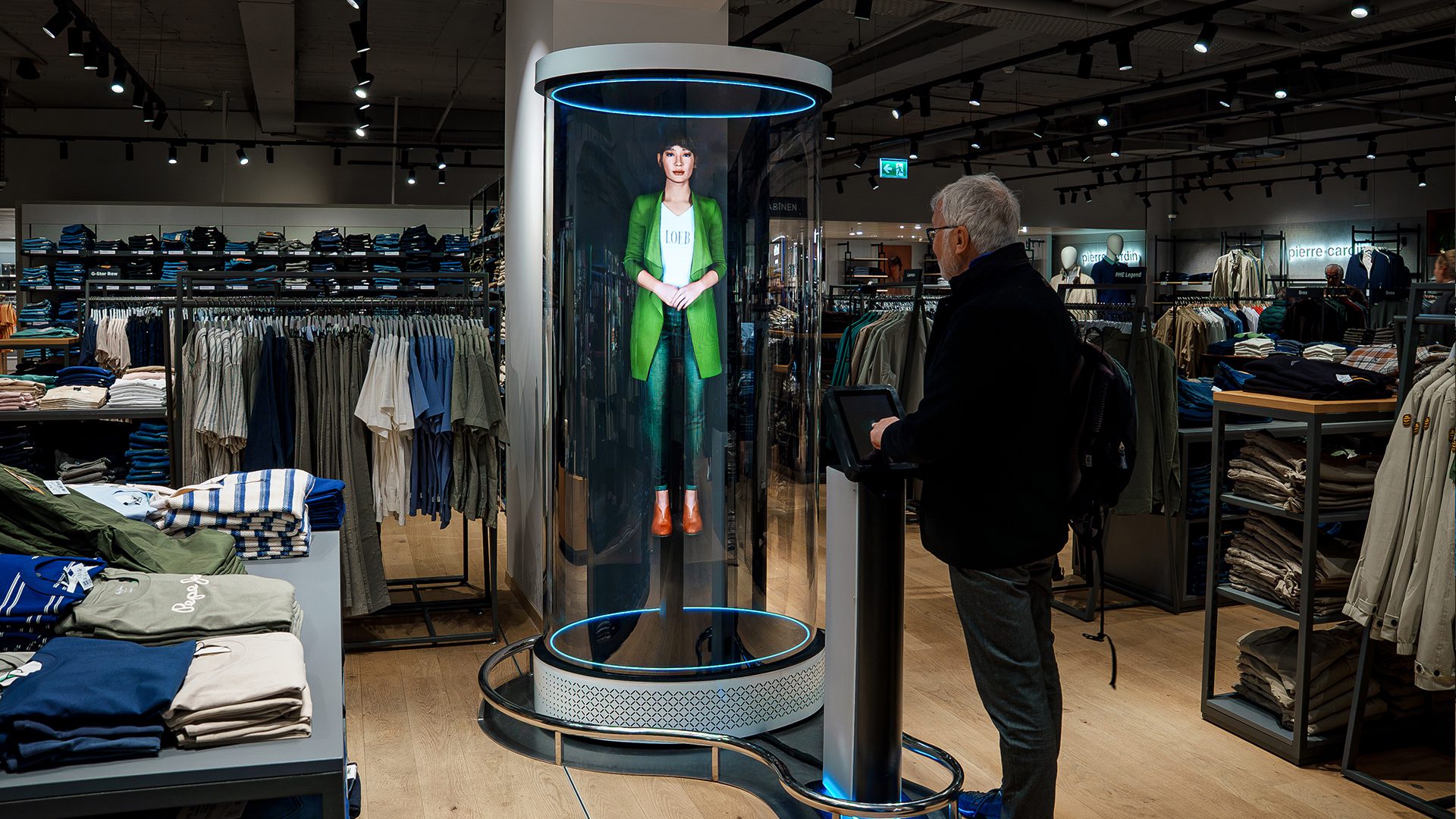
    ● Prime L3: Features 3 SmartV Displays pre-mounted in the SmartV Ellipse L3 accessory. This setup is designed for vertical layouts, such as those used for the Digital Avatar or Holographic Human.

    ● Prime L6: Features 6 SmartV Displays pre-mounted in the SmartV Ellipse L6 accessory. The standard layout for this configuration is 2×3.

    ● Prime L9: Features 9 SmartV Displays pre-mounted in the SmartV Ellipse L9 accessory. The standard layout for this configuration is 3× 3.

    ● Prime L12: Features 12 SmartV Displays pre-mounted in the SmartV Ellipse L12 accessory. This is available in two distinct orientation options:

    a) Horizontal 3× 4 configuration.

    b) Vertical 4× 3 configuration.

  • What are the core components of the Prime solution? 

    The SmartV Prime solution comes as a complete, ready-to-use package. The exact number of components depends on your chosen configuration, but every setup includes the following core elements:

    ● SmartV Displays size L: The number of SmartV Displays varies by configuration.

    ● SmartV Box 6 or 12: The model of the SmartV Box is selected based on how many displays are in your setup.

    ● SmartV Power 1000: The number of power modules depends on the size of your setup.

    ● SmartV Ellipse accessory: Your package includes the corresponding Ellipse L3, L6, L9, L12 accessory that matches the number of SmartV Displays.

  • What are the technical specifications and power requirements for Ellipse?

    The technical specifications and power requirements for the HYPERVSN SmartV Ellipse series vary by configuration. The power consumption listed below for the accessories generally covers the specialised housing components (such as fans and built-in LED lighting) and does not include the requirements for the SmartV Displays or SmartV Boxes themselves unless specified.


    Ellipse L3

    ● Dimensions: 2201 × 1026 × 820 mm

    ● Weight: 87 kg (enclosure only)

    ●Accessory power consumption: Average 110 W; peak 250 W

    ● Total system power (peak): Approximately 639 W for standard media playback or 1,228 W for the full Digital Avatar interactive solution (including PC, monitor, and audio)

    ● Noise level: < 56 dB


    Ellipse L6 (2 × 3)

    ● Dimensions: 2208 × 1596 × 940 mm

    ● Weight: 155 kg (approximate weight with equipment)

    ● Accessory power consumption: Average 110 W; peak 250 W

    ● Noise level: < 59 dB


    Ellipse L9 (3 × 3)

    ● Dimensions: 2201 × 2130 × 940 mm

    ● Weight: Maximum 190 kg (with equipment)

    ● Accessory power consumption: Average 110 W; peak 250 W

    ● Noise level: < 62 dB


    Ellipse L12 (3 × 4 horizontal orientation)

    ● Dimensions: 2883 × 2130 × 928 mm

    ● Weight: Maximum 228 kg (with equipment)

    ● Accessory power consumption: Average 110 W; peak 250 W


    Ellipse L12 (4 × 3 vertical orientation)

    ● Dimensions: 2621 × 3166 × 1366 mm

    ● Weight: Maximum 360 kg (with equipment)

    ● Accessory power consumption: Average 110 W; peak 250 W

  • How to clean protective panels without damaging the surface?

    To clean the protective panels on your HYPERVSN accessories (such as the SmartV Ellipse) without damaging them, follow these steps:

    ● Always use a clean microfiber or terry cloth to remove dust and dirt.

    ● Use non-abrasive cleaning fluids specifically suitable for plastic surfaces.

    To prevent micro-cracks, scratches, or chemical degradation of the panels, strictly avoid the following:

    ● Do not use cleaning fluids containing alcohol, acetone, ammonia, or other strong solvents and corrosive substances. These chemicals can cause the plastic to degrade or develop micro-cracks.

    ● Avoid using a dry cloth without cleaner, as this is likely to scratch the plastic surface.

    ● Never use abrasive scrubbers, brushes, or rough sponges, which will permanently damage the panel’s finish.

Can’t find your answer?

4 Item in cart

HYPERVSN 3D Catalog

USD 1,200

Qty

Remove Item

HYPERVSN 3D Catalog

USD 1,200

Qty

Remove Item

HYPERVSN 3D Catalog

USD 1,200

Qty

Remove Item

Cart Subtotal:

USD 3,600