





















-
HYPERVSN Knowledge Base
HYPERVSN Holographic Human
-
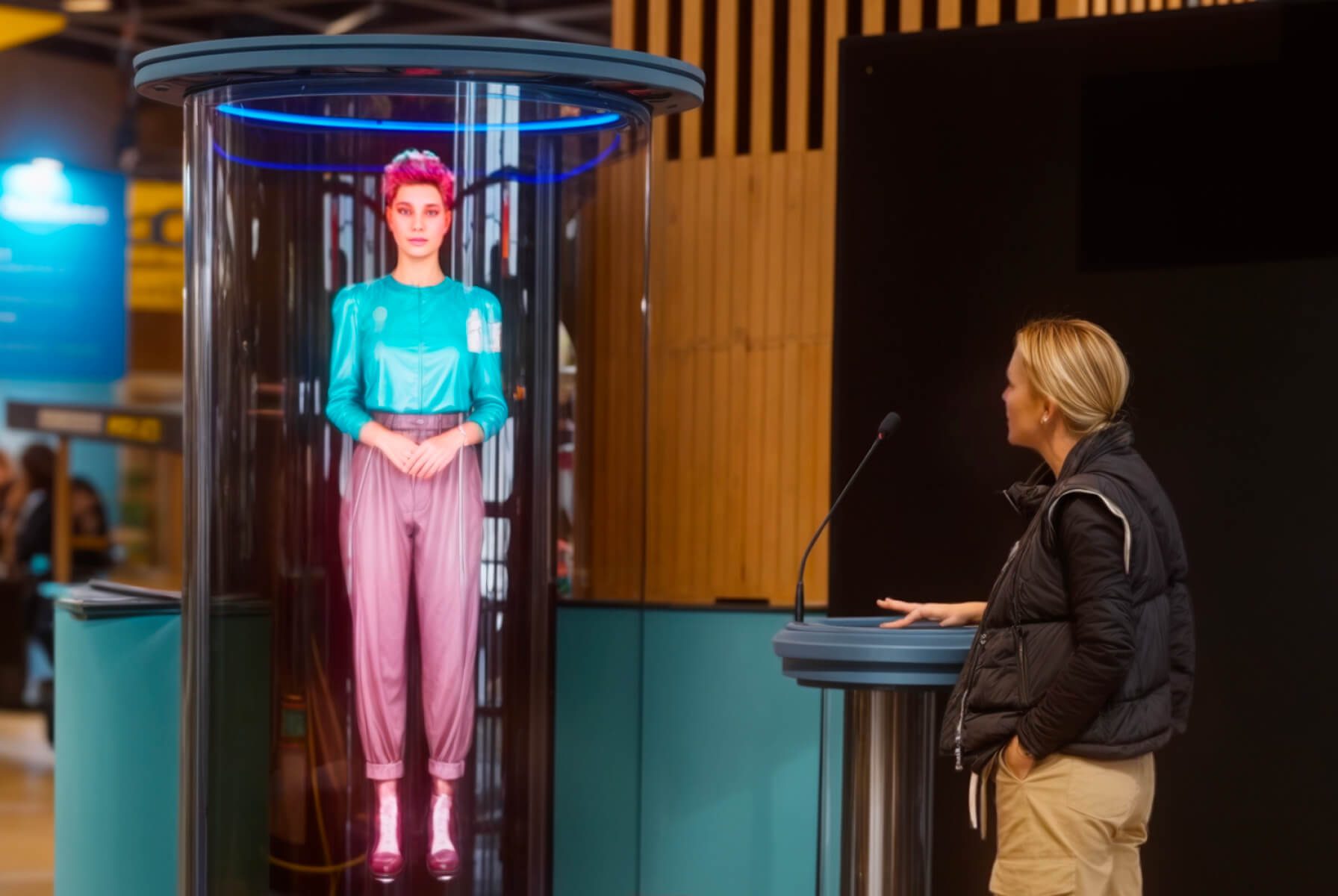
What is HYPERVSN SmartV Holographic Human?
-
What are the main components of the Holographic Human solution?
The following equipment and software components are required to set up and use the Holographic Human solution.
1. Hardware components:
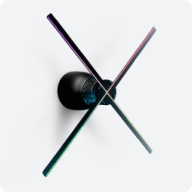
● 3 SmartV Displays LB
● SmartV Box 6
● SmartV Power 1000
2. Accessories:
● SmartV Ellipse L3: A case for life-size holograms designed to enhance the 3D depth effect and protect the SmartV Displays from being touched.
● SmartV Edge L3: An accessory with glass-like protective panels framed with glowing LED tubes.
● Any SmartV Solo or SmartV Wall accessories: For custom layouts.
3. Software suite:
● HYPERVSN CMS: A web-based platform used to manage media content, schedule media campaigns, and perform remote device updates.
● HYPERVSN App: Used for initial setup tasks, such as device activation, SmartV Wall layout configuration, and SmartV Display calibration.
4. Media content:
● Custom 3D visuals: Customers create their own video footage, which is then processed by HYPERVSN to ensure it is optimised for high-resolution holographic playback.
-
How to create and prepare media content for Holographic Human?
To create a video for HYPERVSN SmartV Holographic Human, two primary options are available:
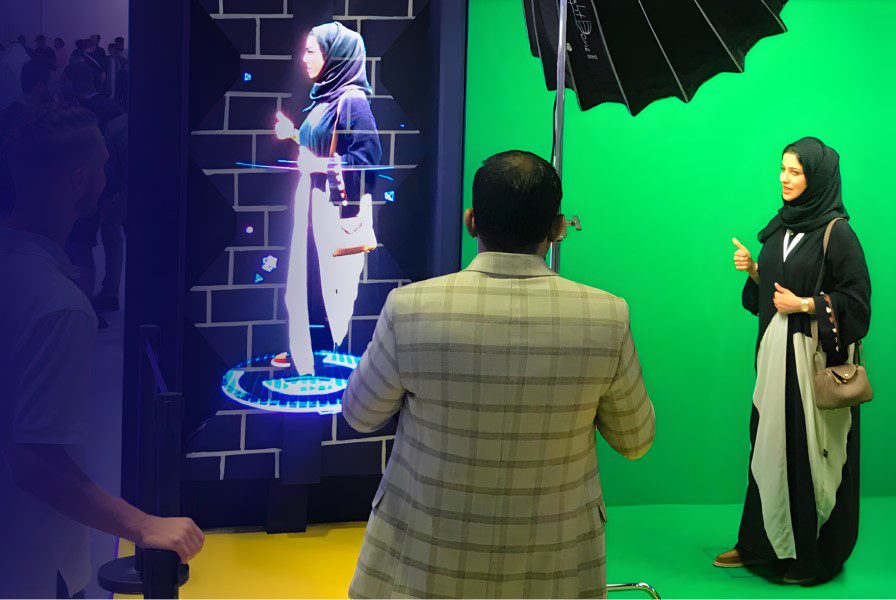
Option 1: Customer records the video, and the Design Lab team performs keying, masks the footage for the 1×3 vertical setup, and enriches the video with 3D effects or text.
Option 2: Customer handles the full process of video creation and post-production independently.
To ensure a high-quality holographic effect, raw materials should generally follow these standards:
● Use a green screen with maximum separation between the subject and the background.
● Professional studio lighting (approx. 6000K) should illuminate the subject evenly without overexposure.
● Subjects should move smoothly in a horizontal plane (e.g., keeping arms below the head) and stay entirely within the frame to avoid visual breaks.
Your final output must be an mp4 (H265) with a resolution of 1040×2450 and a pure black RGB (000) background.
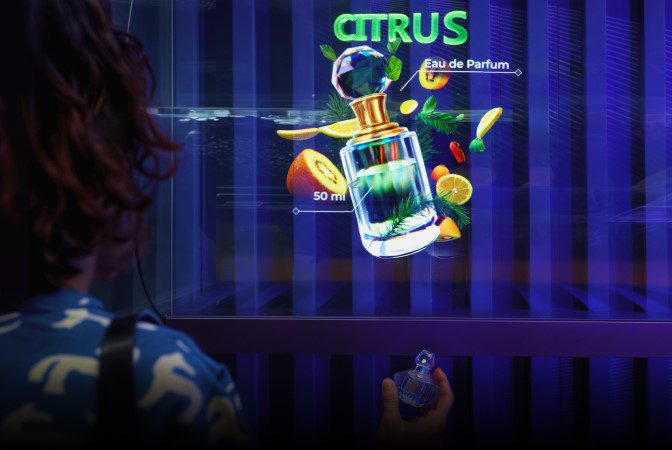
While the SmartV Holographic Human solution is primarily designed to display a human figure as media content, it may be used it to display any media content, images, or videos.
-
Which accessories are compatible with the Holographic Human solution?
The HYPERVSN SmartV Holographic Human solution is compatible with the following accessories:
● SmartV Ellipse L3: A case for life-size holograms designed to enhance the 3D depth effect and protect the Displays from being touched.
● SmartV Edge L3: An accessory with glass-like protective panels framed with glowing LED tubes.
● Any SmartV Solo or SmartV Wall accessories: For custom layouts.
-
What is the difference between Holographic Human and Digital Avatar?
The primary difference is that SmartV Holographic Human is a display solution for pre-produced 3D content, while Digital Avatar is an interactive AI solution capable of real-time conversation.
-
How to prepare for using Holographic Human?
To prepare for using the HYPERVSN SmartV Holographic Human, follow the steps below.
Step 1: Assemble and connect hardware
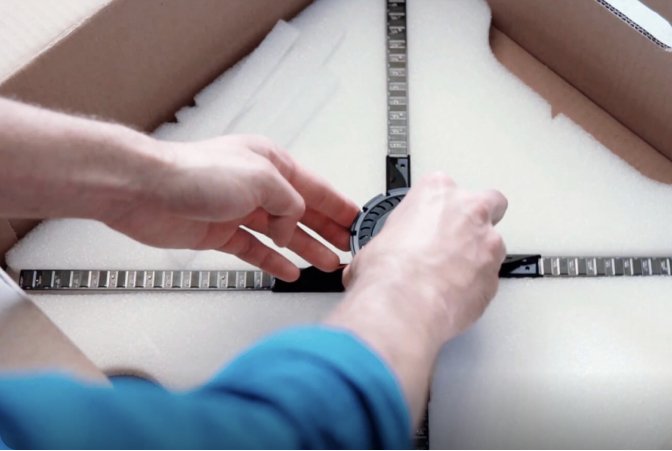
1.1 Depending on your installation needs, assemble the accessory.
1.2 Install 3 SmartV Displays LB in the accessory.
1.3 Connect the SmartV Displays to the SmartV Box 6 using optic cables and to the SmartV Power 1000 using power cables.
Step 2: Prepare software
2.1 Register a CMS account.
2.2 Install the HYPERVSN App (version 3.3.5 or higher) on your smartphone.
Step 3: Set up and calibrate SmartV Wall
3.1 Activate the SmartV Box.
3.2 Configure the layout.
3.3 Calibrate the image.
Step 4: Create media content
4.1 Handle the full content creation process independently, following the technical specifications, or record raw footage for professional post-production by the HYPERVSN Design Lab.
Step 5: Manage content playback
5.1 Upload media to the Media Library in your CMS account.
5.2 In the HYPERVSN App, add your media to the playlist and run it on the SmartV Displays.
Can’t find your answer?
Request a Callback
☎️
Demo Request form
Support contact

Thank you!
We’ve received your message and will get back to you shortly.
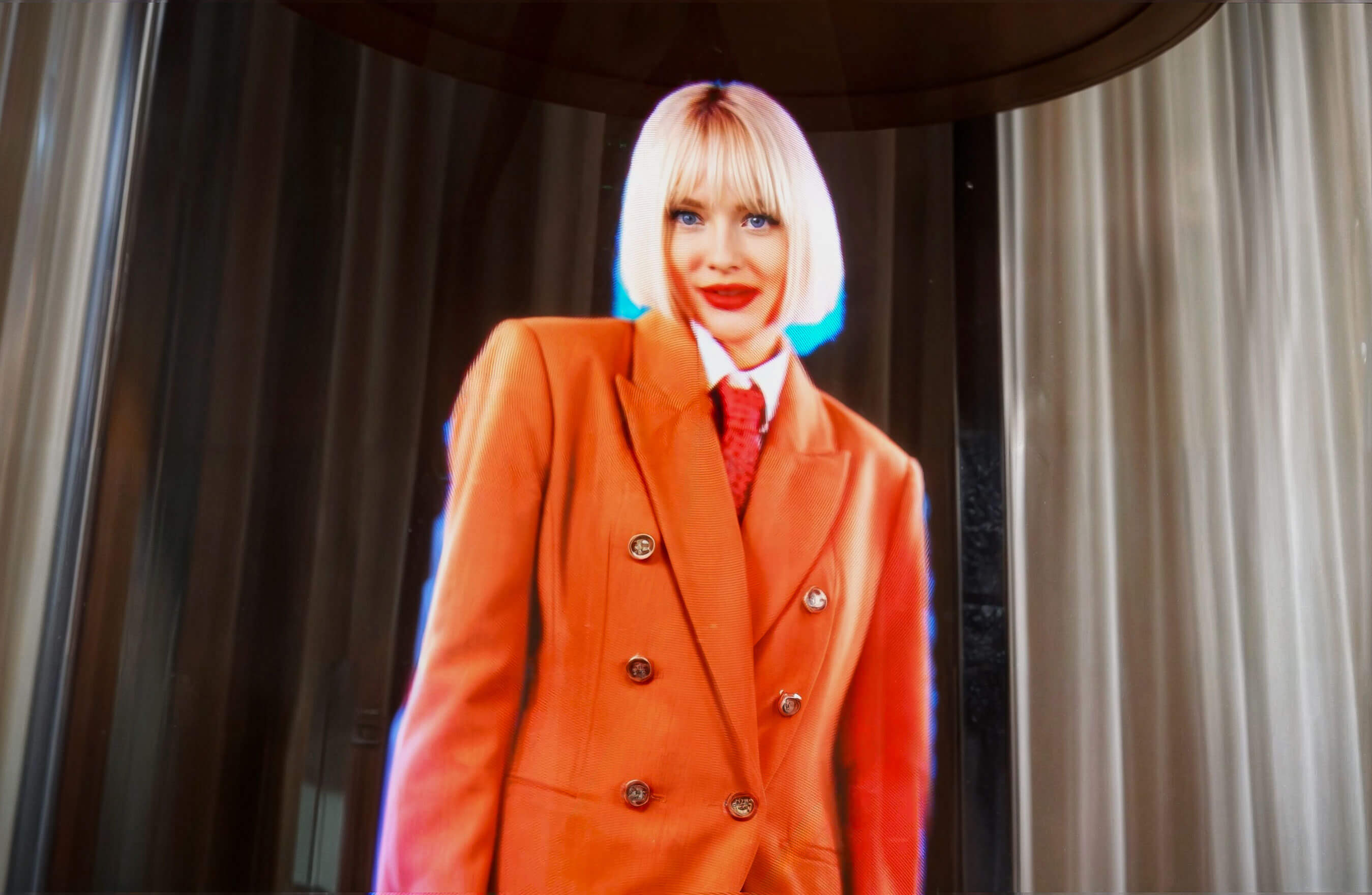
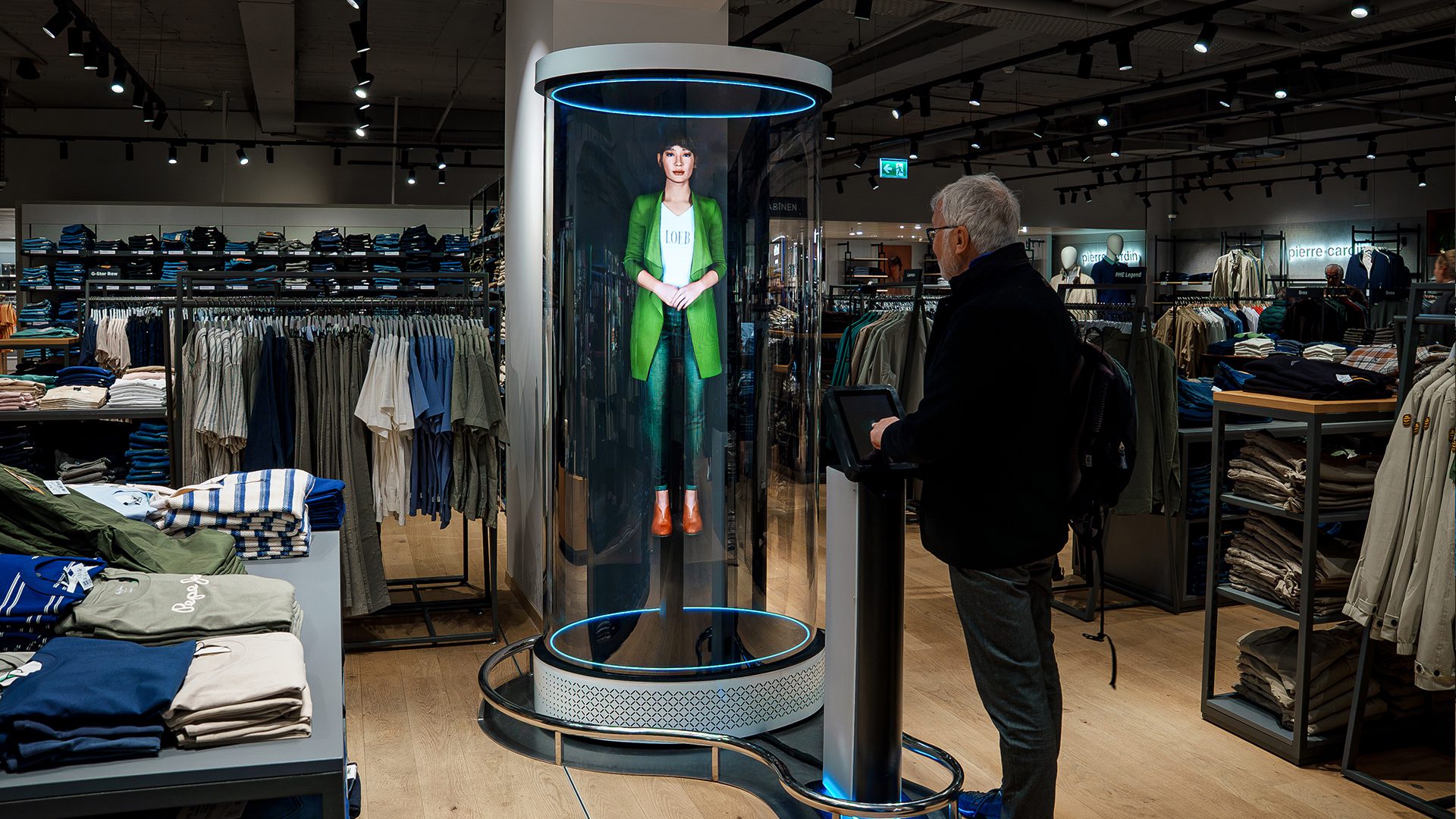
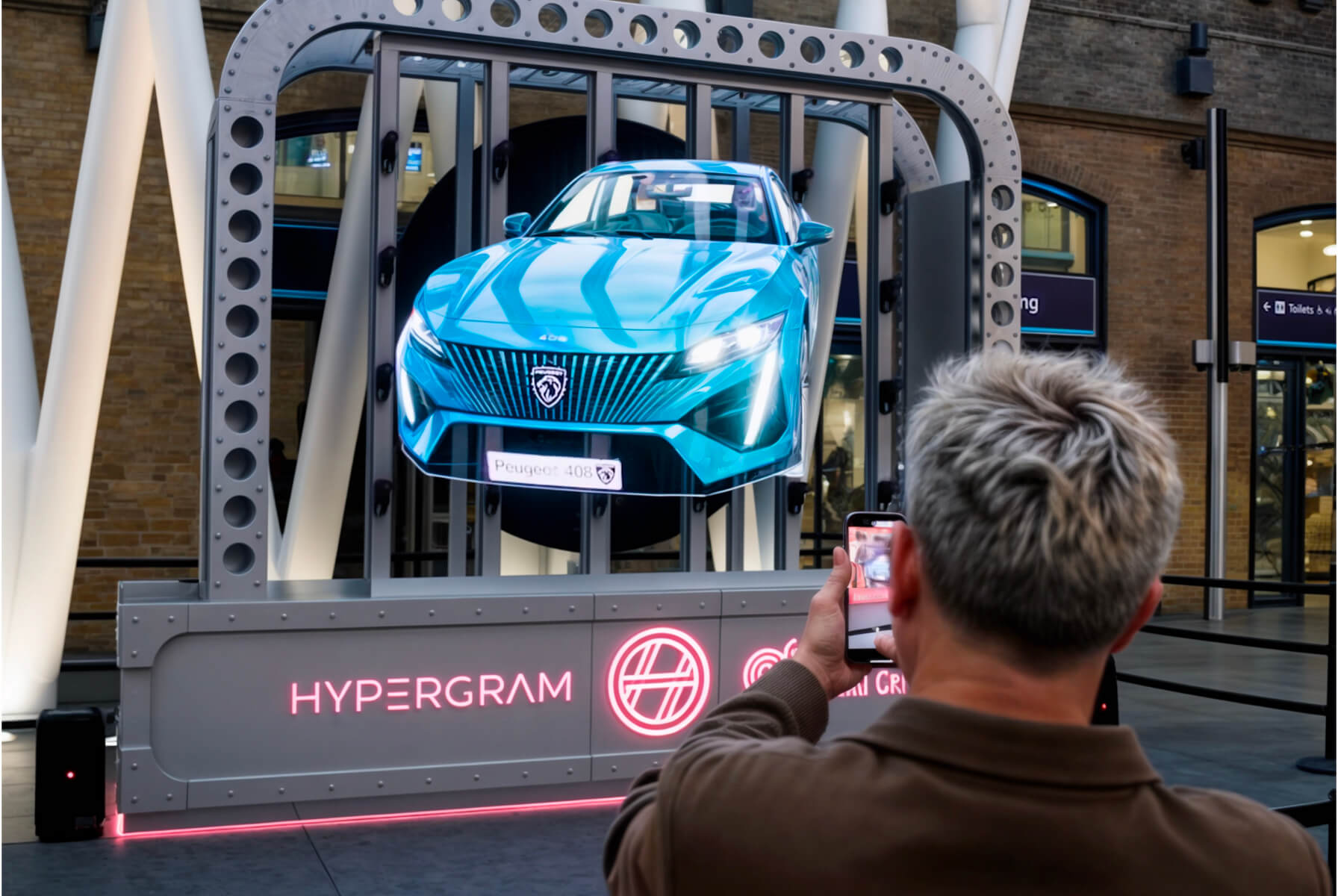
The SmartV Holographic Human is an audio-visual solution designed to display 3D visuals that viewers see as a high-resolution human hologram floating in mid-air. Accompanying speech and sound effects enhance the realism of the experience. The hologram is displayed on a vertical setup of three HYPERVSN SmartV Solo LB devices or on a custom setup. The content is pre-recorded.
Videos used for Holographic Human are initially created by customers according to their needs and then processed by HYPERVSN.