






















HYPERVSN Slots

  • What is the HYPERVSN SmartV Slots solution? 

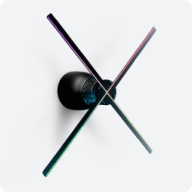
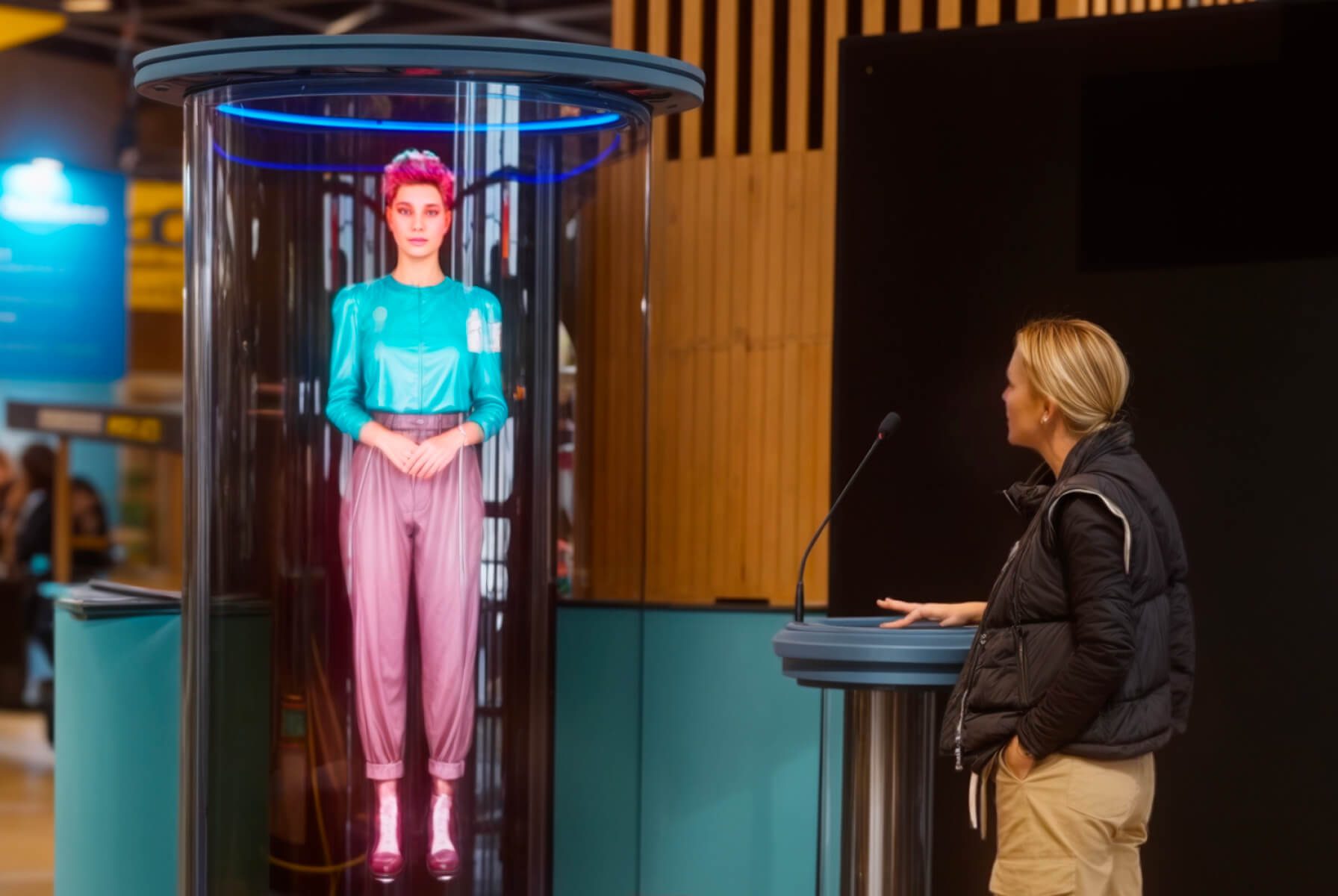
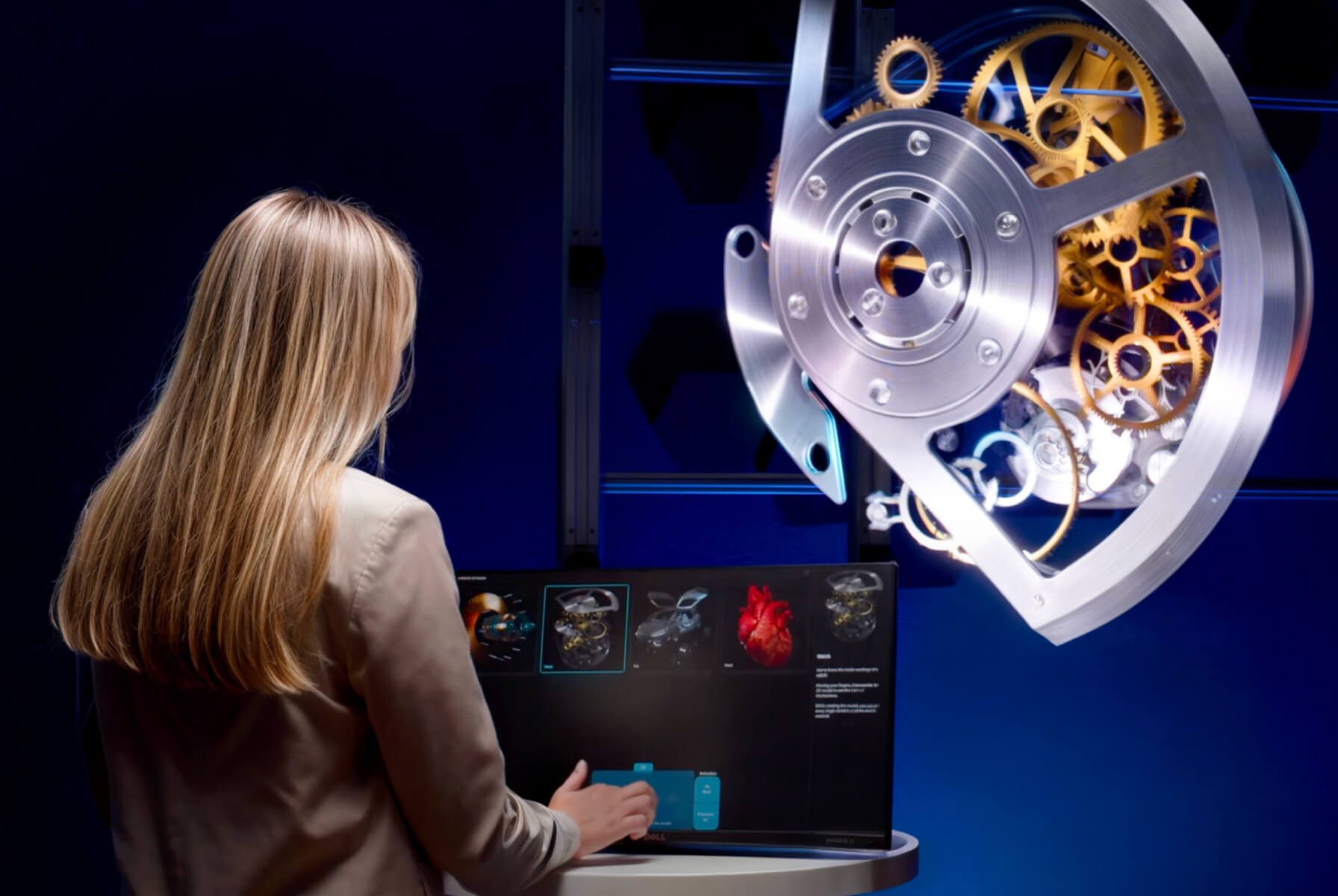
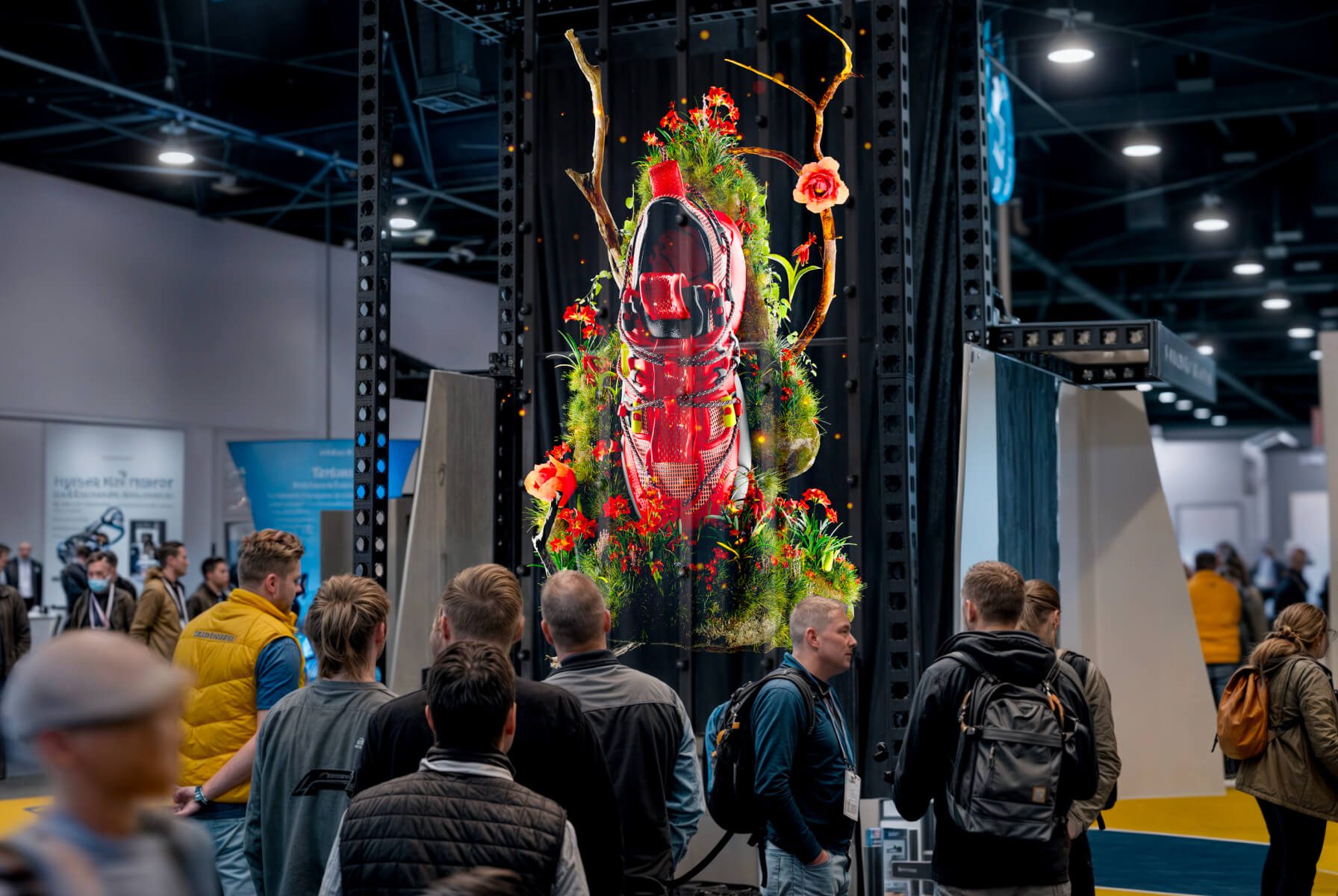
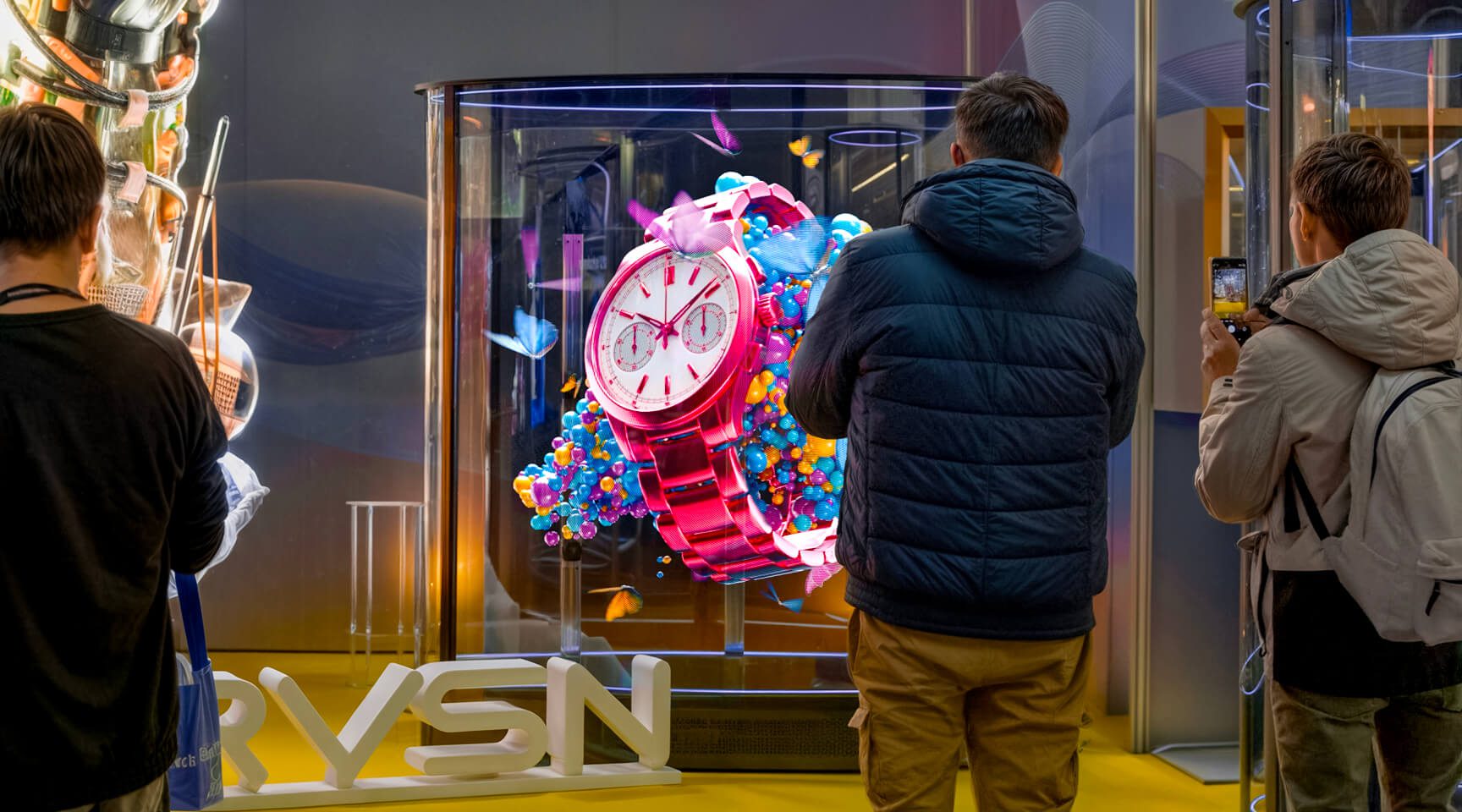
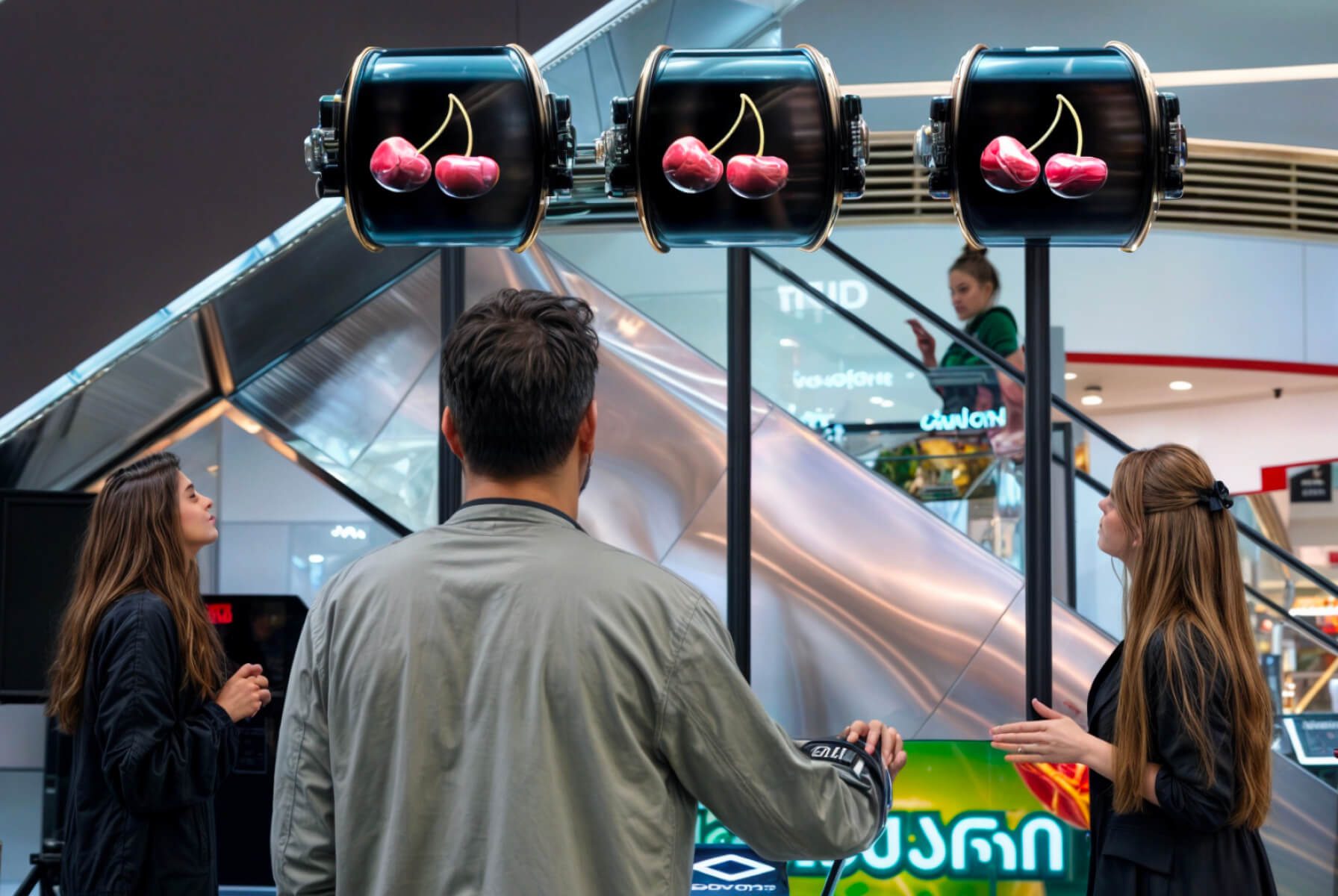
    The HYPERVSN SmartV Slots is a holographic game of chance designed as an analogue of a traditional slot machine. It is a specialised version of the SmartV Wall that uses three SmartV Displays (Model M or L) as “reels” to display 3D video content that appears as high-resolution holograms floating in mid-air. 

  • What are the key benefits of the SmartV Slots solution? 

    The HYPERVSN SmartV Slots solution provides an interactive experience by combining traditional gaming mechanics with advanced holographic technology. Its key benefits include:

    ● Interactive gamification: It transforms a standard display into a 3D “game of chance” that acts as a holographic slot machine, significantly increasing audience engagement at events or retail spaces.

    ● Logic control: Administrators have precise control over the game mechanics through the HYPERVSN App:

    a) Set a specific percentage for winning events.

    b) Define how often win events occur.

    c) Define a maximum number of total wins per day to manage prize inventories.

    d) Set a mandatory interval between wins to control the pace of the game.

    ● Tactile user experience: The setup supports physical interaction through a handle or a button installed in a control stand.

    ● Customisation: Beyond the default objects (lemon, diamond, cherry, and “7”), customers can request custom winning videos tailored to their brand.

    ● Compatibility: SmartV Slots is compatible with both Model M and Model L Displays and can be installed using various accessories like Wall Mounts, Tripods, or Ceiling mounts.

    ● Audio integration: If speakers are connected, the system can play winning sound effects alongside the winning video.

  • What are the core components of the SmartV Slots setup? 

    The following equipment and software components are required to set up and use the SmartV Slots solution.

    1. Hardware:

    ● 3 SmartV Displays LB

    ● SmartV Box 6

    ● SmartV Power 1000

    2. Accessories:

    ● Wall mounts (supplied by default)

    ● Any 3 accessories for SmartV Solo

    3. Additional equipment:

    ● Control Unit: The setup is equipped with either a handle or a button to start the game.

    ● Control Stand: A physical stand used to house the control unit. This can be built using HYPERVSN drawings or custom-designed by the user.

    ● Optional: Audio facilities.

    4. Software:

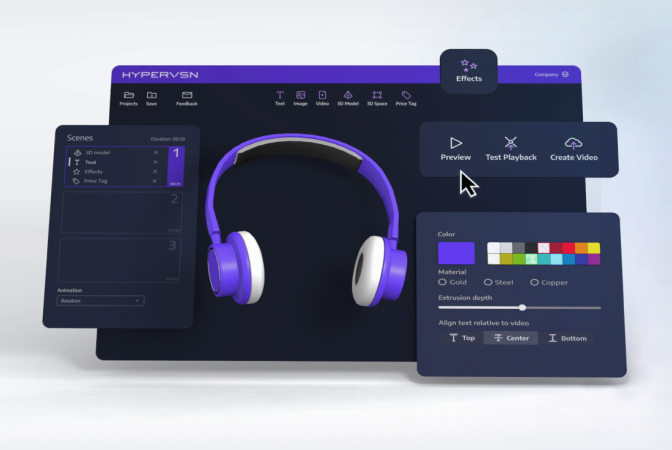
    ● HYPERVSN App with the embedded SmartV Slots application

    ● HYPERVSN CMS to activate the SmartV Slots subscription

  • Which accessories are compatible with the SmartV Slots solution? 

    SmartV Slots are compatible with the following accessories:

    ● Wall mounts (supplied by default)

    ● SmartV Tripods with or without the SmartV Domes

    ● SmartV Ceiling Mounts with or without the SmartV Dome

    ● Any 3 accessories for SmartV Solo

    ● Metal trusses or other customer-designed constructions

  • How to activate the SmartV Slots Software Service subscription in the CMS? 

    To activate the SmartV Slots Software Service subscription in the CMS, follow these steps: 

    1. Log in to your HYPERVSN CMS account and navigate to the Devices page. 

    2. Locate the specific SmartV Box from the devices list that you wish to activate. 

    3. Click the Activate subscription button located near the serial number of that SmartV Box. 

    4. In the Activate subscription dialogue, select the SmartV Slots Software Service subscription from the drop-down menu. 

    5. Click the Activate subscription button to finalise the process. 

    6. To update the subscription information on your SmartV Box, connect it to the internet.  

    Note: Your subscription period begins as soon as you activate the subscription in your CMS account. 

  • How to prepare for using SmartV Slots? 

    To prepare for using the HYPERVSN SmartV Slots, follow the steps below.

    Step 1: Assemble and connect hardware

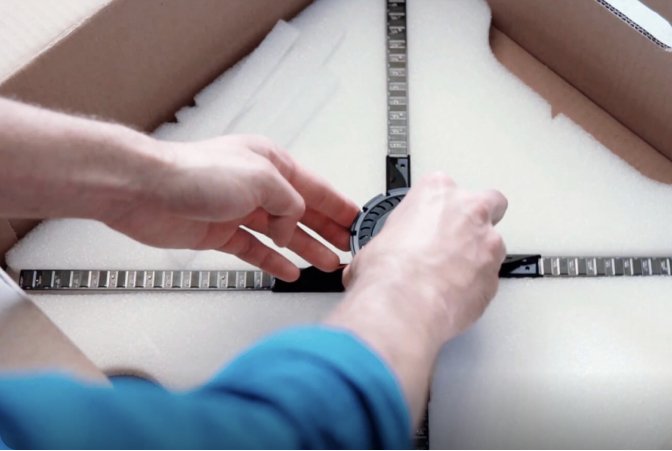
    1.1 Depending on your installation needs, assemble the SmartV Tripods, Ceiling mounts or any other accessories suitably for the setup.

    1.2 Install 3 SmartV Displays LB in the accessories.

    1.3 Connect SmartV Displays to the SmartV Box 6 using optic cables and to the SmartV Power 1000 using power cables.

    1.4 Assemble and install the stand for your chosen control unit – either a handle or a button.

    1.5 Optional: Connect external speakers to the HD AUDIO port of the SmartV Box for sound effects.

    Step 2: Prepare software

    2.1 Register a CMS account.

    2.2 Install the HYPERVSN App (version 3.3.5 or higher) on your smartphone.

    Step 3: Setup and calibrate SmartV Wall

    3.1 Activate the SmartV Box.

    3.2 Configure the SmartV Display layout.

    3.3 Calibrate the image.

    Step 4: Activate subscription

    4.1 Activate the SmartV Slots Software Service subscription in your CMS account.

    Step 5: Set the game logic

    5.1 Add the HYPERVSN Slots app to the HYPERVSN App.

    5.2 Open the HYPERVSN Slots and configure game parameters:

    a) Set a specific percentage for winning events.

    b) Define how often win events occur.

    c) Define a maximum number of total wins per day to manage prize inventories.

    d) Set a mandatory interval between wins to control the pace of the game.

    5.3 Start the game.

  • What SmartV Slots parameters can be configured? 

    Users can configure the following game parameters:

    ● Define the winning probability as a percentage of total games or set a fixed win interval.

    ● Set the minimum time between wins.

    ● Set the maximum number of wins allowed for each object.

    ● Define the maximum number of wins allowed per day for an object.

  • What objects can be displayed on the reels? 

    In the standard setup, four default objects are displayed on the reels:

    ● Lemon

    ● Diamond

    ● Cherry

    ● 7

    In addition to the reel’s objects, a “WIN” video can be displayed after a player achieves a winning combination.

    Customers can also request custom-designed 3D objects tailored to a specific brand or event. These objects are developed by HYPERVSN for an additional fee.

Can’t find your answer?

4 Item in cart

HYPERVSN 3D Catalog

USD 1,200

Qty

Remove Item

HYPERVSN 3D Catalog

USD 1,200

Qty

Remove Item

HYPERVSN 3D Catalog

USD 1,200

Qty

Remove Item

Cart Subtotal:

USD 3,600