























3D Library

Introducing HYPERVSN SmartV 3D Library

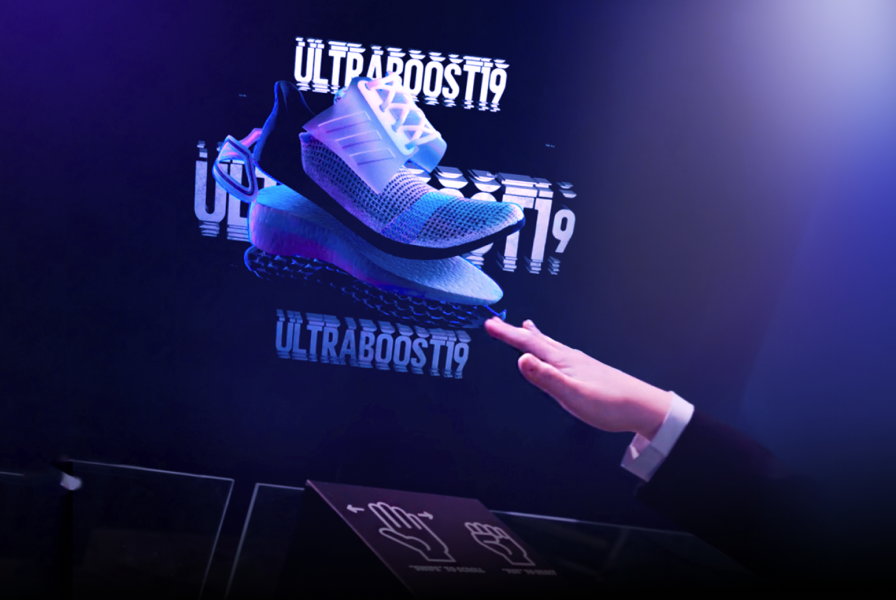
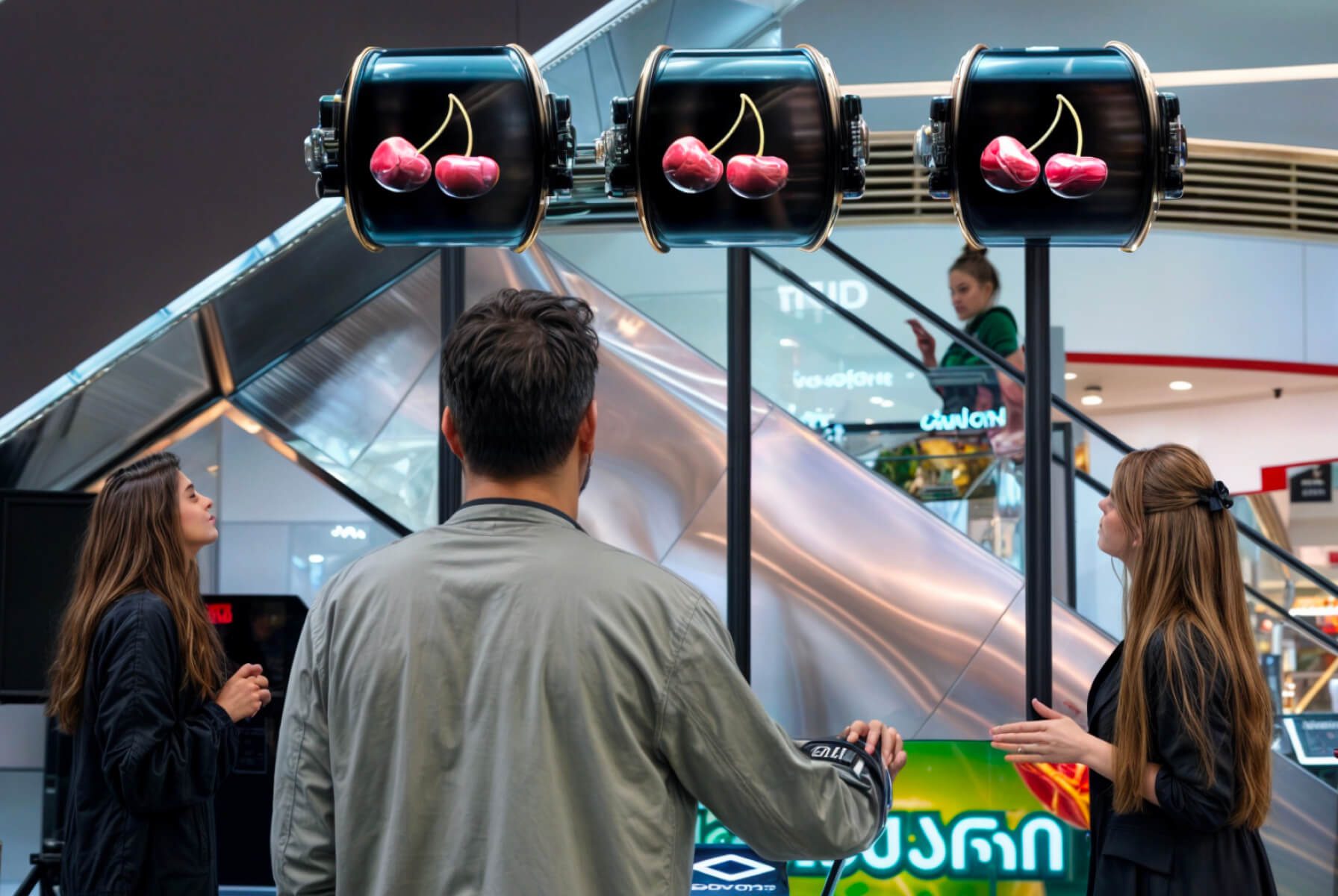
Create a digital library that people can scroll through with their hands.

Learn More

hypervsn

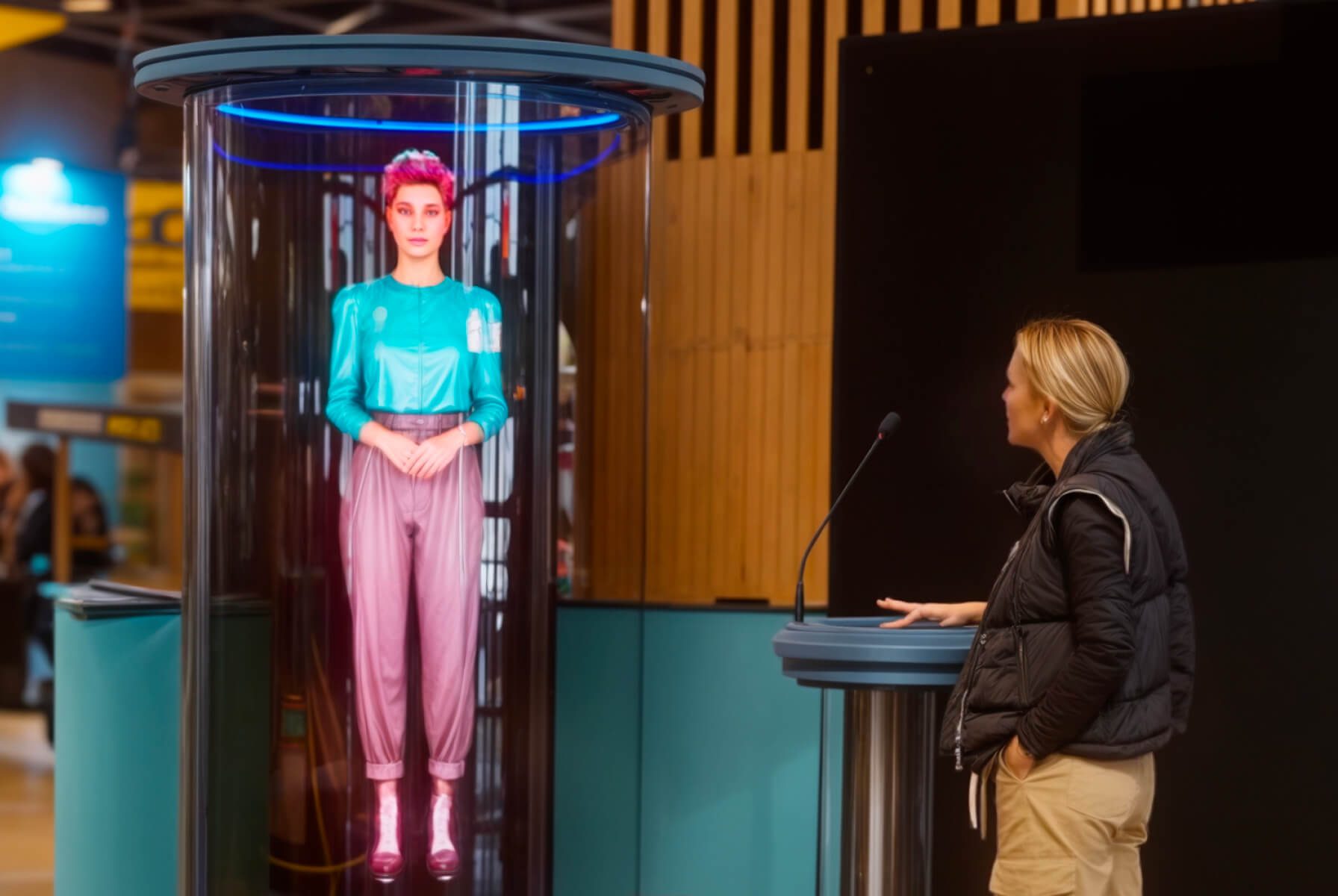
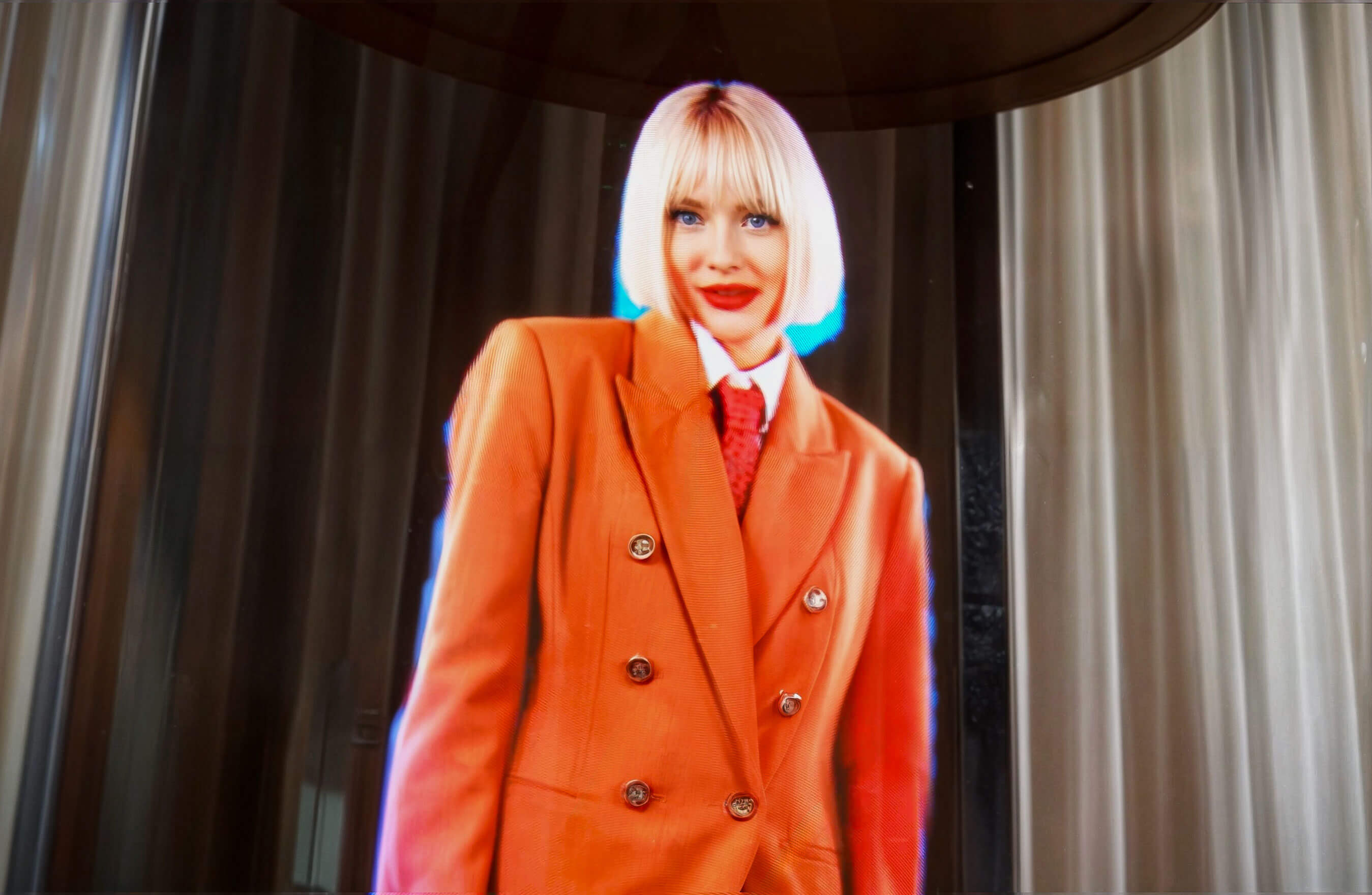
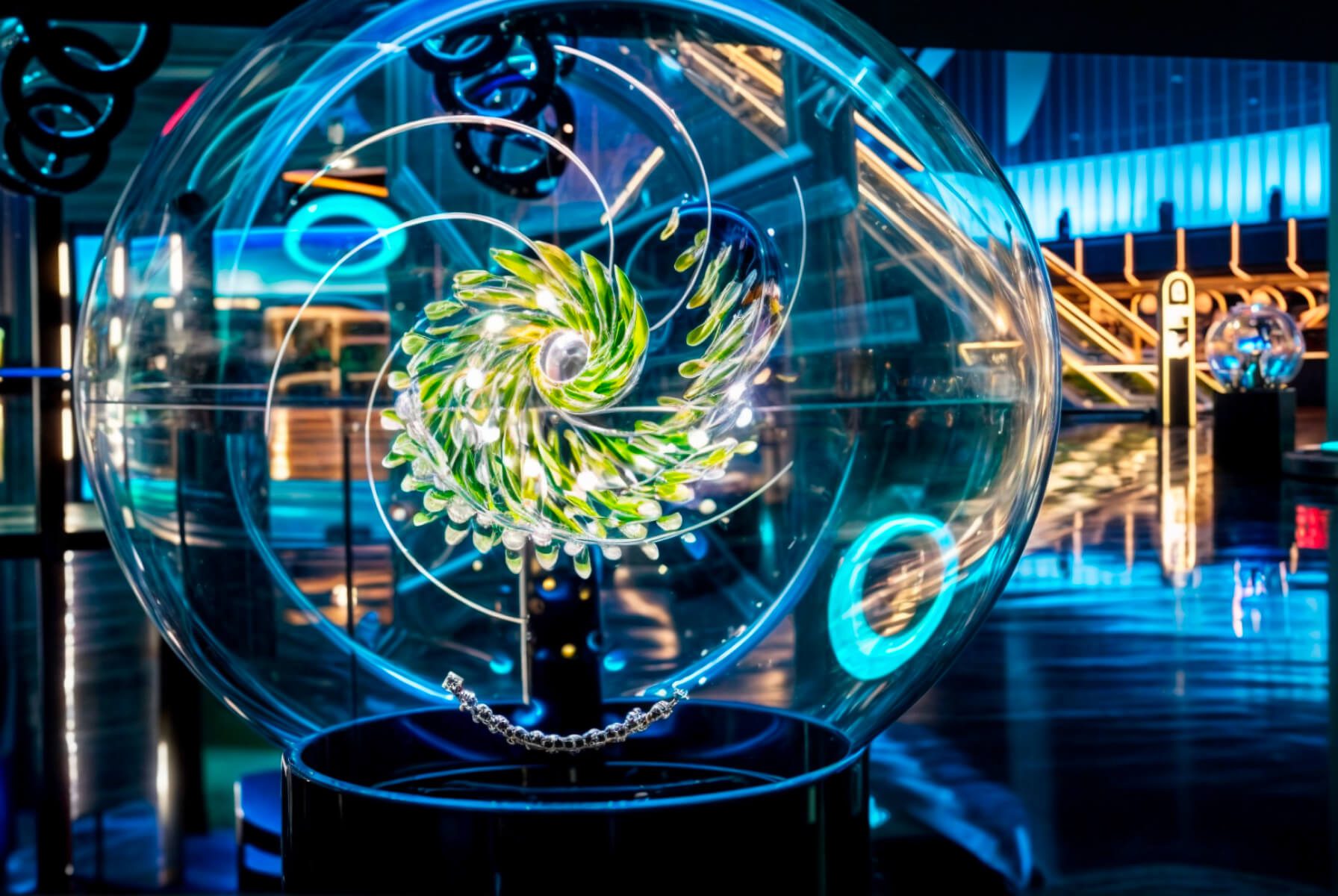
SmartV 3D Holographic Library

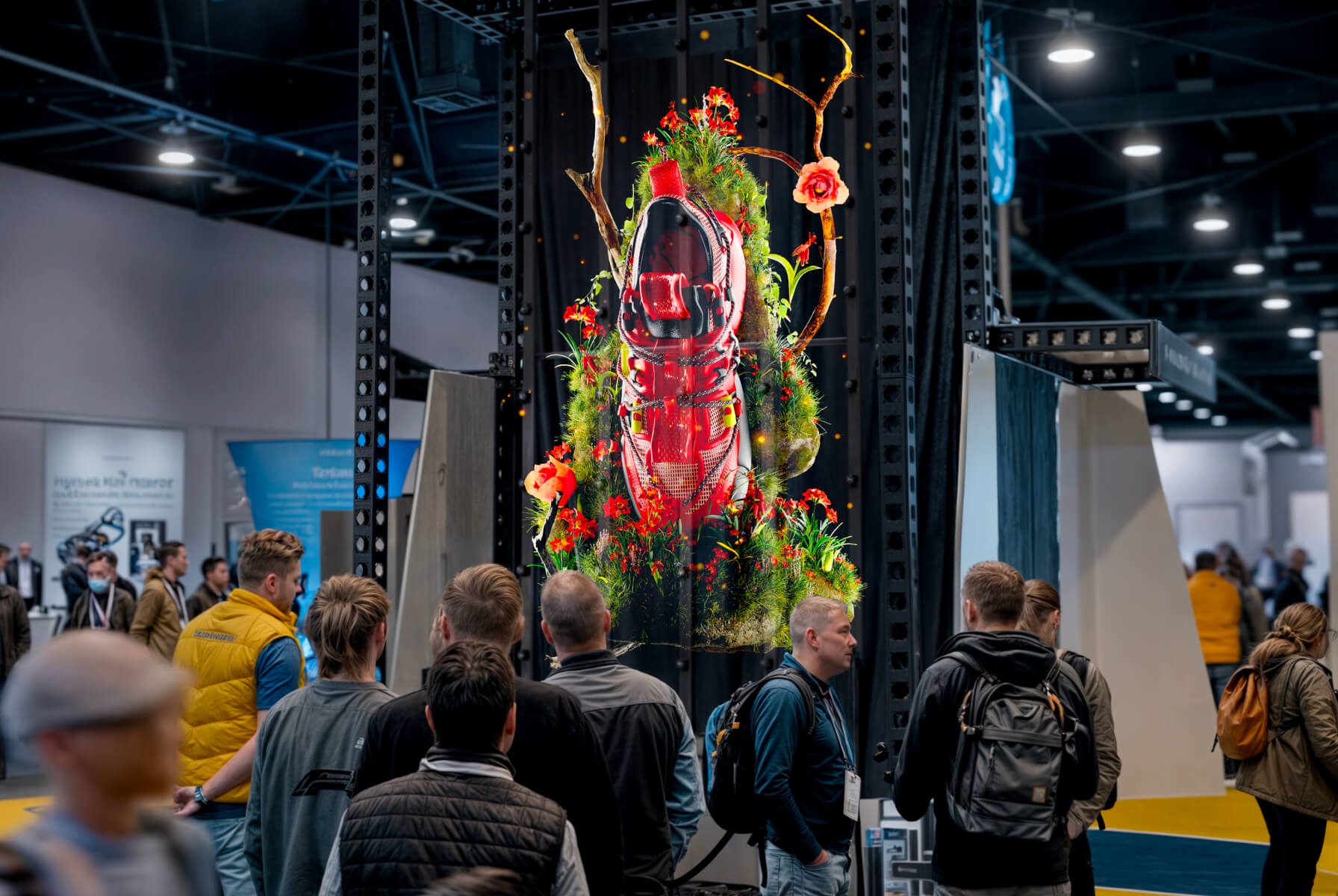
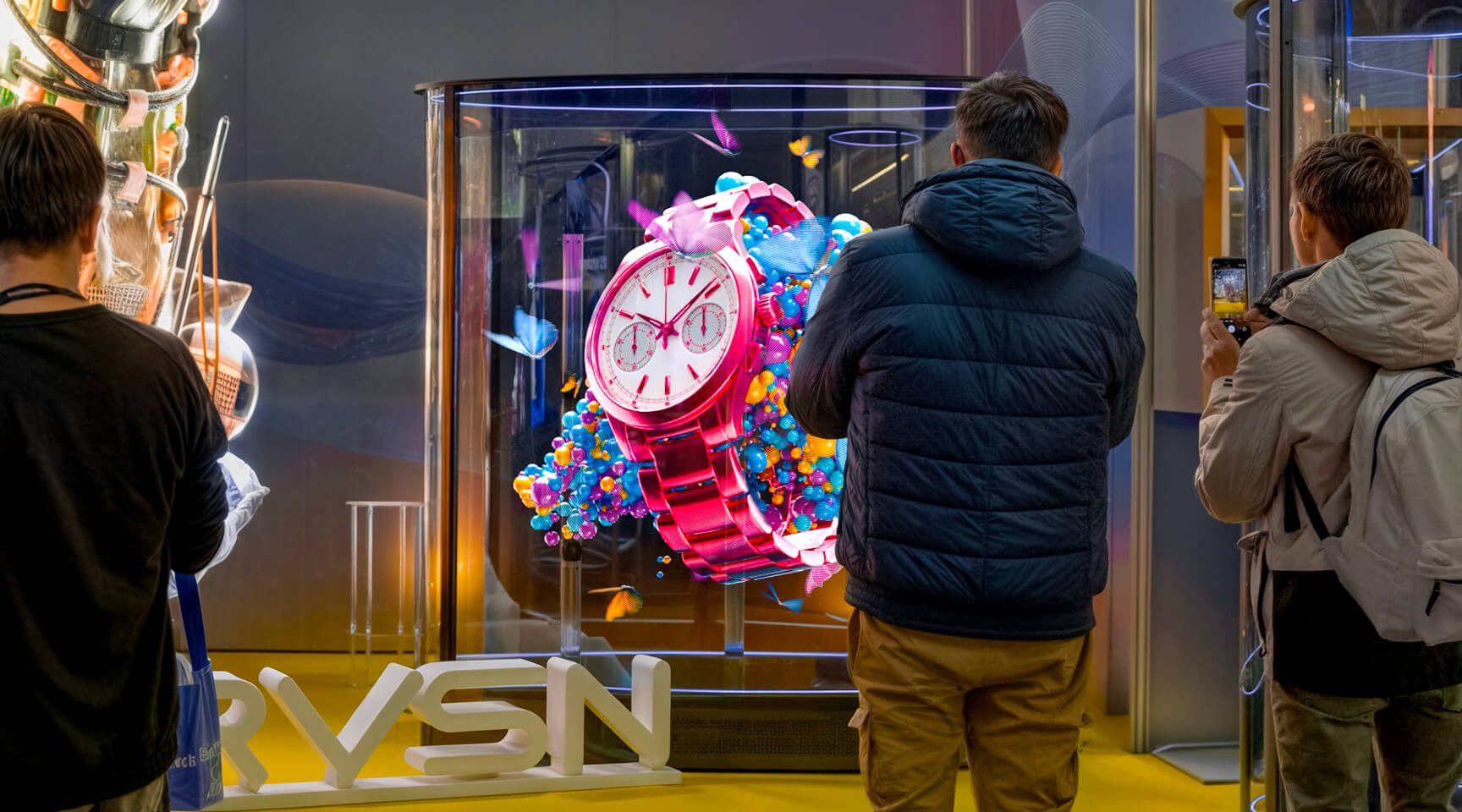
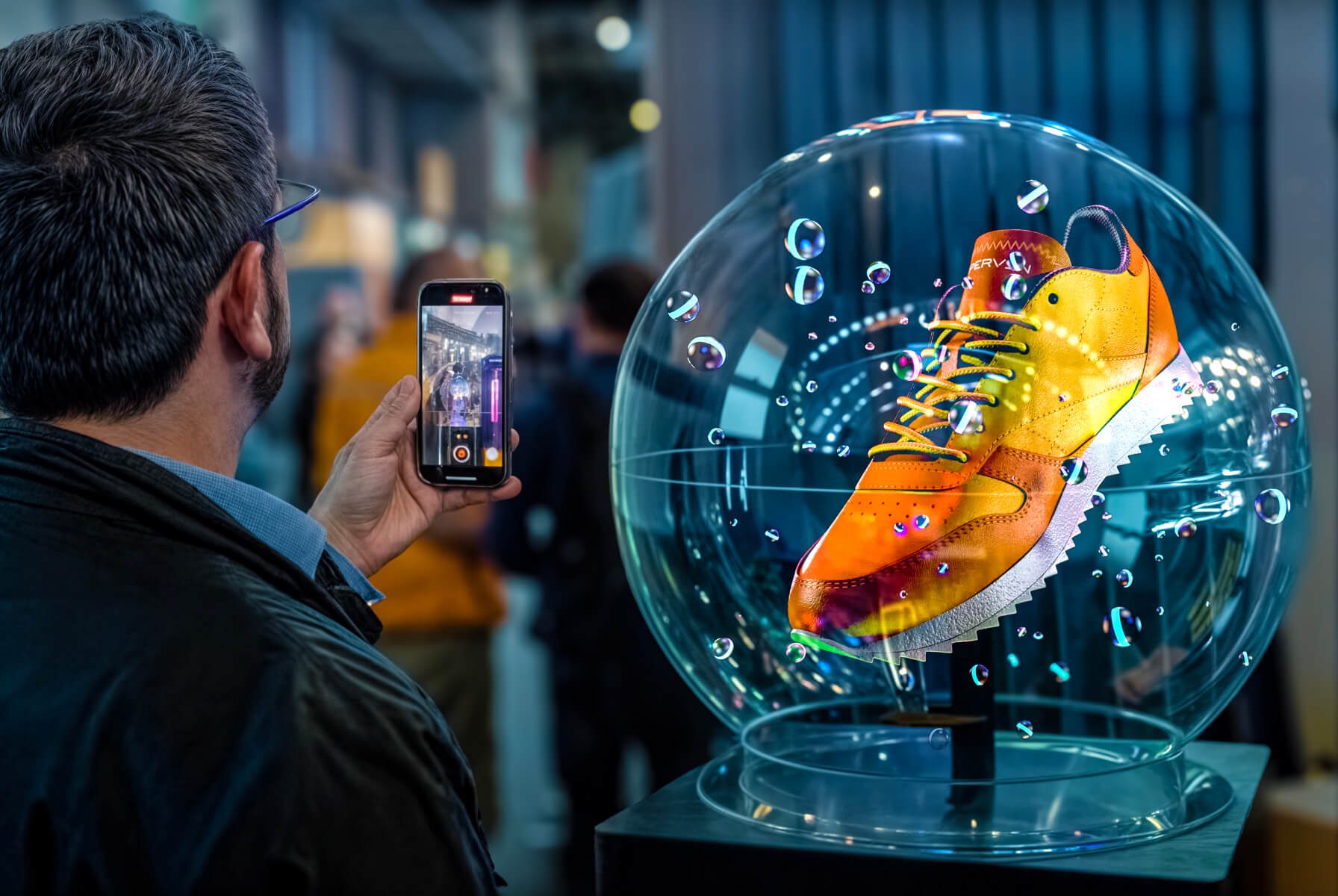
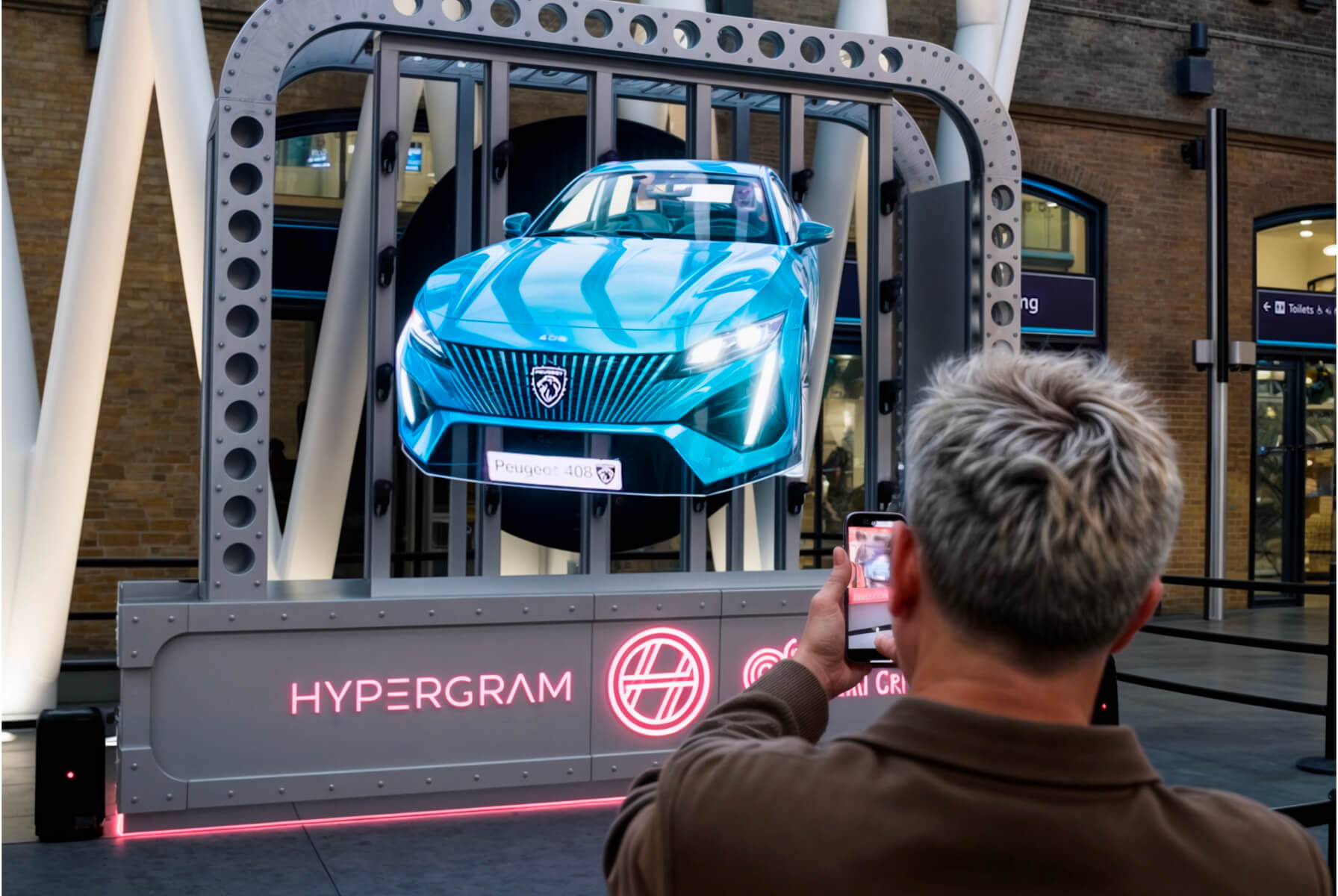
Use an interactive 3D Library to demonstrate products, provide information, showcase the latest trends.

Boost Interactivity

Give your audience the ability to virtually manipulate holographic images of your products.

Acquire New customers

Boost foot traffic with this mesmerizing holographic 3D Library solution.

Sky-rocket Engagement

Unparalleled user experience bringing the holographic virtual into eye-catching 3D reality.

Unparalleled features

Introducing Interactive SmartV 3D Library

Reshape the AV industry with next-level 3D holographic Library solution

features

All-in-one 3D Library Technology

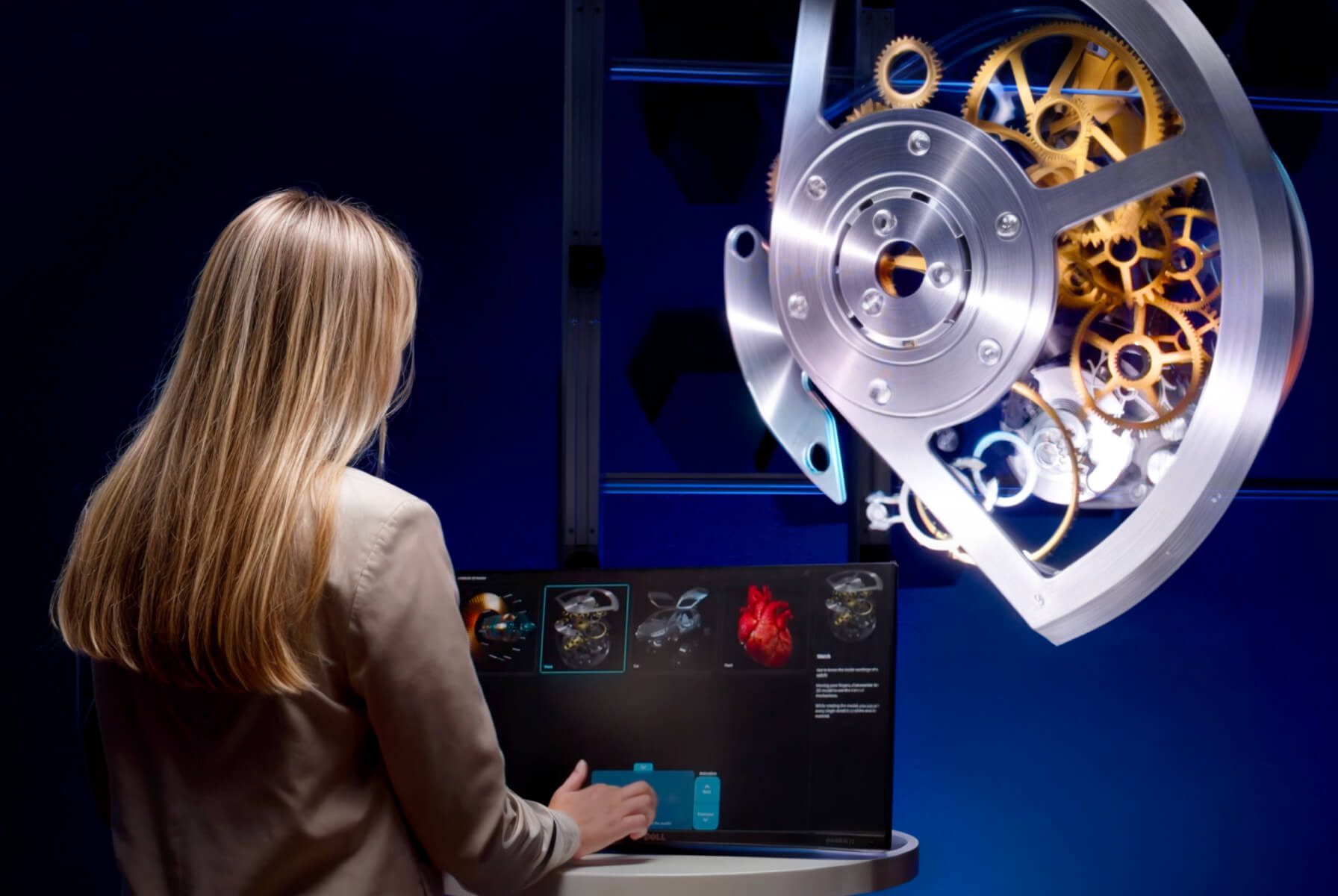
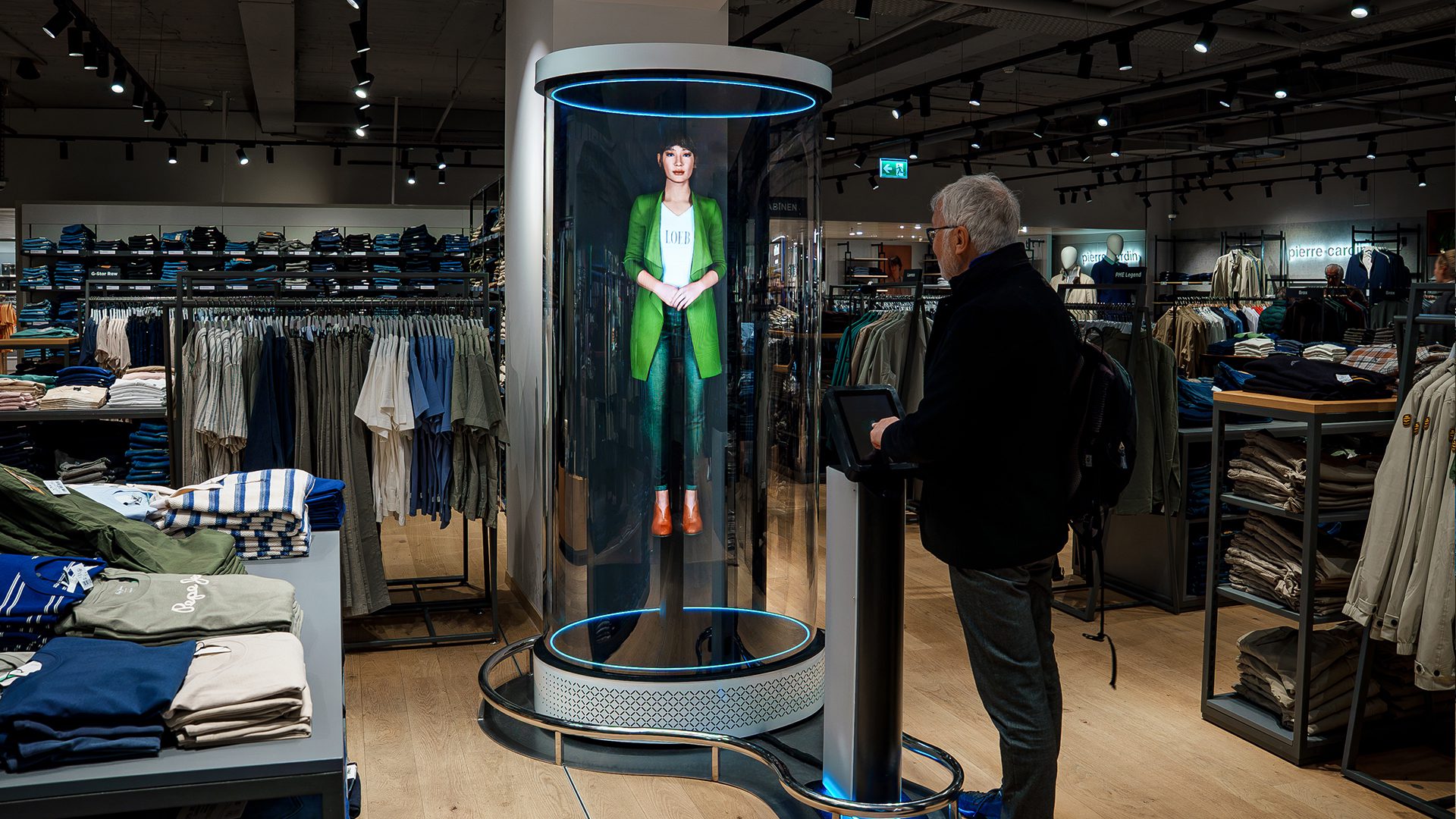
3D Library software is a complete, interactive technology solution, giving your audience the ability to virtually manipulate holographic images of your products with their hands!

Learn More

Boost human connection

Connect with your audience on a more personal level using interactive 3D library solution.

Revolutionise your display

Use HYPERVSN 3D library to breathe innovation into your brand or business.

Grab customers attention

Increase the impact of your marketing message with a solution that cannot be missed.

Boost message retention

Tell your brand story with digital 3D library that people can scroll through with their hands.

Business Values

3D Library drives the numbers

Audience engagement hits the next level with the added excitement of interactivity.

Extends attention spans & attraction rates

Improves user engagement levels

Increases conversion & retention rates

Get now your Product Catalogue for SmartV 3D Library

Fill-in the form to get access to the product catalogue

    Form
    2712
    Get in touch

    Interested in SmartV 3D Library?

    To get more details or order HYPERVSN in-air holographic library please submit a request below.

      Need More Information?

      Frequently Asked Questions

      • How does 3D Library work?

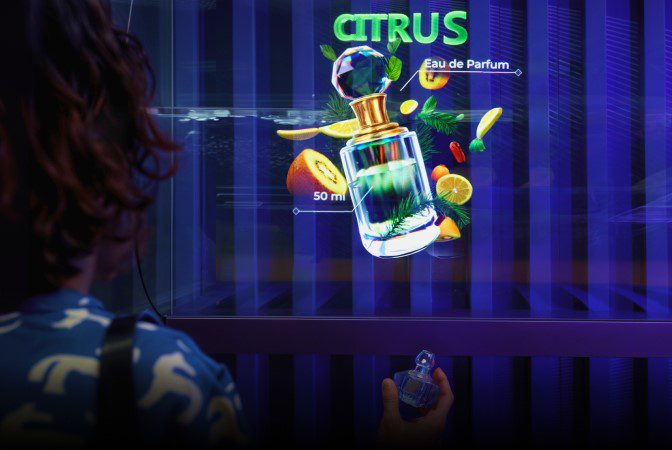
        3D Library turns product details, brand stories, or educational content into interactive exploration. Visitors browse content on a touchscreen and select topics to trigger holographic content. The solution can be configured as a product catalogue, location explorer, quiz, or storytelling tool. 

      • What content can be displayed?

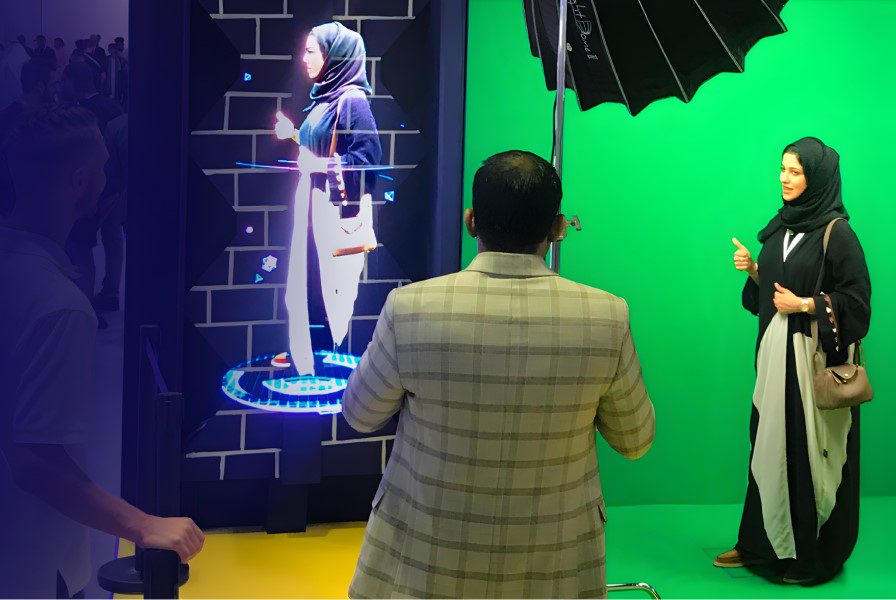
        Any content that works as a video file: product visuals, branded videos, educational content with pre-recorded speakers, promotional sequences, way finding maps, event schedules, and more.  

      • Do I need existing 3D models, or can HYPERVSN create them?

        Three paths are available: 

        ● If you already have 3D model files, HYPERVSN can turn them into animated videos. 

        ● HYPERVSN can create 3D content from architectural drawings, product renders, or reference images.  

        ● Your team creates 3D videos following the content creation guidelines.  

      • Can I set up and manage 3D Library myself?

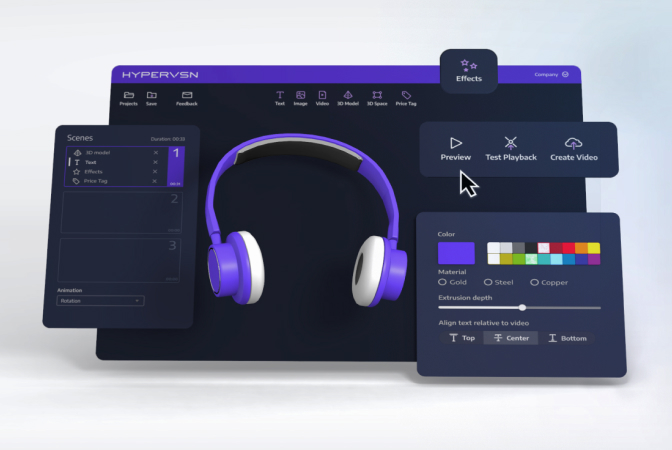
        Yes. The 3D Library application includes a drag-and-drop scenario builder where you design the navigation flow – headings, buttons, and images – and assign content to each. For custom designs and scenarios that go beyond the standard 3D Library functionality, the HYPERVSN team configures the setup. 

      • What is the difference between 3D Library and 3D Modeller?

        3D Library provides touchscreen-driven navigation across multiple content items. The audience explores a menu, selects what they want to see, and the corresponding holographic content plays. 3D Modeller lets the audience manipulate a single 3D model in real time: rotate, zoom, and explode the object using air mouse or touchscreen. Different interaction modes for different goals. 3D Library is best when you have a range of items to showcase. 3D Modeller is best when you want deep exploration of one object. Both run on the same holographic hardware. 

      • Does the solution work with a single SmartV Solo, or does it require SmartV Wall?

        Both. 3D Library scales to any setup. It is available with a single SmartV Solo or SmartV Wall of any size. A control stand accessory organises the PC, touchscreen, and speakers in one unit next to the installation. 

      • Can the content be updated remotely after installation?

        Changes to the navigation scenario and playlist assignments are made in the 3D Library application on the on-site PC. This can be done in person or through remote desktop access. 

      • How long does it take to set up 3D Library?

        The timeline depends on two factors – whether 3D content already exists and the number of items in the catalogue. If you have existing 3D video content ready, the interactive scenario can be built and deployed within days using the drag-and-drop builder. If 3D content need to be created from scratch, production time depends on the complexity and volume. 

      • What industries and use cases work best for 3D Library?

        The solution fits any scenario where visitors need to explore a range of content at their own pace. 3D Library works especially well for: 

        Retail and showrooms: Let customers browse a full product range as holograms without needing physical inventory on display. 

        Luxury and jewellery: Present collections, limited editions, or seasonal lines in an interactive format. 

        Trade shows and exhibitions: Showcase an entire product portfolio without shipping physical samples, or turn product exploration into a quiz. 

        Corporate lobbies and visitor centres: Offer brand storytelling, company history, or product education. 

        Real estate and architecture: Let prospects explore developments, floor plans, and facilities at their own pace. 

        Hospitality and entertainment: Provide interactive menus, venue way finding, or event navigation. 

        Education and museums: Turn complex topics into guided holographic explorations visitors can navigate themselves. 

      • Can 3D Library be combined with other HYPERVSN experiences?

        Yes. 3D Library runs on the same holographic hardware as other HYPERVSN interactive solutions, so the same installation can serve multiple purposes.  

      4 Item in cart

      HYPERVSN 3D Catalog

      USD 1,200

      Qty

      Remove Item

      HYPERVSN 3D Catalog

      USD 1,200

      Qty

      Remove Item

      HYPERVSN 3D Catalog

      USD 1,200

      Qty

      Remove Item

      Cart Subtotal:

      USD 3,600