

























-
HYPERVSN Knowledge Base
HYPERVSN Lift & Learn
-
What is the HYPERVSN SmartV Lift & Learn automation?
-
What are the key benefits of Lift & Learn?
HYPERVSN SmartV Lift & Learn provides the following key benefits:
● Interactive haptic engagement: The solution enables users to receive information about a product while they are engaged in real-time haptic interaction with it.
● Multi-sensory immersive experience: To enhance the realism of the hologram, the visuals can be accompanied by speech, sounds, and visual effects.
● Versatile sensor integration: The solution supports various specialised triggers from Nexmosphere, including light sensors, RFID tags with antennas, and wired X-Snappers. This flexibility allows the system to be adapted for a wide range of product types.
●Compatibility: Lift & Learn is highly versatile and can be used with SmartV Solo, SmartV Wall, or Multi-Wall setups of any layout and type.
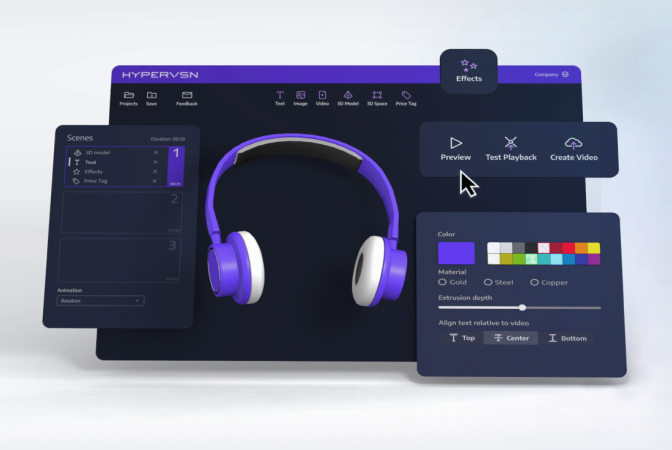
● Scenario creation using HYPERVSN App: Scenarios are managed and configured through the HYPERVSN App using its built-in Automation feature, allowing administrators to link specific physical triggers to digital playlists without complex programming.
-
What are the core hardware and software components required for Lift & Learn?
The following equipment and software components are required to set up and use the Lift & Learn solution.
1. Hardware:
● SmartV Displays M/LB: Any number.
● SmartV Box (1, 6, or 12): Depending on the setup.
● SmartV Power 1000: For SmartV Wall setups.
2. Accessories:
● Any Solo/Wall accessory compatible with the setup.
● Shelves for sensors and antennas: These should be custom-made depending on the number of products and sensors type. Shelves are not supplied by HYPERVSN. They can be created upon request at additional cost.
3. Interaction components:
● Nexmosphere controllers: Required to transfer data between the triggers and the SmartV Box.
● Any of the following sensors:
a) Light sensors for wireless pick-up detection.
b) RFID tags, RFID antennas, and RFID antenna driver.
с) Wired sensors for physical, wired detection of product release.
4. Software:
● HYPERVSN App: Automation is a built-in feature.
-
What are the available sensor options for Lift & Learn?
For the HYPERVSN SmartV Lift & Learn solution, there are three primary categories of external interaction sensors available to trigger holographic content: Light, RFID, and Wired (X-Snapper). All of these options are typically provided by Nexmosphere and connect to the SmartV Box using a controller.
1. Light sensors (Wireless Detection)
This option detects whether a physical product is currently placed on top of the sensor or has been removed from it.
Dimensions: 29 × 22 × 10 mm.
2. Antennas & RFID tags (Wireless detection)
This category uses RFID tags attached to products, which are detected by antennas built into the shelf. A single antenna can detect up to four RFID tags simultaneously.
Dimensions: 26 mm diameter.
3. Wired Detection (X-Snapper)
The X-Snapper provides a physical, wired connection to the product. It is useful for security and reliable pick-up registration. The X-Snapper detects when a product is physically released from or reconnected to its counter block, registering both pick-ups and place-downs.
Dimensions: 46 × 23 × 10.3 mm.
Cable length: Features a 180 cm cable.
Regardless of the sensor type, the sensors must be linked to the SmartV Box using a Nexmosphere controller. The controller transfers data between the triggers and the SmartV Box using a USB-A to Micro-USB cable.
-
Which accessories are compatible with Lift & Learn?
Lift & Learn can be used with any accessory compatible with the selected setup.
Additional custom shelves are required to place sensors and antennas. These shelves are custom-made depending on the following:
● Number of merchandise items
● Type of sensors
Custom shelves are not supplied by HYPERVSN and can be created upon request at an additional cost.
-
How to access the “Automation” feature in the HYPERVSN App?
To access the “Automation” feature, follow these steps:
1. In the HYPERVSN App, open the Device tab and select the SmartV Box where you want to create an automation scenario.
2. On the Device tab, tap Automation > Add Automation.
-
What happens when multiple RFID tags are used simultaneously?
When multiple products with RFID sensors are lifted at the same time, the system plays the content linked to the first triggered sensor.
-
What merchandise can sensors be used with?
Sensors can be used with the following product categories:
● Sneakers
● Skincare products
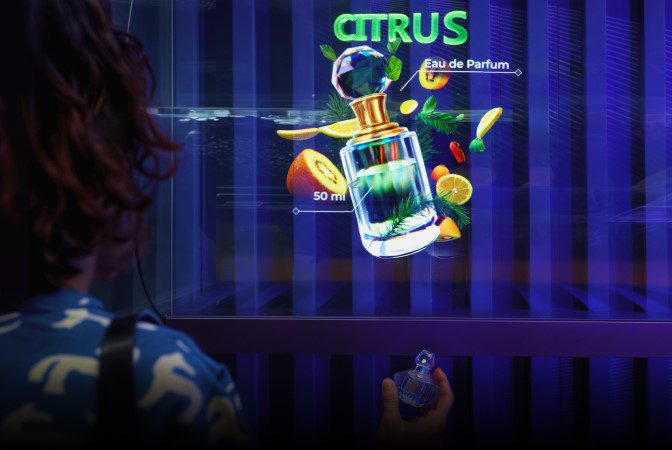
● Fragrance
● Make-up
● Smartphones and electronic devices
● Headphones and wearables
● Watches and jewellery
● Handbags
● Grocery / FMCG products
● Pharmaceuticals
For anything beyond standard retail products (e.g. very heavy items, large products, fully metal-cased items), it is worth confirming with technical support.
-
Which media content works with Lift & Learn?
Lift & Learn works with all content available in the HYPERVSN CMS platform in the form of media files.
Ensure that each sensor is linked to a particular playlist.
-
Is a subscription required to use Lift & Learn?
No. The HYPERVSN Lift & Learn solution does not require a dedicated, solution-specific subscription to operate.
Can’t find your answer?
Request a Callback
☎️
Demo Request form
Support contact

Thank you!
We’ve received your message and will get back to you shortly.
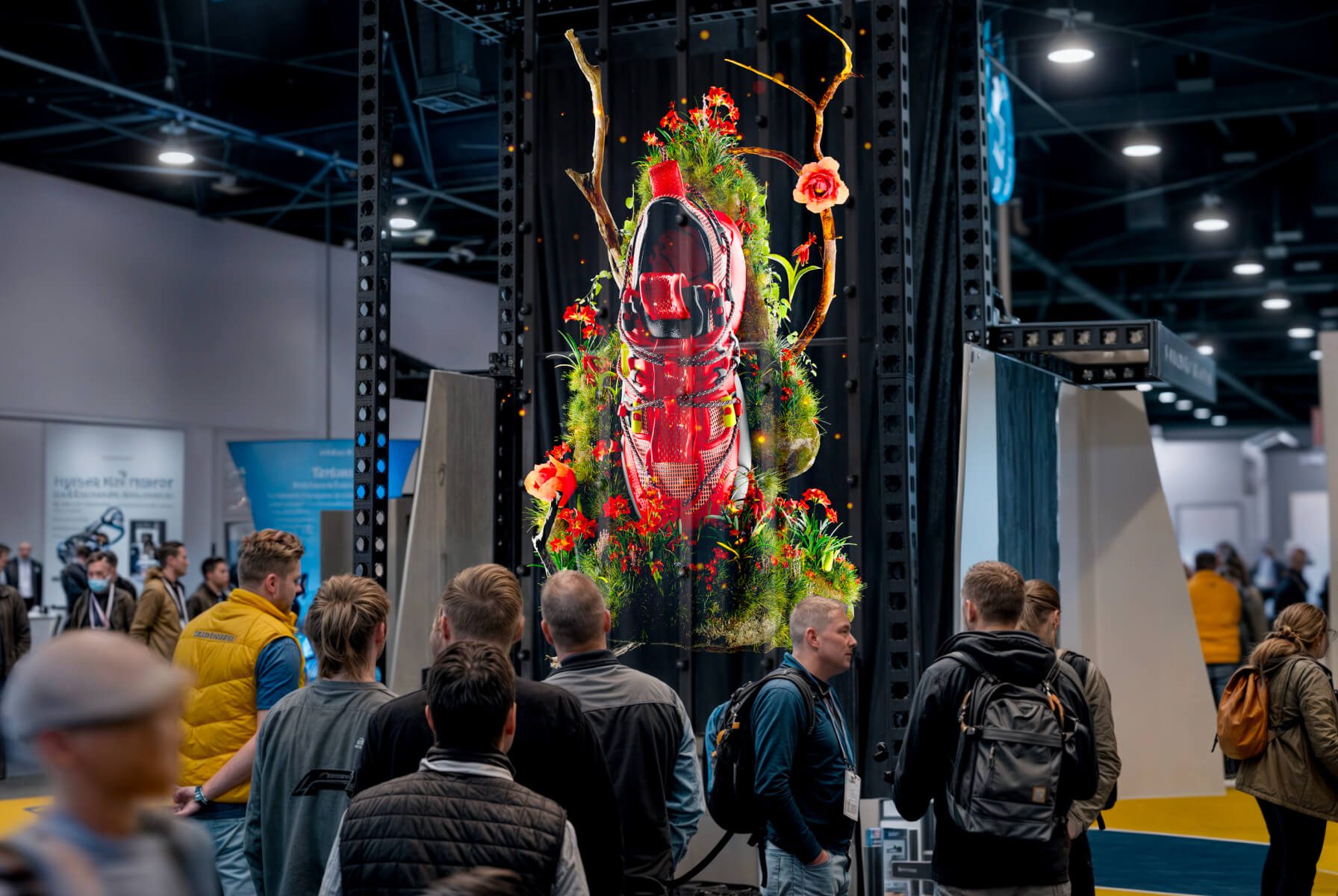
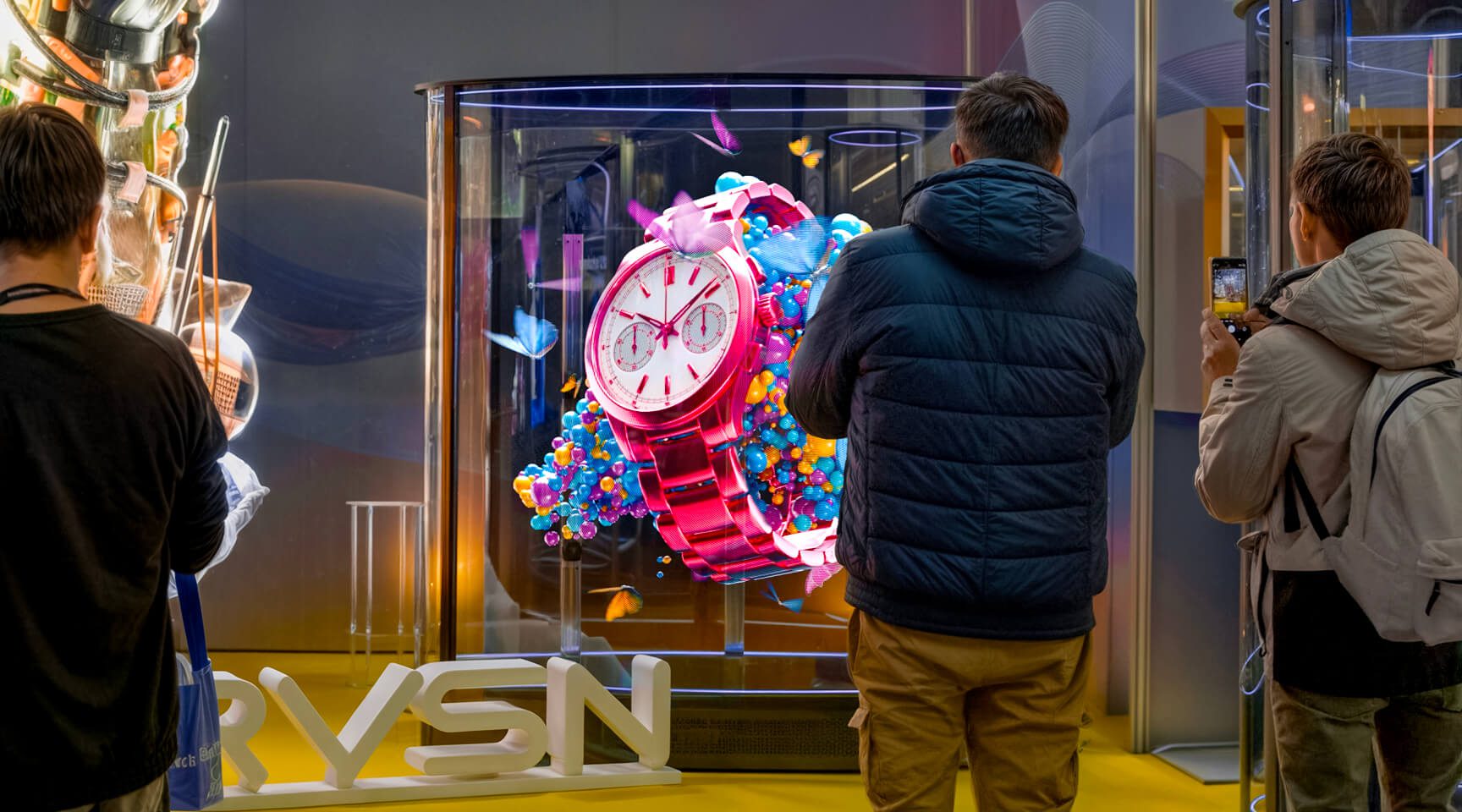
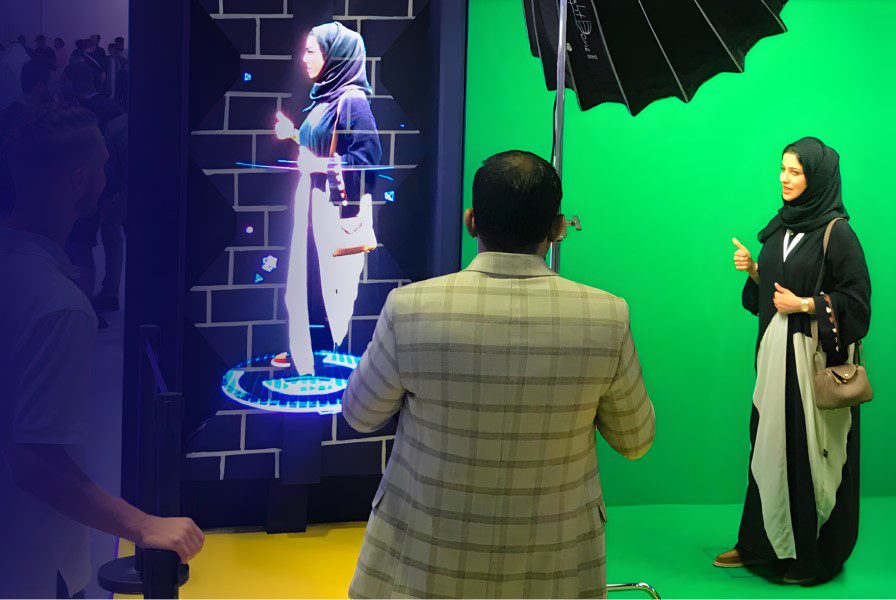
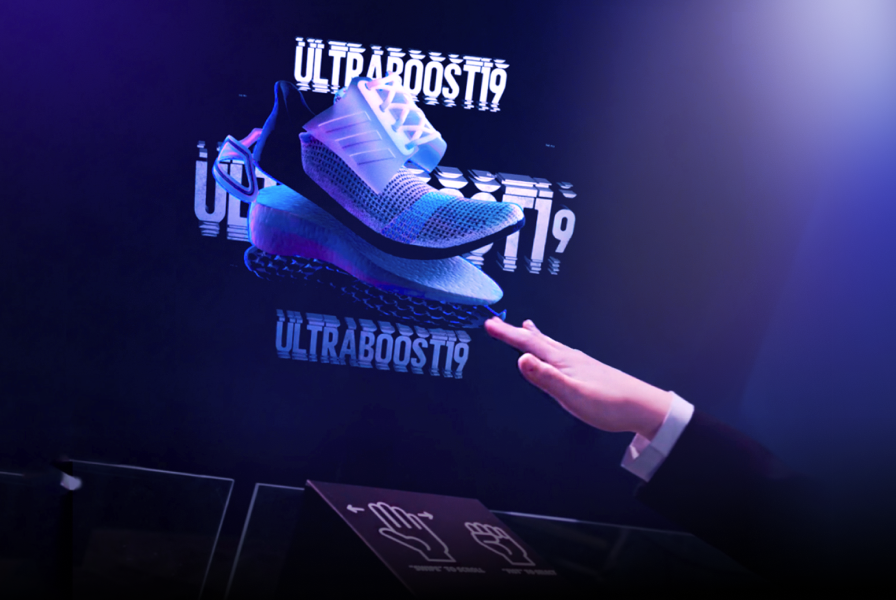
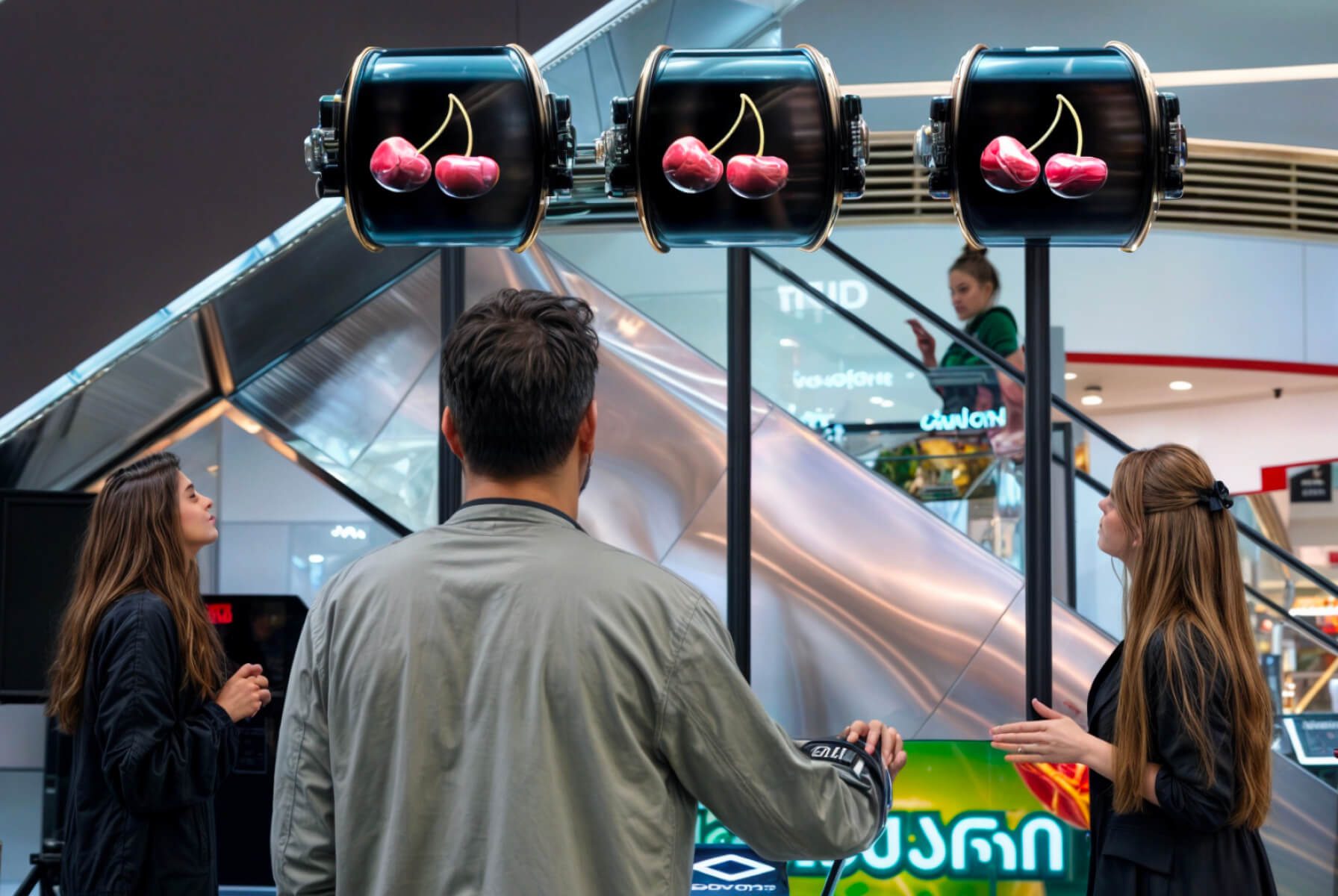
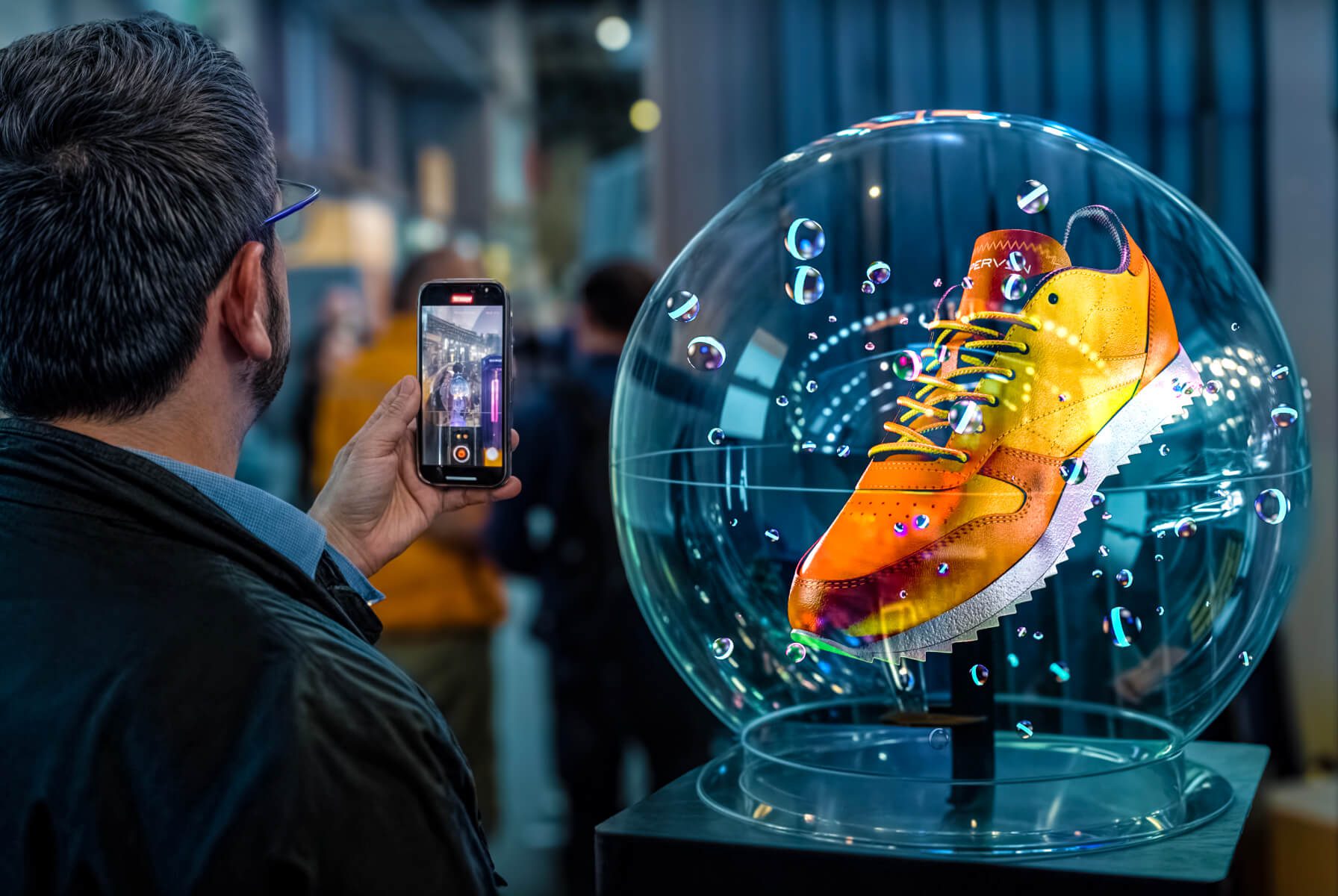
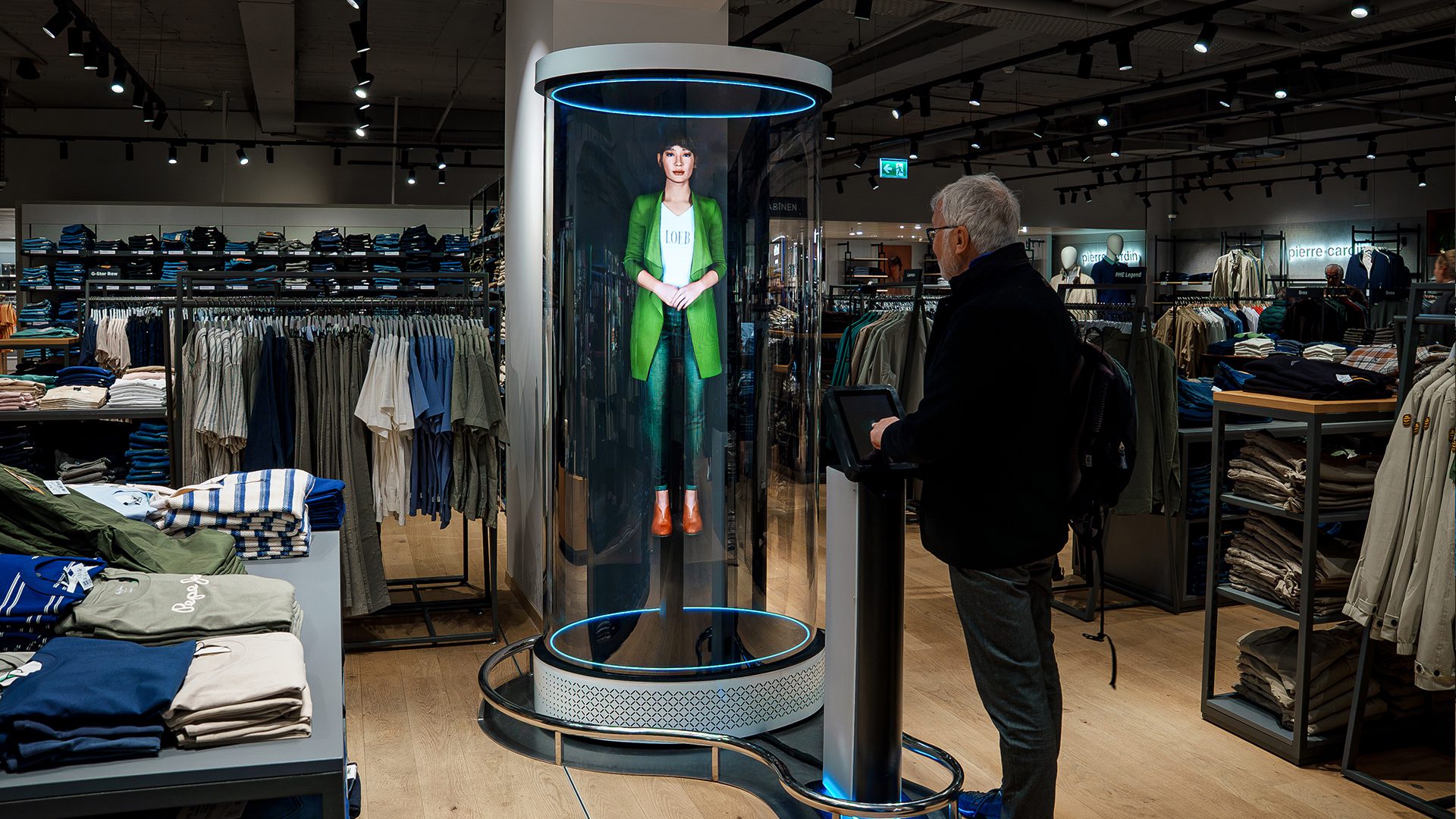
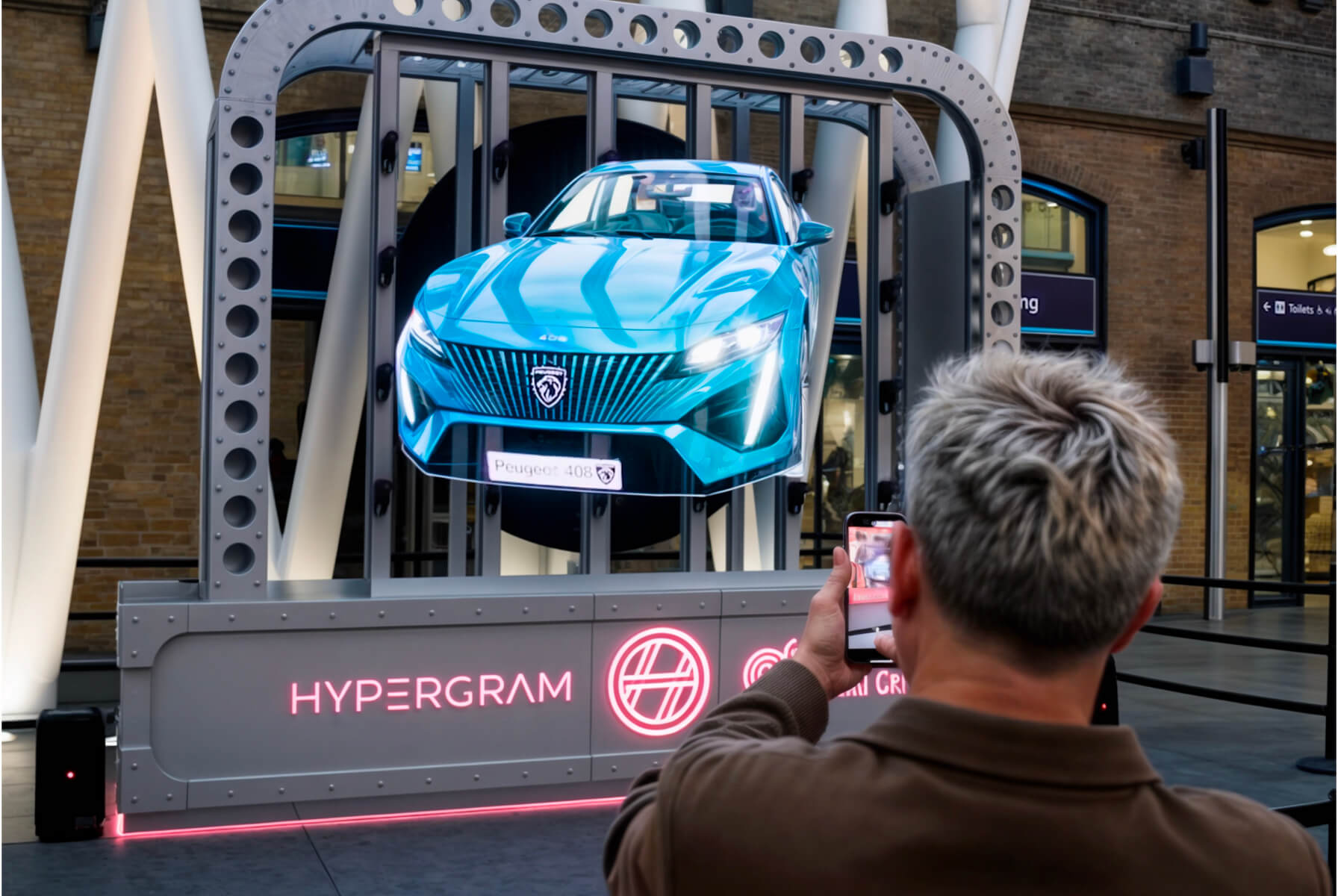
HYPERVSN SmartV Lift & Learn is an interactive automation solution that controls holographic SmartV Displays using external triggers, such as sensors. It is designed to provide users with high-resolution 3D holographic information about a physical product while they are engaged in real-time haptic interaction with it.
The solution functions by linking physical movements of a product to specific digital content:
● Pick-up action: When a customer picks up a product, related holographic content immediately appears on the SmartV Display.
● Place-back action: The content can be switched or reset to a default state when the customer places the product back in its original position.