
























Knowledge Base

What are the available SmartV operating modes (Player, HDMI, Stream, and Cloud)? 

The HYPERVSN SmartV devices have the following operating modes: Player, Cloud, HDMI, and Stream. These modes determine how content is delivered to the SmartV Displays. Selecting the appropriate mode is necessary for standard playback, scheduled media campaigns, live content or integrating interactive solutions. 

Player: In Player mode, the SmartV device reproduces media content and playlists uploaded directly from the HYPERVSN App or Pro App. This mode is designed for local playback. 

Cloud: Cloud mode connects the SmartV Box to your HYPERVSN Cloud account for remote playback management using media campaigns. Media Campaign is set of files that play according to a pre-defined schedule. In this mode, the device can be controlled remotely, and media can be transferred wirelessly from the CMS dashboard. Cloud mode is available under the SmartV Pro subscription and can be purchased separately for the SmartV Box 1. 

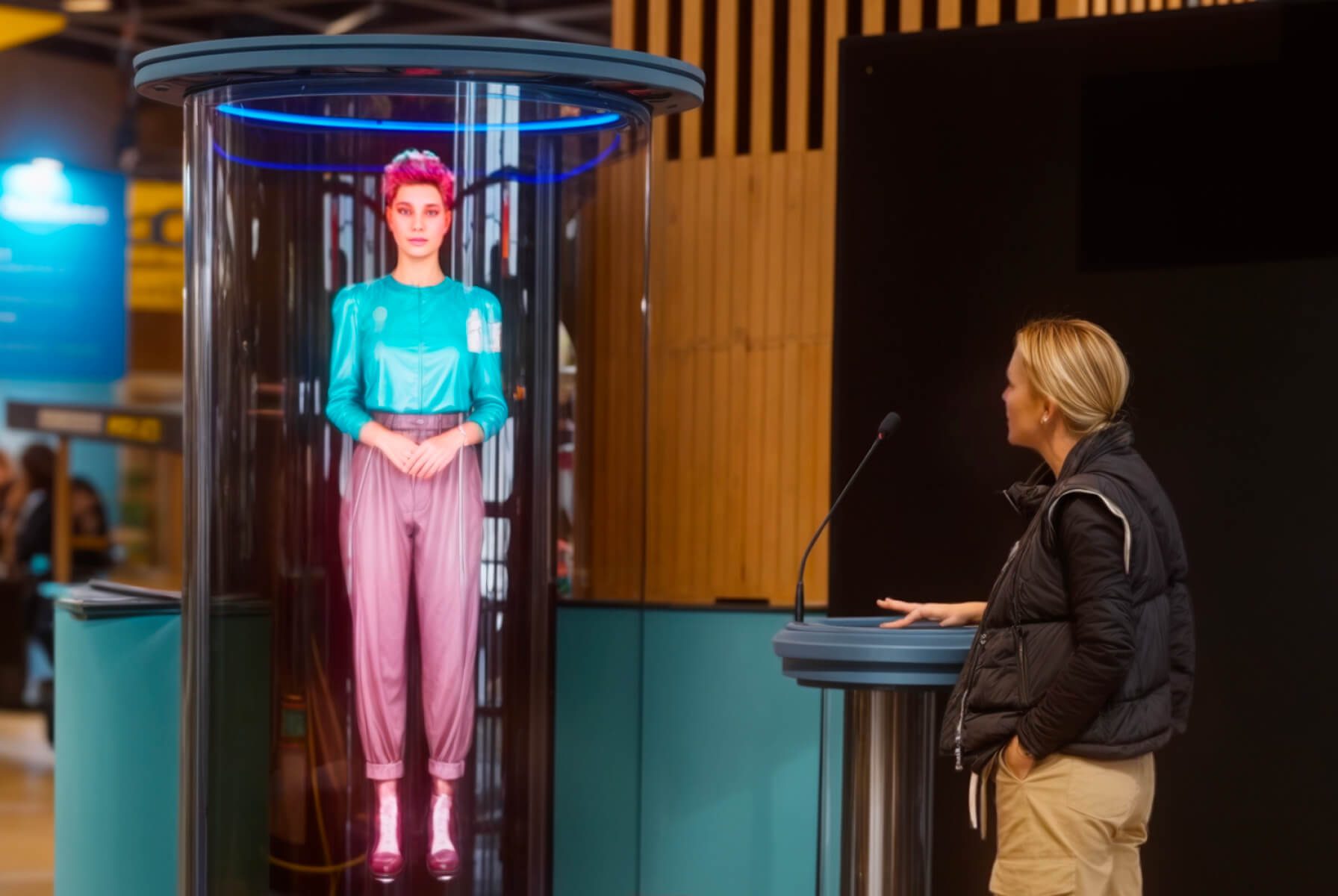
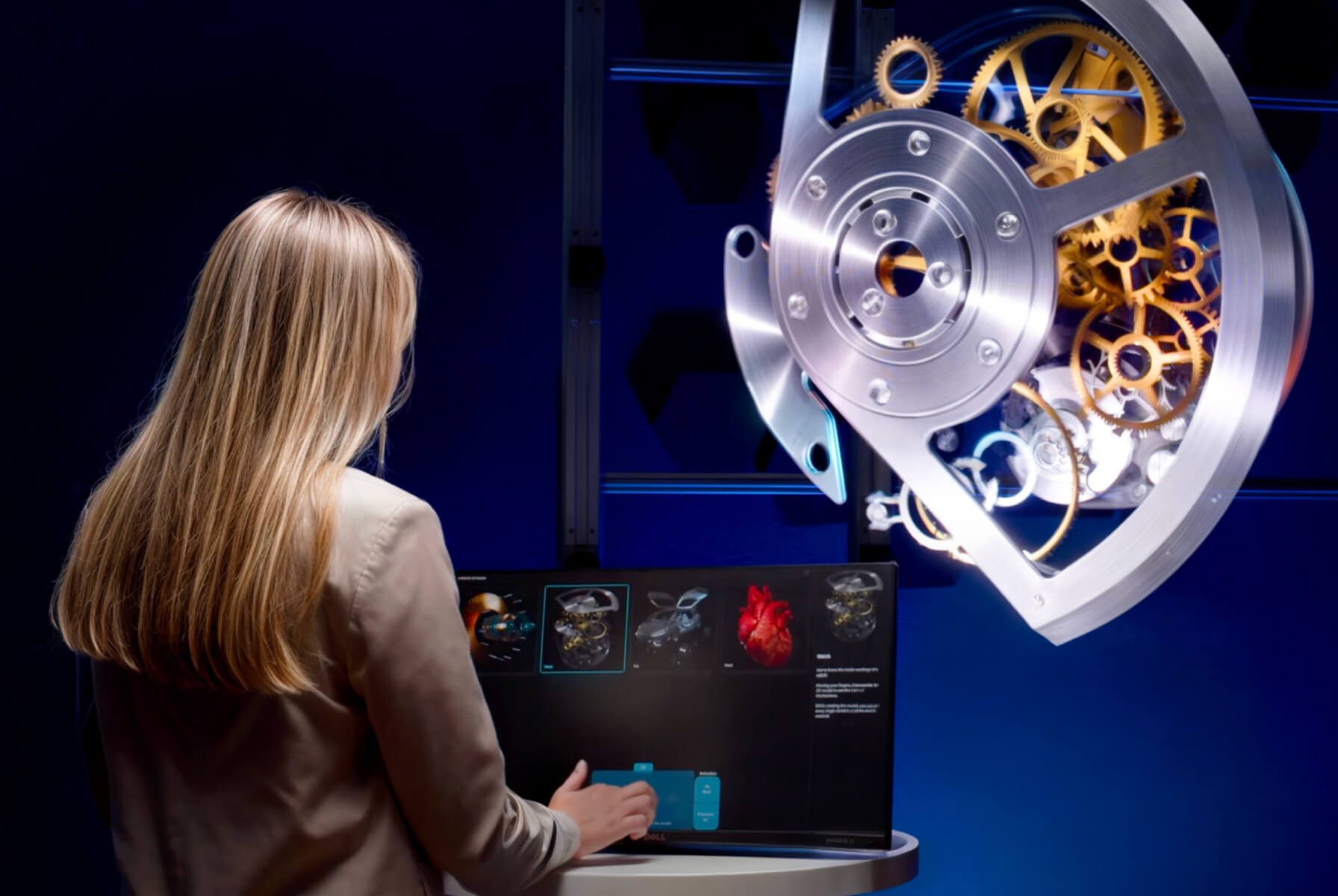
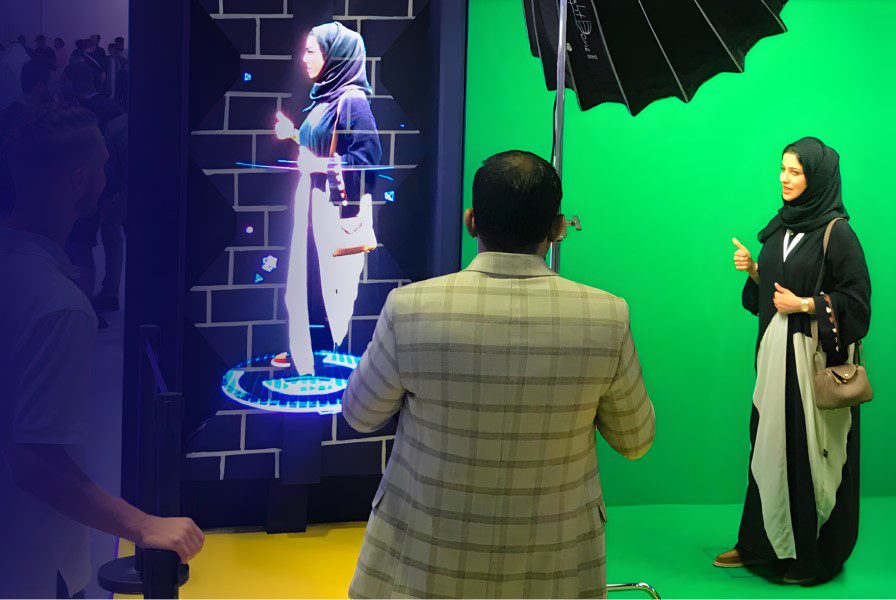
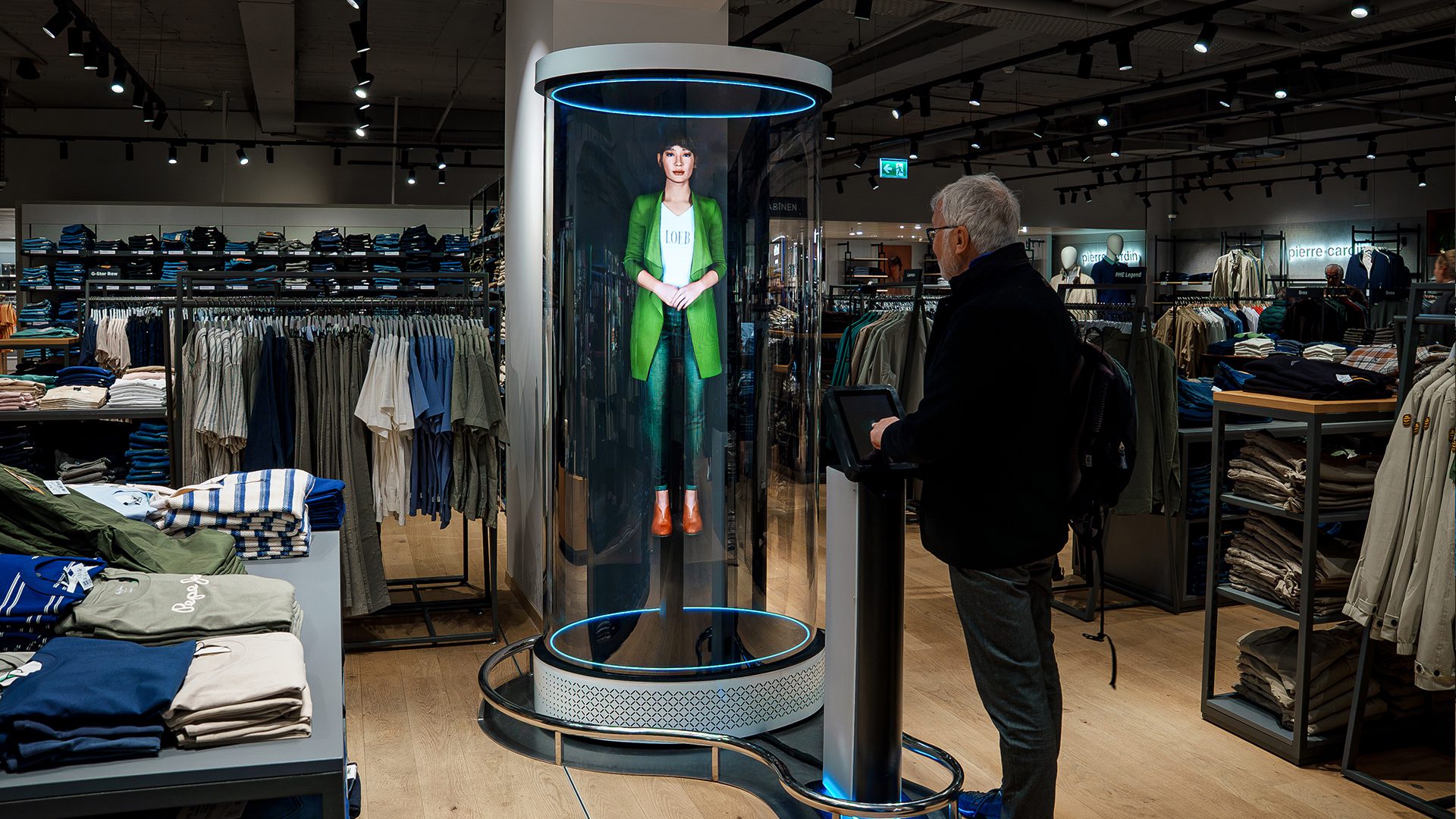
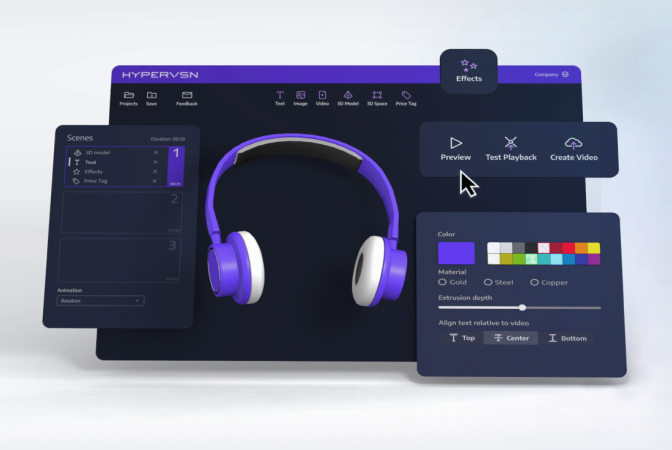
HDMI: HDMI mode allows the SmartV device to display content from external source devices, such as PCs, laptops, or media players, connected using an HDMI cable. This mode is used for interactive HYPERVSN solutions, including the Digital Avatar, 3D Modeller, and Live-Stream. It requires the SmartV Box to be set to a specific recommended resolution to ensure optimal image quality. 

Stream: In Stream mode, the SmartV device reproduces live content from a specified URL. The system supports the RTSP protocol with the h264 codec, allowing media to be streamed from external network links. 

Related Questions

Can’t find your answer?

4 Item in cart

HYPERVSN 3D Catalog

USD 1,200

Qty

Remove Item

HYPERVSN 3D Catalog

USD 1,200

Qty

Remove Item

HYPERVSN 3D Catalog

USD 1,200

Qty

Remove Item

Cart Subtotal:

USD 3,600