























Push the boundaries with HYPERVSN SmartV 3D Modeller

Edutain your customers with interactive holographic solution

Learn More

HYPERVSN

SmartV 3D Modeller for Interactive Holographic Models

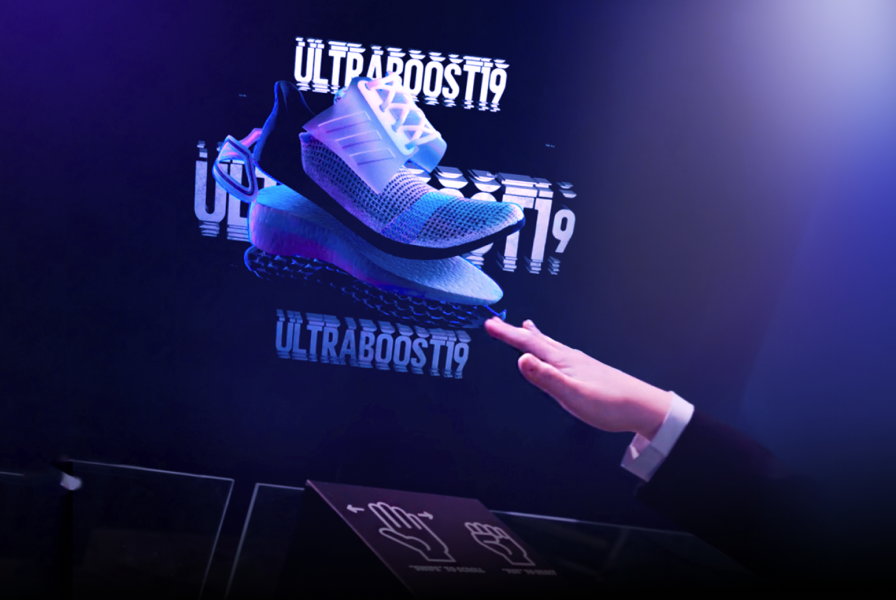
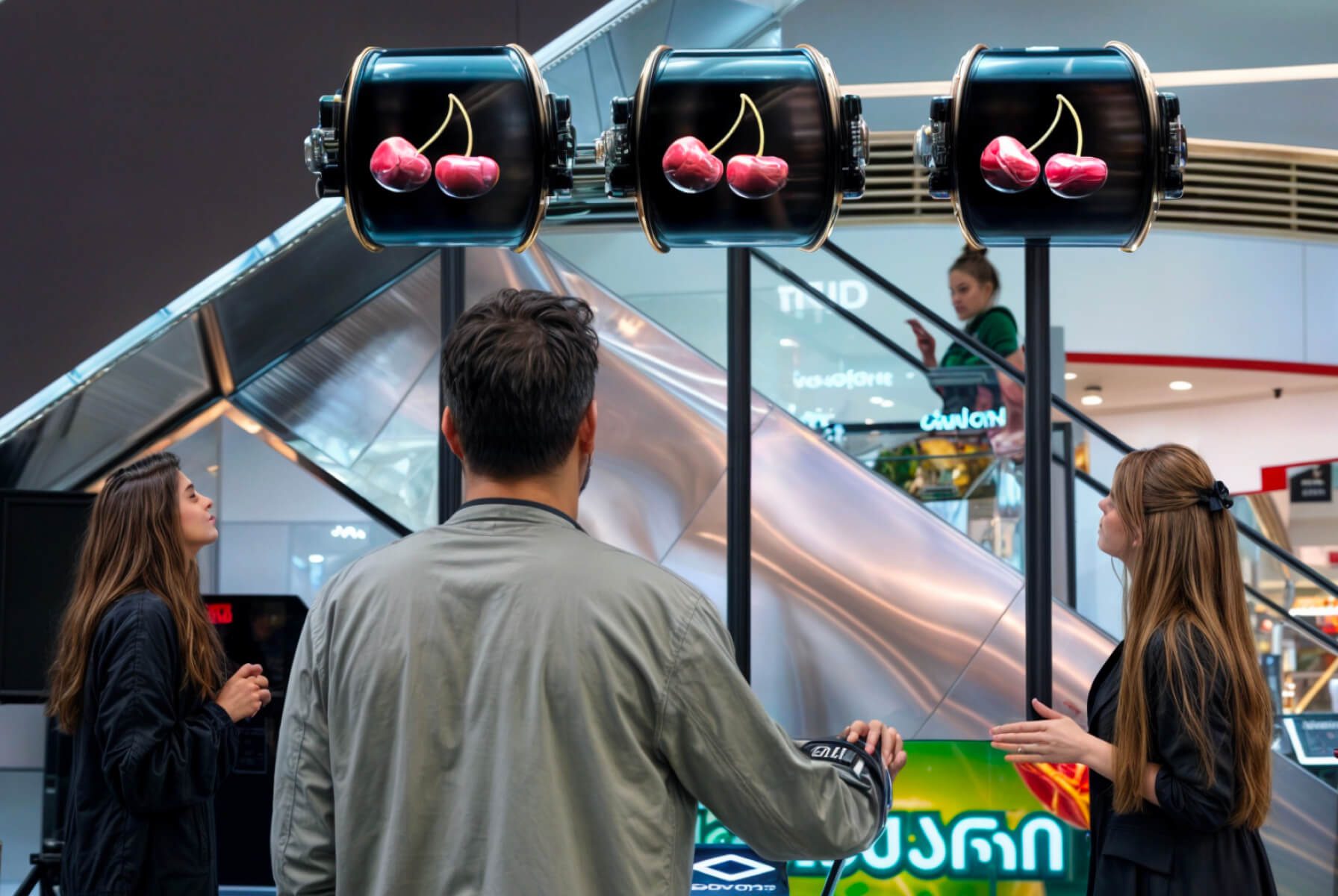
An interactive solution that allows viewers to actively manipulate 3D models with their own hands.

Boost Interactivity

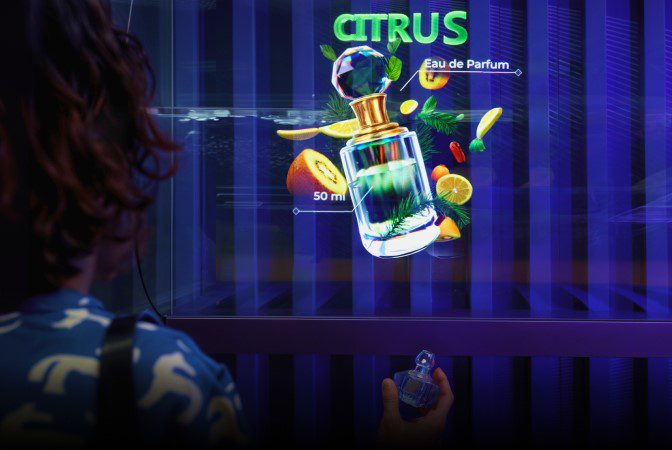
Give your audience the ability to virtually manipulate holographic images of your products.

Win New Customers

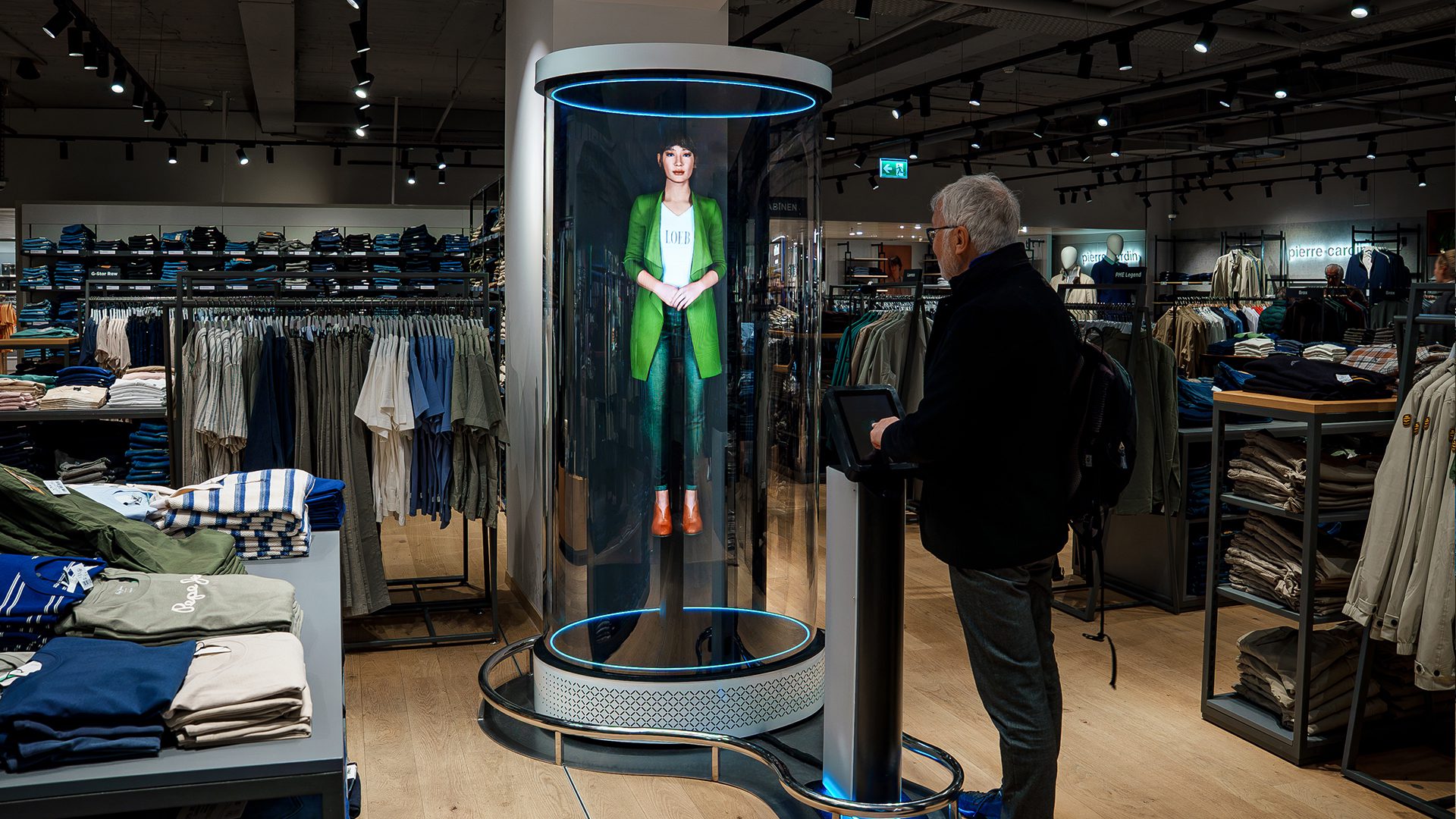
Boost foot traffic in-store with this mesmerising interactive holographic 3D solution.

Sky-rocket Engagement

Create an unparalleled user experience bringing the virtual world into eye-catching 3D reality.

Unparalleled features

Introducing SmartV 3D Modeller

Blow your customers minds with futuristic & interactive holographic 3D models at the tip of their fingers

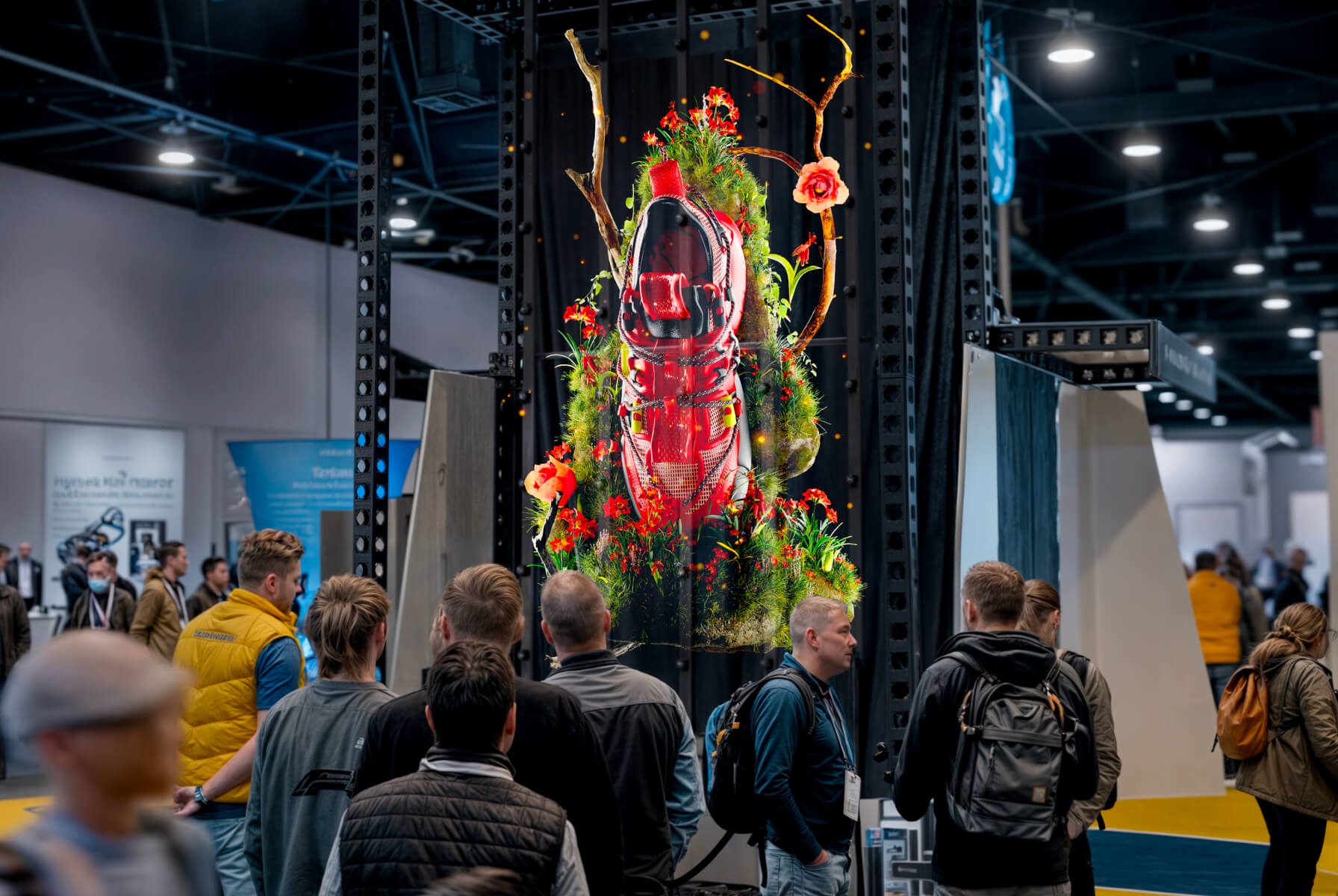
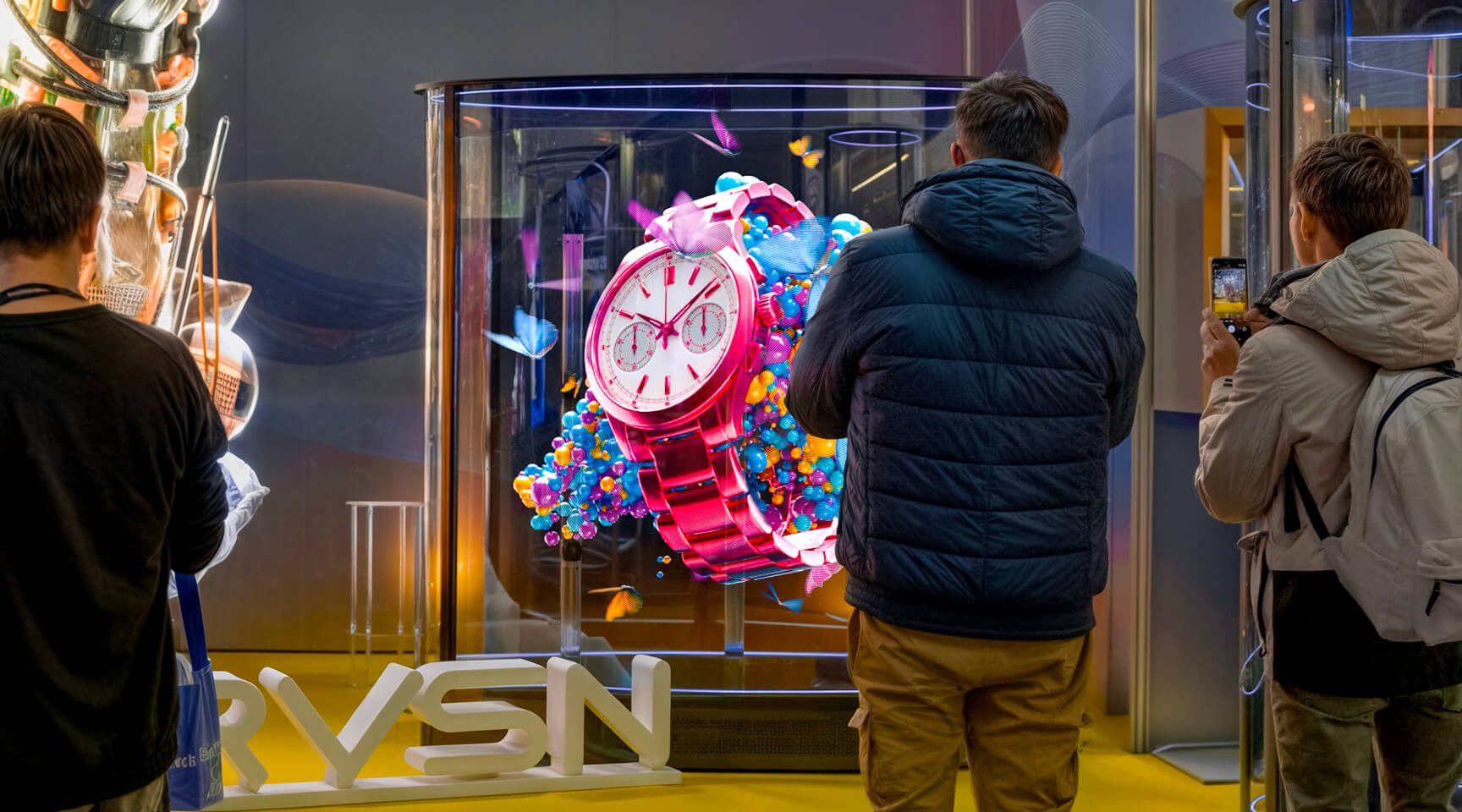
hypervsn in action

SmartV 3D Modeller for

Interactive Holographic Models

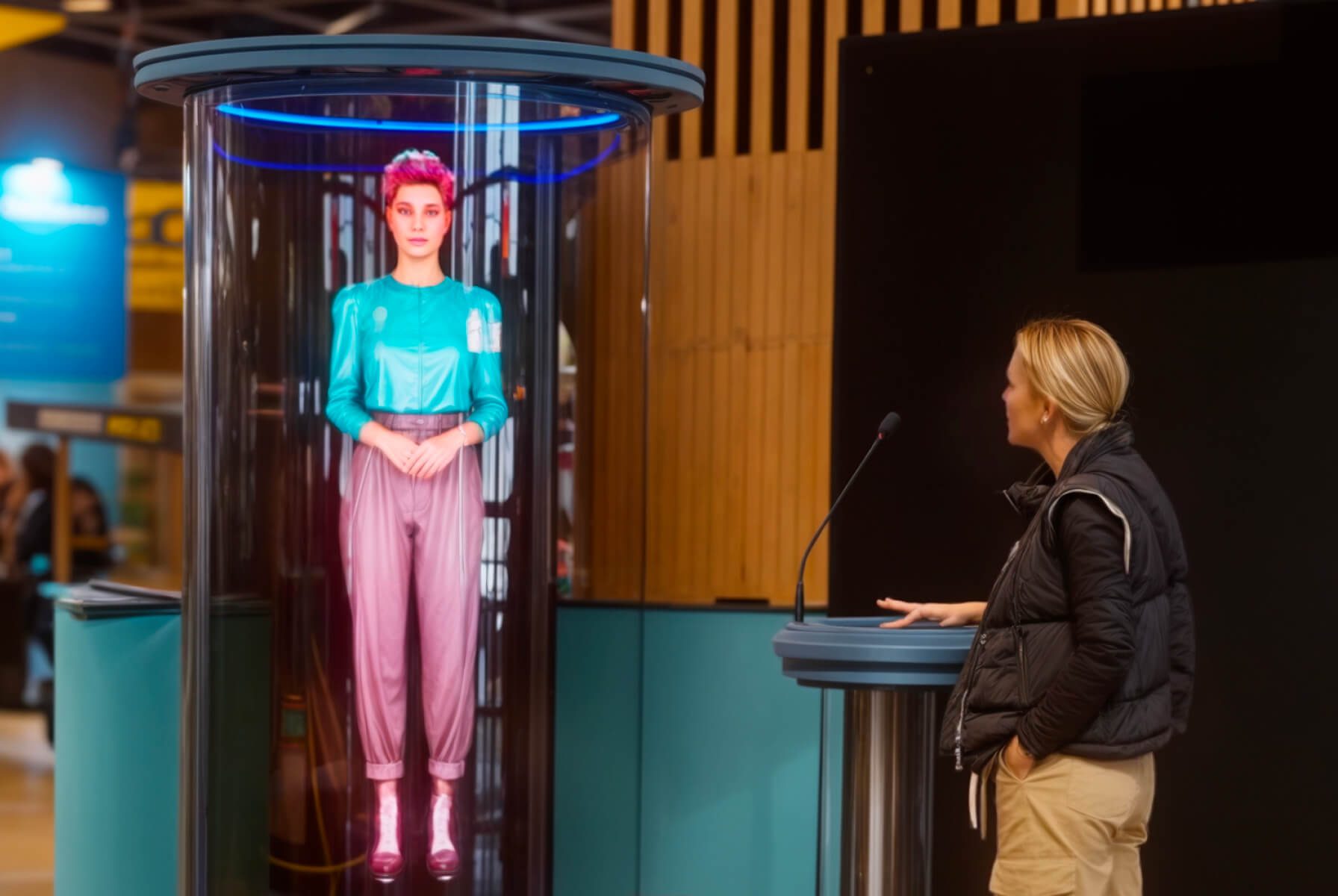
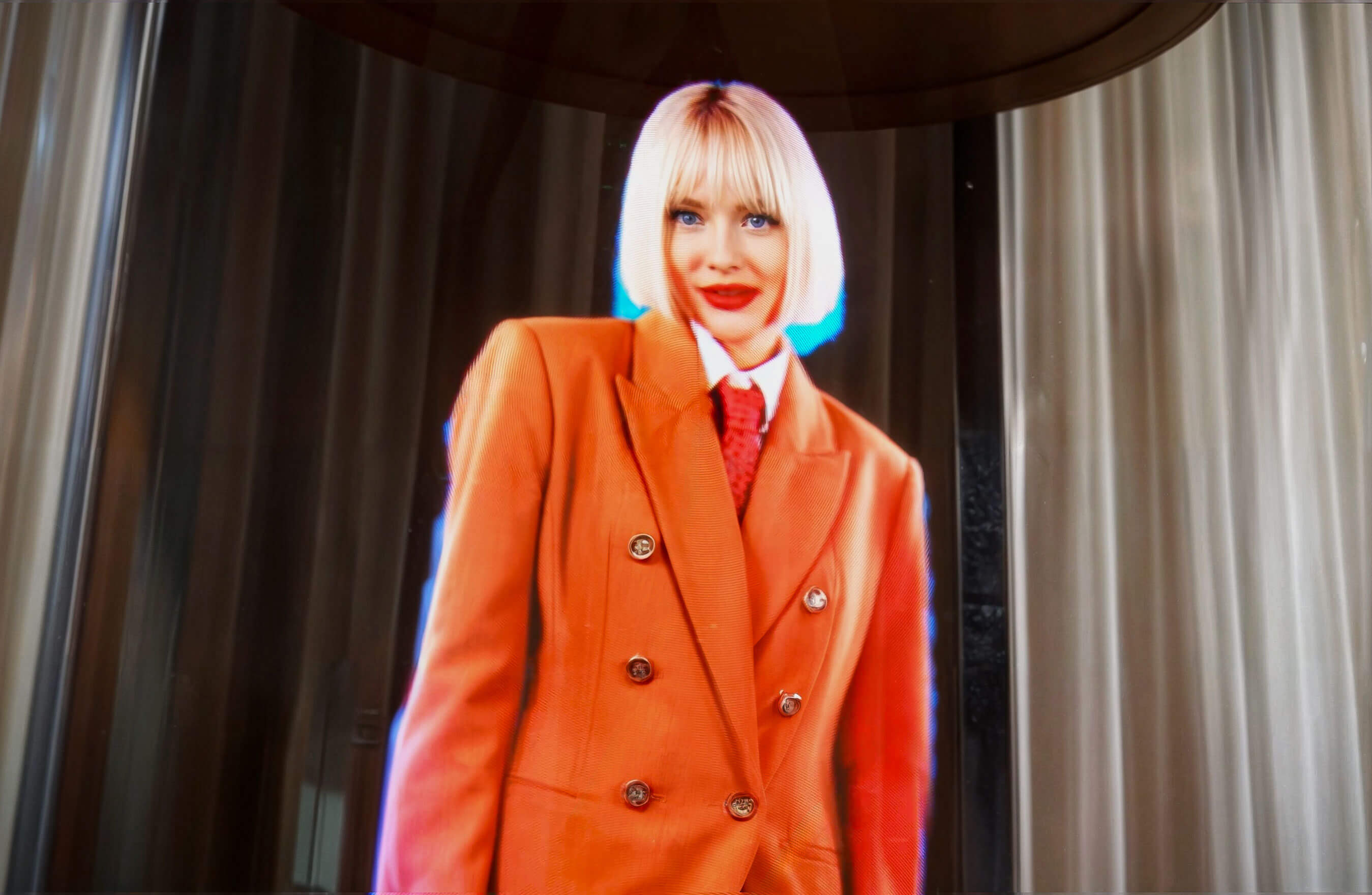
in Education, Automotive, Healthcare

Features

All-in-one SmartV 3D Modeller solution

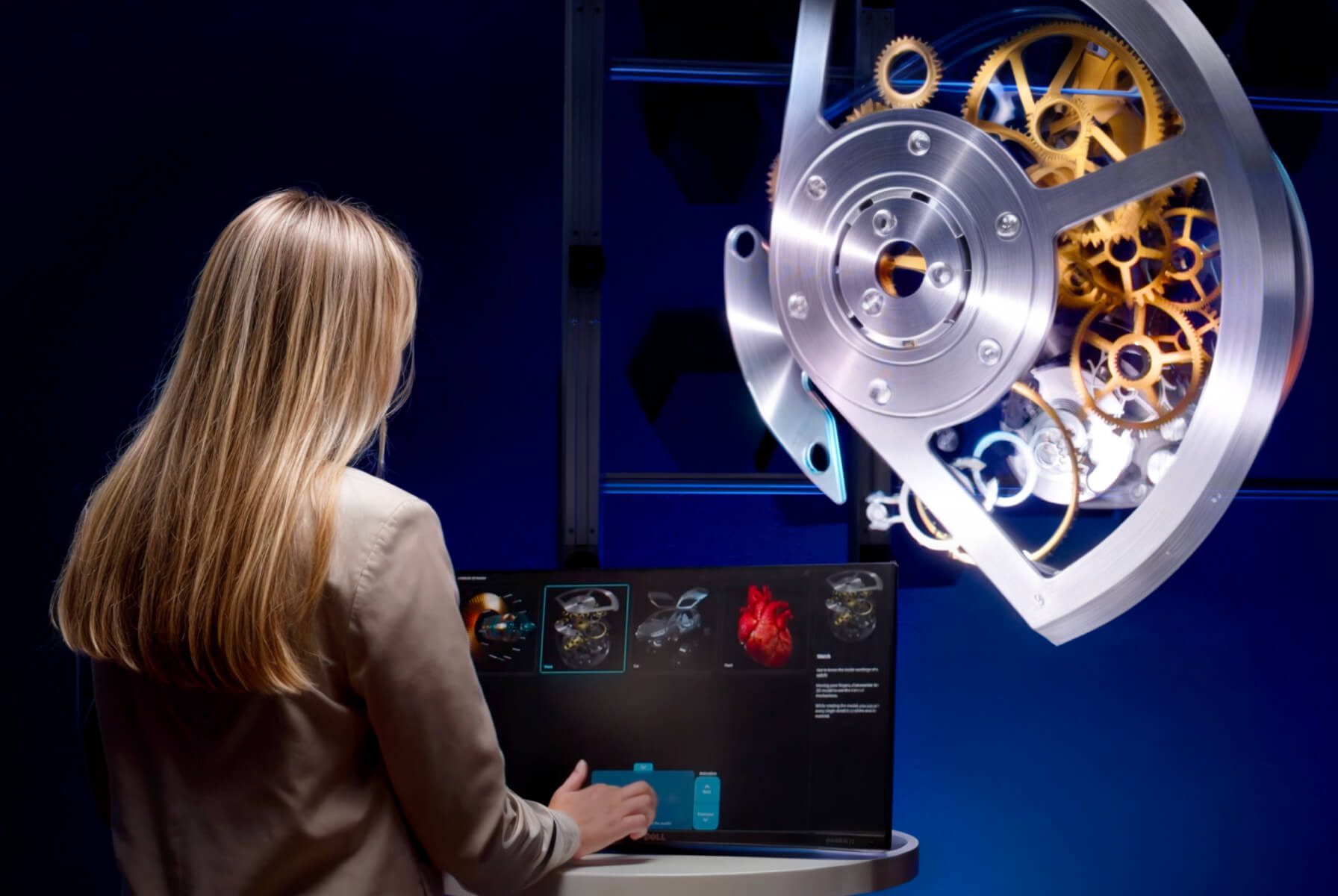
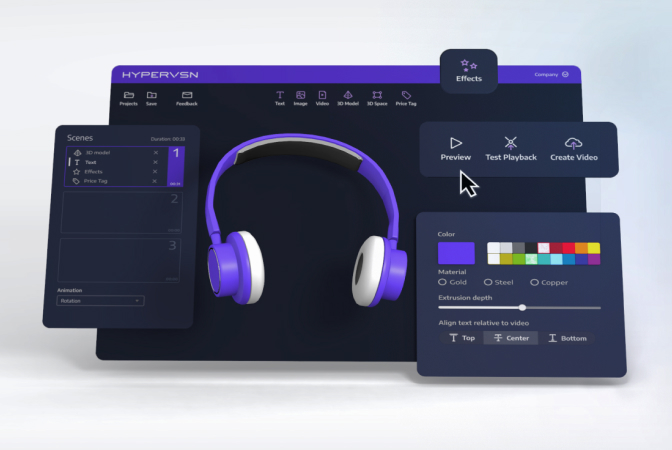
Complete, interactive technology solution, giving your audience the ability to virtually manipulate, rotate and display explosion 3D models with their hands!

Learn More

Increase engagement

Let the audience interact with your 3D products and services using our SmartV 3D Modeller solution.

Improve understanding

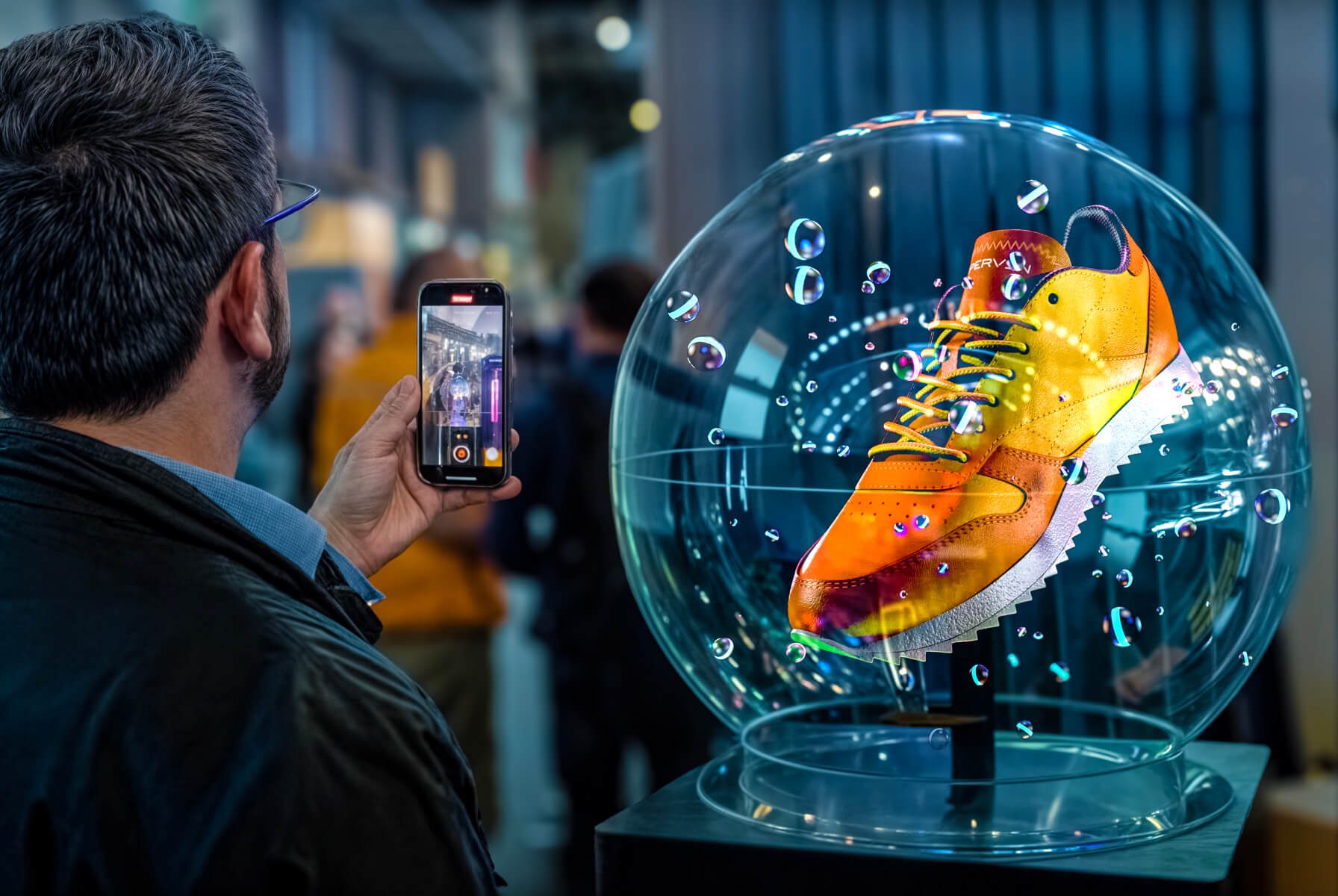
Use HYPERVSN SmartV 3D Modeller to show your product in immaculate, hi-definition details.

Contact-free solution

Use different types of controllers (including contact-free, if required) to create the best experience.

Boost message retention

Tell your brand story with a digital 3D model that people can manipulate with their very hands.

Business Values

SmartV 3D Modeller drives the numbers

Audience engagement hits the next level with the added excitement of interactivity.

Extends attention spans & attraction rates

Improves user engagement levels

Increases conversion & retention rates

Get your own Product Catalogue for SmartV 3D Modeller

Fill-in the form to get access to the product catalogue

    Form
    2994
    Get in touch

    Interested in SmartV 3D Modeller?

    To get more details or order HYPERVSN in-air holographic 3D Modeller please submit a request below.

      Need More Information?

      Frequently Asked Questions

      • How does 3D Modeller work?

        Visitors can explore the product in the form of hologram. Using a touchscreen or air mouse, they can virtually manipulate, rotate and zoom holographic 3D models.  

      • How can visitors interact with the 3D model?

        Visitors can use a touchscreen or air mouse to select models, rotate them and play animations. Camera-based hand-gesture control is currently in beta.  

      • What is the difference between 3D Modeller and 3D Library?

        3D Modeller lets the audience manipulate a single 3D model in real time: rotate, zoom, and explode the object using an air mouse or a touchscreen. 3D Library is a catalogue-style experience: visitors browse and select from multiple content items using a touchscreen, navigating categories and following a storytelling flow. 3D Modeller is best when deep exploration of one object matters. 3D Library is best when showcasing a range of products or content items. 

      • Can I show exploded views and disassembly animations?

        Yes. Exploded views are a core feature of 3D Modeller. Visitors can take an engine, watch, or other product apart on screen, explore its components and reassemble. Up to 10 animations per model can be added to highlight features, assembly steps, or product benefits. 

      • What types of objects or products can be displayed?

        Virtually any 3D-modelled objects can be visualised: engines, watch mechanisms, industrial machinery, human anatomy (skeletal, muscular, organ systems), molecular structures, consumer electronics, jewellery, and museum artefacts. The object does not need to exist physically – architectural concepts, engineering prototypes, and internal components can all be explored as holograms. 

      • Do I need to provide my own 3D models, or are there other options?

        The following content paths are available: 

        ● Use sample models, provided with the solution. 

        ● Upload your own 3D models in supported formats.  

        ● Order custom 3D models from Design Lab, HYPERVSN’s professional content creation service.  

      • Does 3D Modeller work with a single SmartV Solo or does it need a SmartV Wall?

        3D Modeller is available with a single SmartV Solo or SmartV Wall. SmartV Wall is available in the following layouts: 3×2, 3×3, 4×3, or 4×4.  

      • What industries and use cases work best for 3D Modeller?

        3D Modeller is ideal wherever people benefit from exploring an object in detail, from every angle. 3D Modeller works especially well for: 

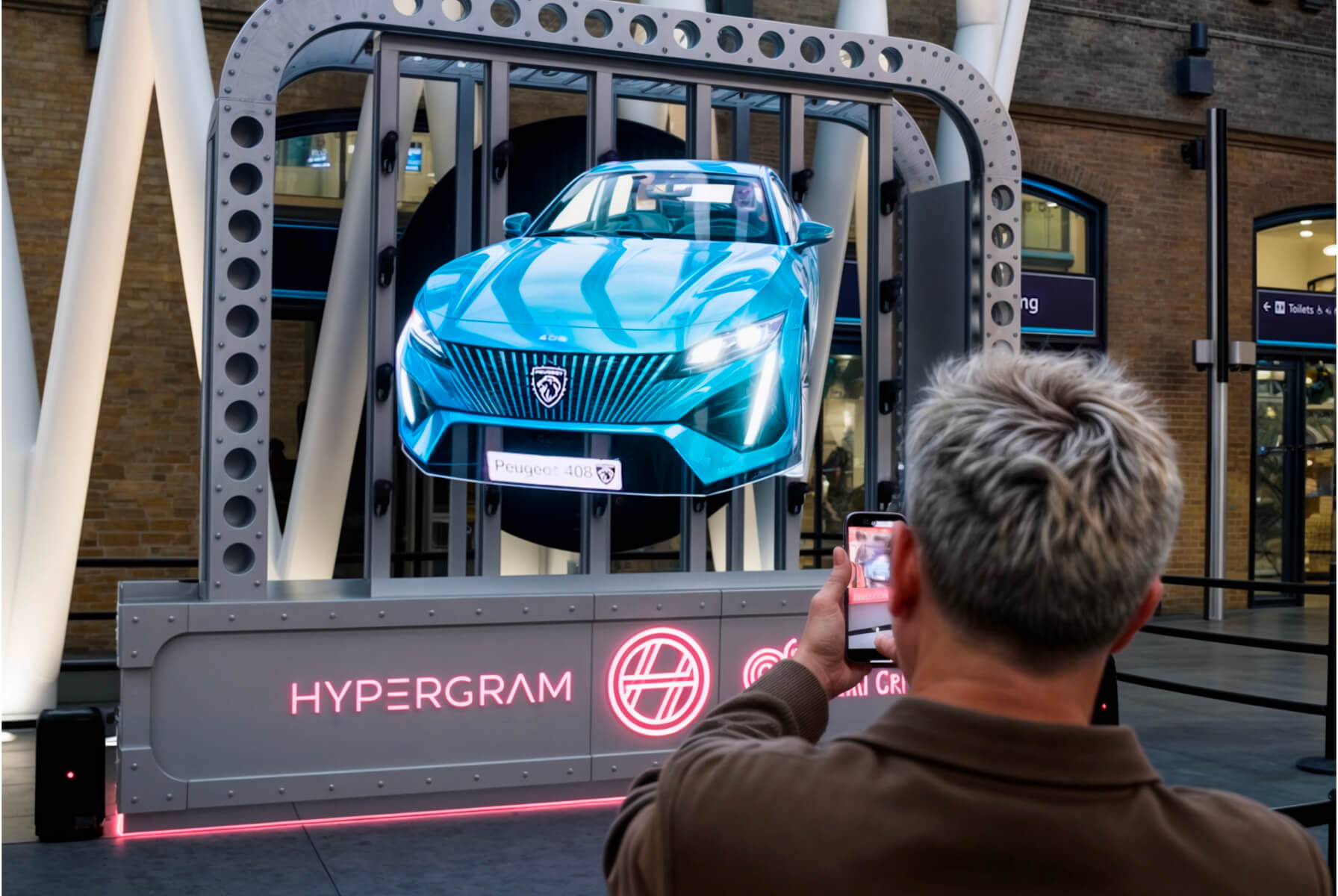
        ● Automotive showrooms and training centres: Let customers and trainees rotate, zoom, and disassemble engines, powertrains, and other complex assemblies. 

        ● Luxury watch brands: Show magnified views of intricate mechanisms to support customer storytelling and technician training. 

        ● Industrial equipment manufacturers: Use exploded views at trade shows to explain internal components and how products work. 

        ● Real estate: Guide visitors through interactive 3D walkthroughs of master plans and developments. 

        ● Medical and pharmaceutical institutions: Support anatomy education and help users explore medical devices. 

        ● Museums and exhibitions: Create interactive exhibits that let visitors examine objects and discover their stories. 

        3D Modeller can be used for both permanent installations and short-term event activations. 

      • Are hand gestures reliable enough for live events?

        For live events, HYPERVSN recommends a touchscreen or air mouse as the primary interaction. Gesture control is available but currently in beta. A camera positioned behind the holographic unit captures hand movements, but in crowded event environments, bystanders can interfere with the tracking. Check with the HYPERVSN team for the latest availability and supported gesture hardware for the future event plan. 

      • What happens when no one is interacting?

        Yes. When no visitor is interacting, the model auto-rotates to keep the installation visually active and draw attention. If more than one model is loaded, the system automatically switches between them at set intervals. 

      4 Item in cart

      HYPERVSN 3D Catalog

      USD 1,200

      Qty

      Remove Item

      HYPERVSN 3D Catalog

      USD 1,200

      Qty

      Remove Item

      HYPERVSN 3D Catalog

      USD 1,200

      Qty

      Remove Item

      Cart Subtotal:

      USD 3,600