10 Holographic Store Display Ideas to Transform the Retail Experience
05 October 2021 • 7 min read
Main page » Marketing Tips » 10 Holographic Store Display Ideas to Transform the Retail Experience
Physical retail is no longer just about displaying products. It is about creating experiences that attract attention, communicate value, and give customers a reason to step inside.
As shoppers move between online and offline channels, retailers need new ways to make their stores memorable. Traditional window displays, printed signage, and digital screens remain useful, but they can struggle to stand out in visually crowded retail environments.
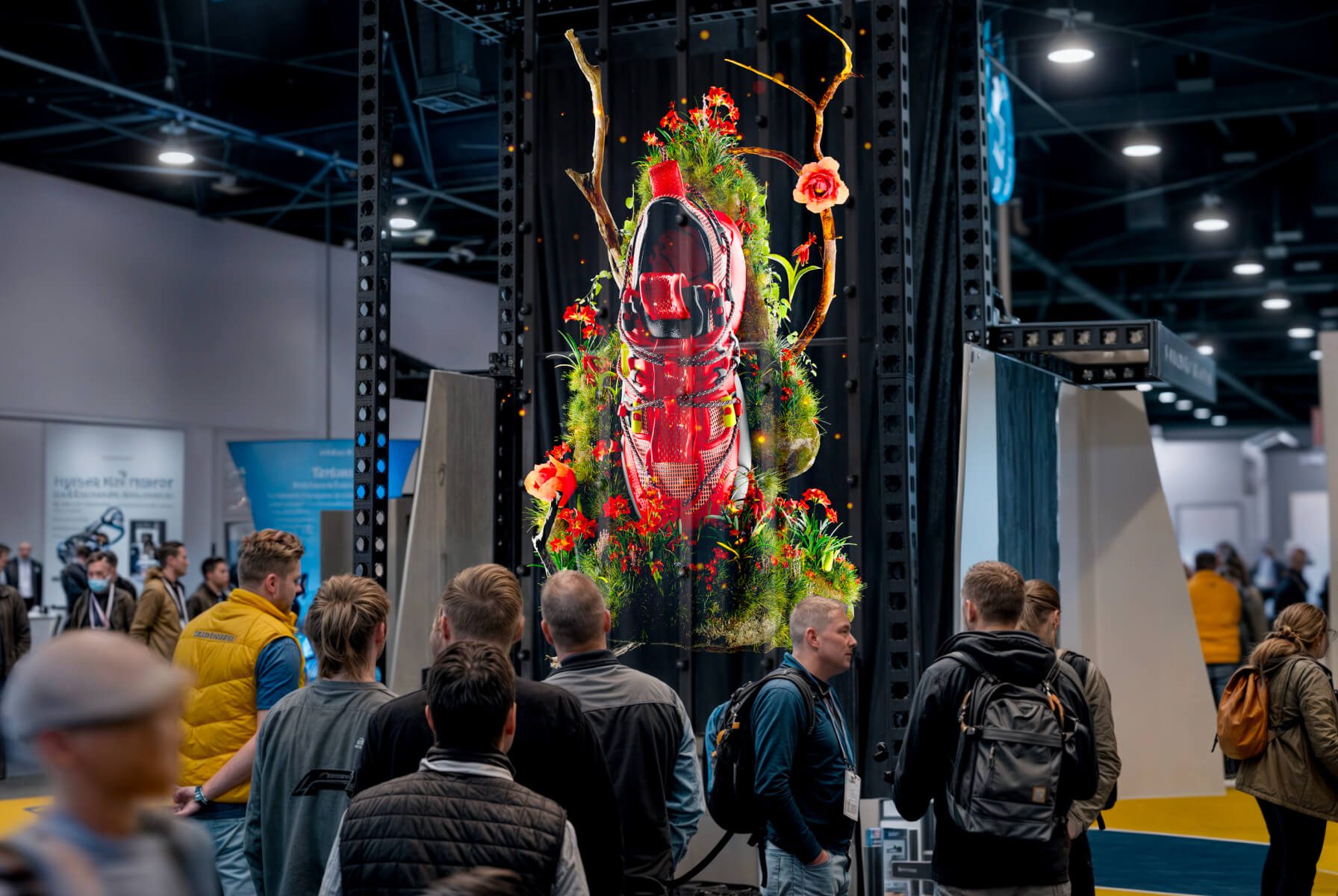
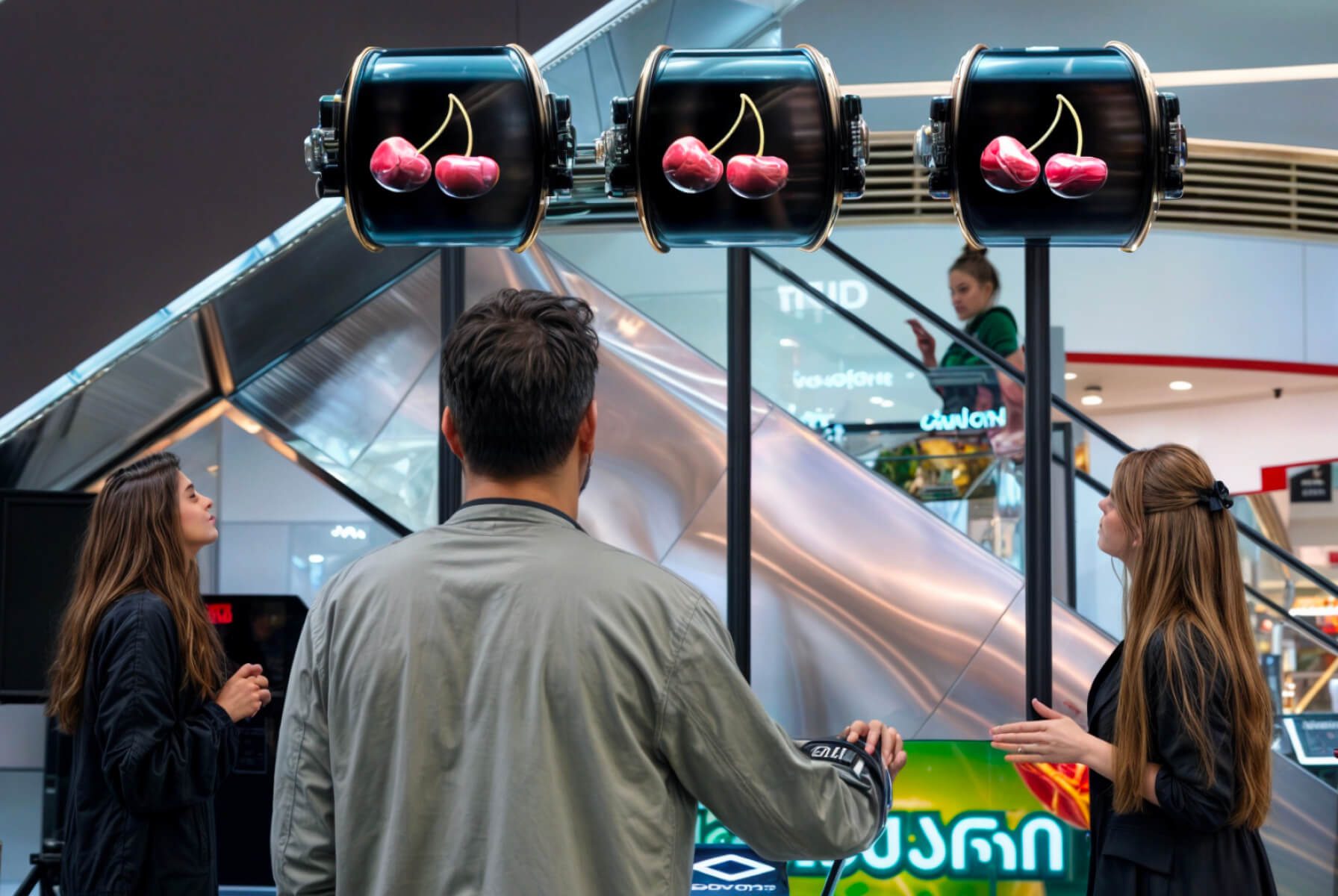
Holographic store displays offer another way to showcase products, tell brand stories, and create immersive in-store experiences using eye-catching 3D visuals. From floating product animations in shop windows to interactive holographic brand ambassadors, retailers can use this technology across the customer journey.
In this guide, we explore 10 holographic display ideas for retail, explain how to put them into practice, and share real-world examples of brands using HYPERVSN technology to rethink their physical retail experiences.
What Are Holographic Store Displays?
Holographic store displays are visual merchandising solutions that present 3D-looking digital content in a physical retail environment. Depending on the technology, the effect can make products, animations, or digital characters appear to float in space.
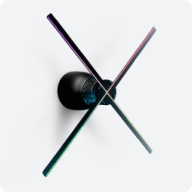
HYPERVSN uses specialised LED-based display systems to create the illusion of floating 3D visuals without requiring viewers to wear glasses. Multiple devices can also be combined into larger installations.
Retailers can use these displays in shop windows, at points of sale, near store entrances, and during product launches or promotional events.
Common applications include:
Product promotion: Present products in 3D and highlight their distinctive features.
Window displays: Attract attention from passers-by with dynamic visual storytelling.
Brand experiences: Turn campaign concepts, mascots, and brand assets into immersive visuals.
Interactive retail: Encourage shoppers to engage with content through supported interaction technologies.
In-store communication: Present promotional messages, product information, and campaign visuals.
The most effective installations start with a clear retail objective. The technology should support the product, message, and customer experience—not simply add a futuristic effect.
A storefront is often the first interaction a customer has with a retail brand. A distinctive window display can help a store stand out on a busy high street or in a shopping mall.
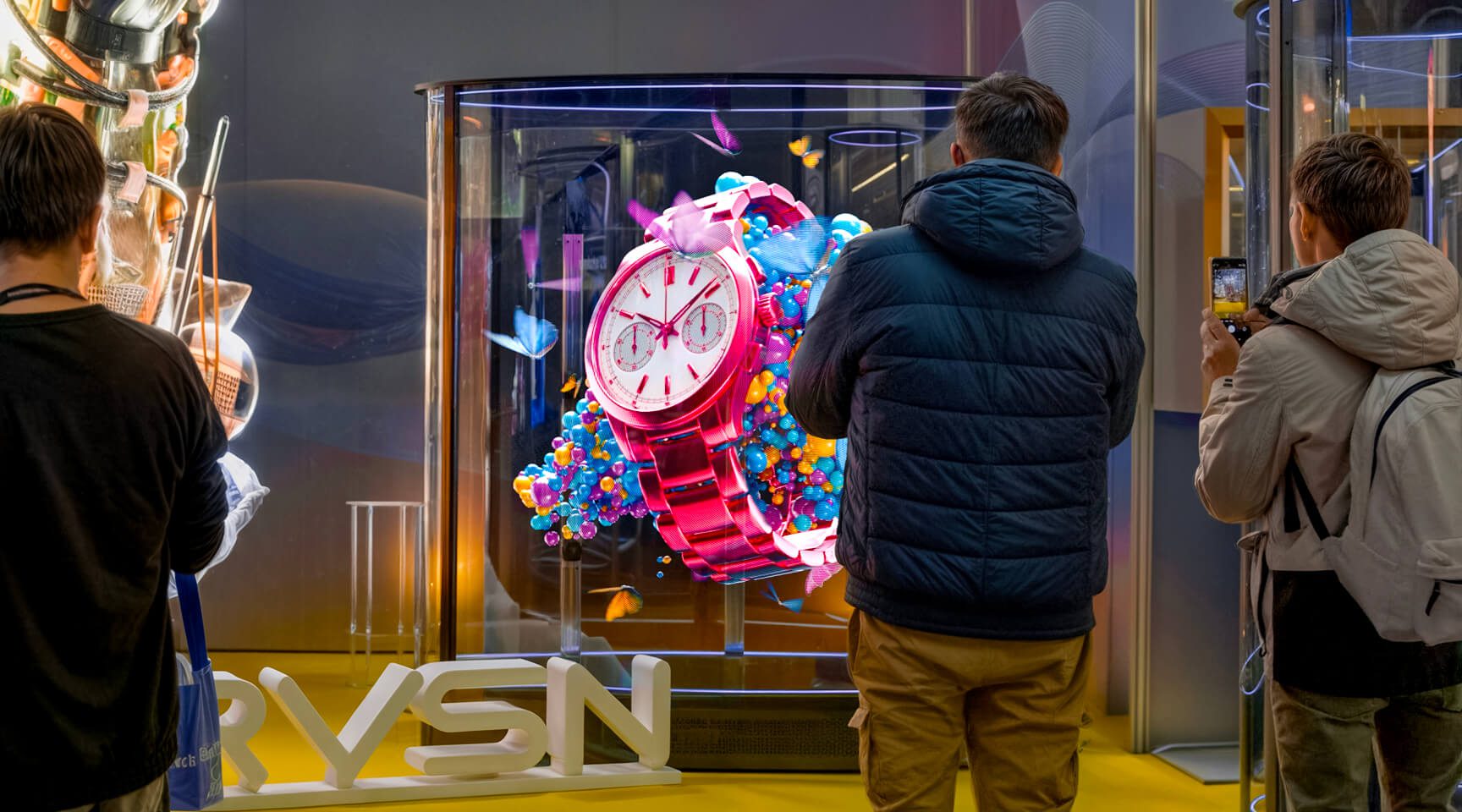
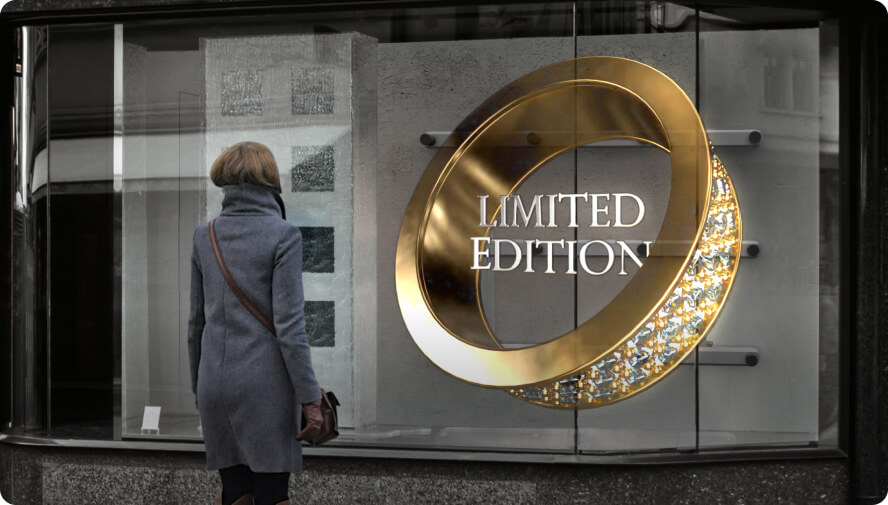
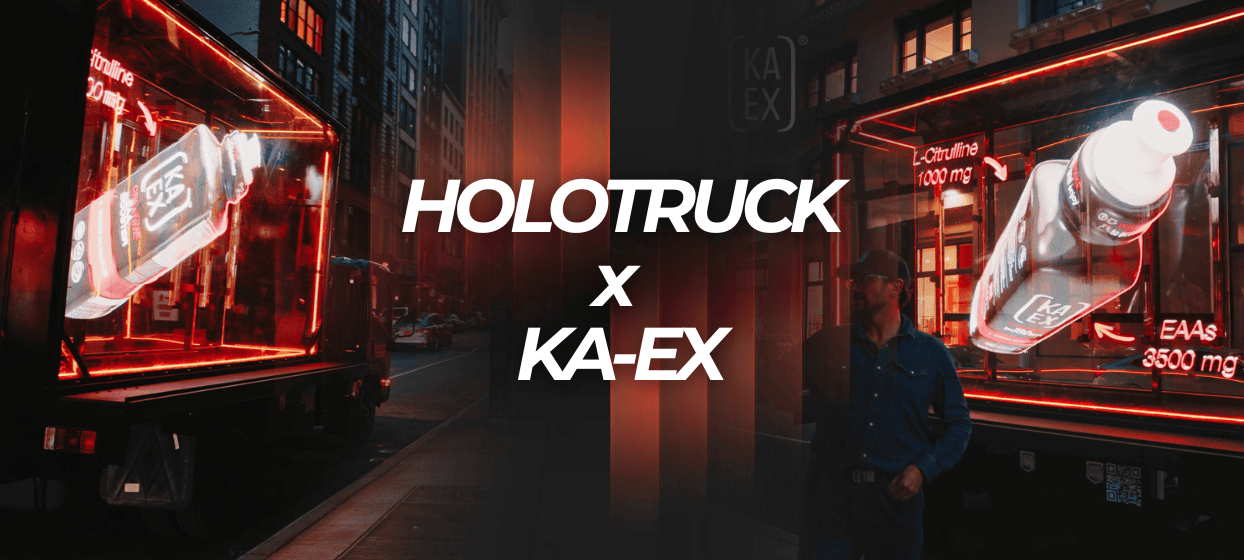
3D holographic window displays add movement and visual depth to storefront merchandising. Instead of relying exclusively on static posters or conventional screens, retailers can showcase floating product visuals, animated brand elements, or seasonal creative.
How to use this idea:
Highlight a new product or limited-edition collection.
Create a visual centrepiece for a flagship store.
Combine holographic content with physical props, lighting, and printed campaign graphics.
Adapt the creative to product launches, seasonal campaigns, and retail events.
For the best results, design the content around the actual viewing conditions. Consider ambient light, viewing distance, window reflections, pedestrian flow, and the amount of time people have to notice the display.
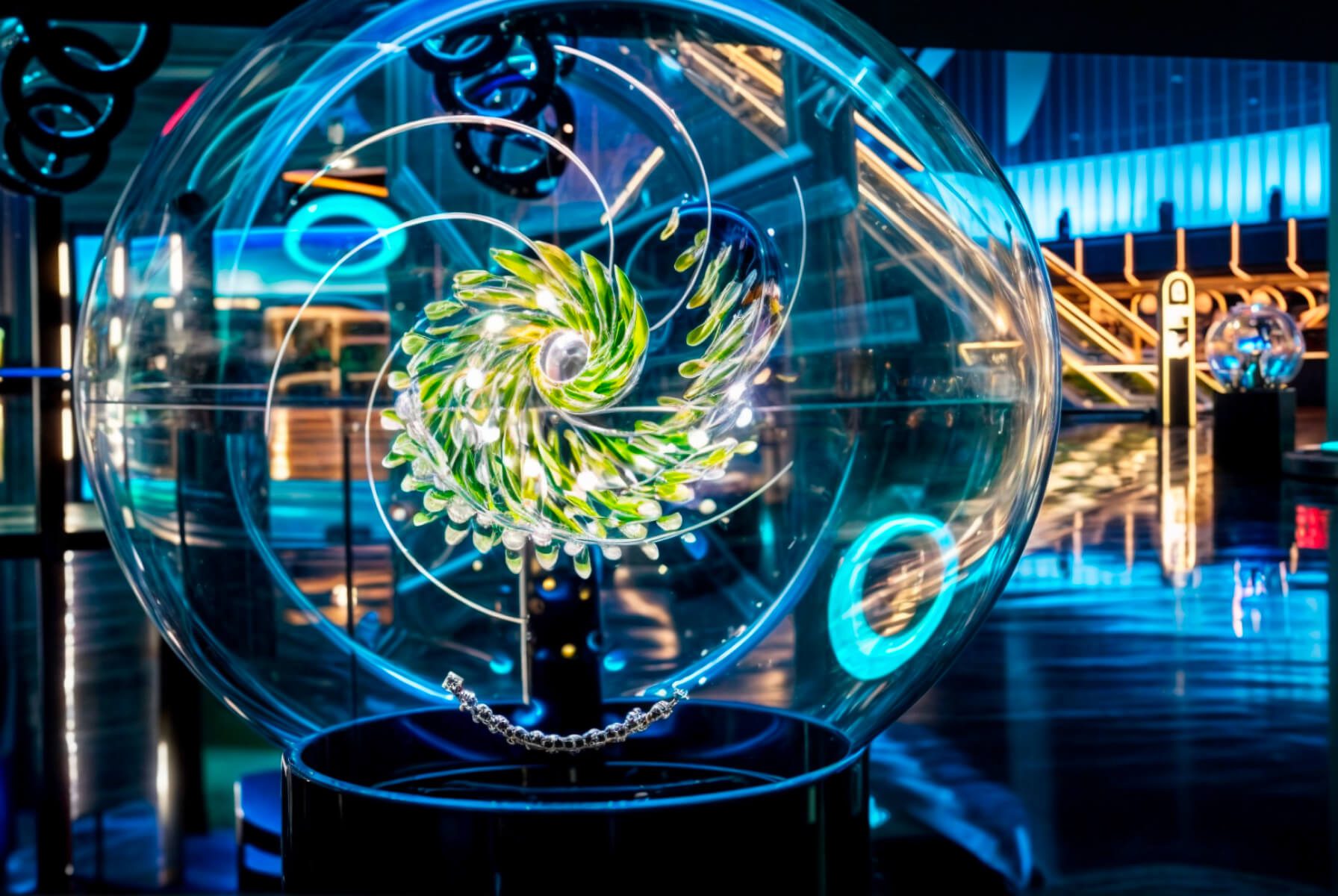
Real-world example: HYPERVSN worked with Swarovski on storefront installations at Harrods in London and Galeries Lafayette in Paris. The campaign used 3D holographic visuals to showcase jewellery and connect the collection with the wider brand story.
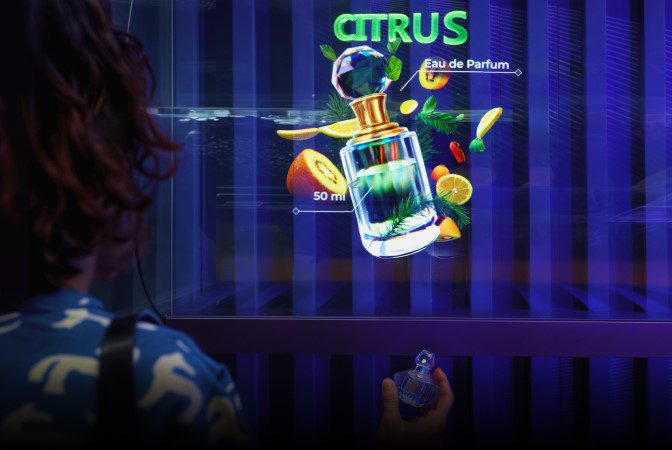
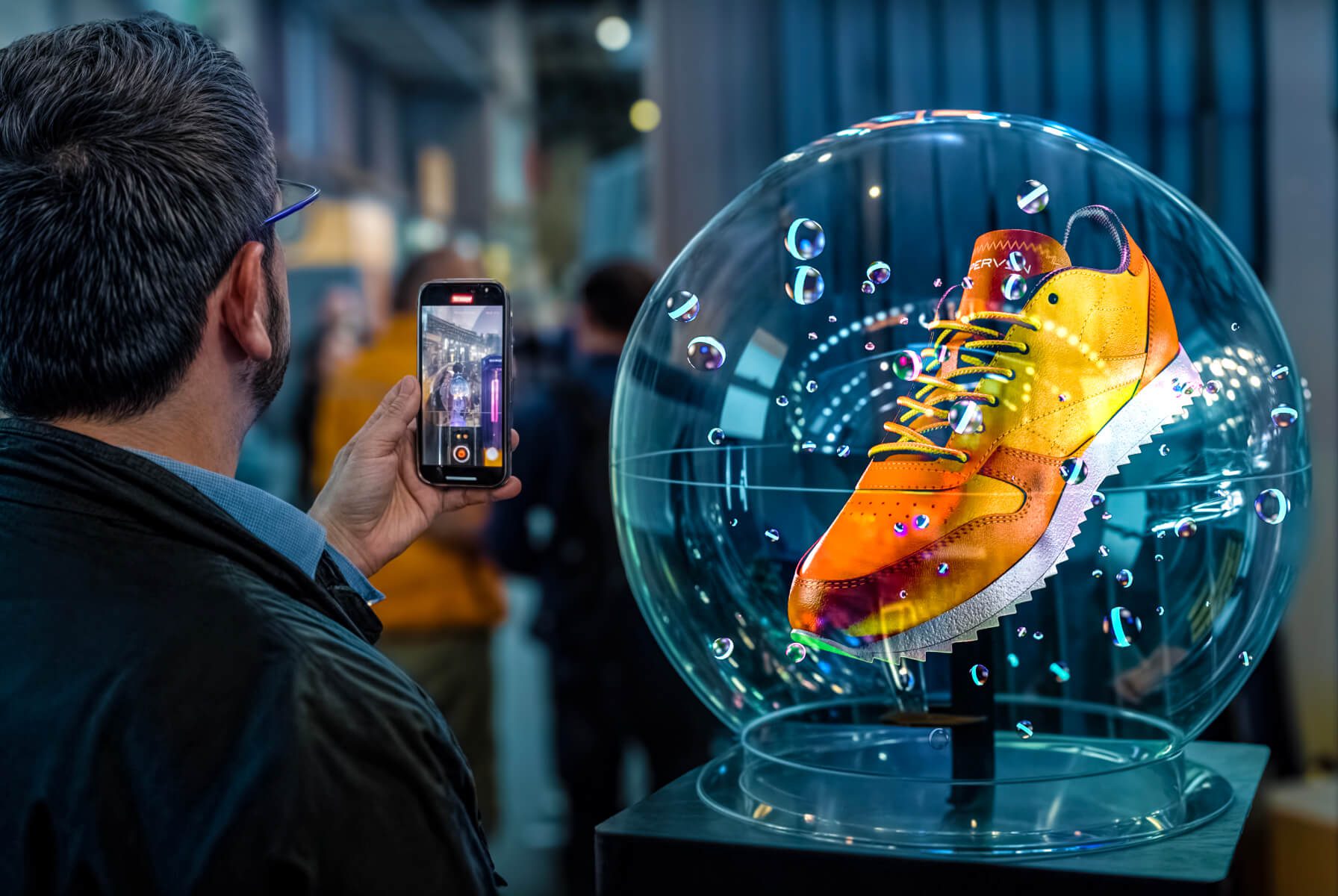
Some products are difficult to communicate through a flat image alone. Intricate details, distinctive shapes, internal components, and premium finishes can benefit from a more dynamic presentation.
A 3D holographic product display allows shoppers to see a digital representation of an item from different angles and appreciate features that might otherwise be overlooked.
This approach can be especially relevant for consumer electronics, beauty products, jewellery, footwear, automotive components, and premium consumer goods.
How to use this idea:
Rotate a product to showcase its design.
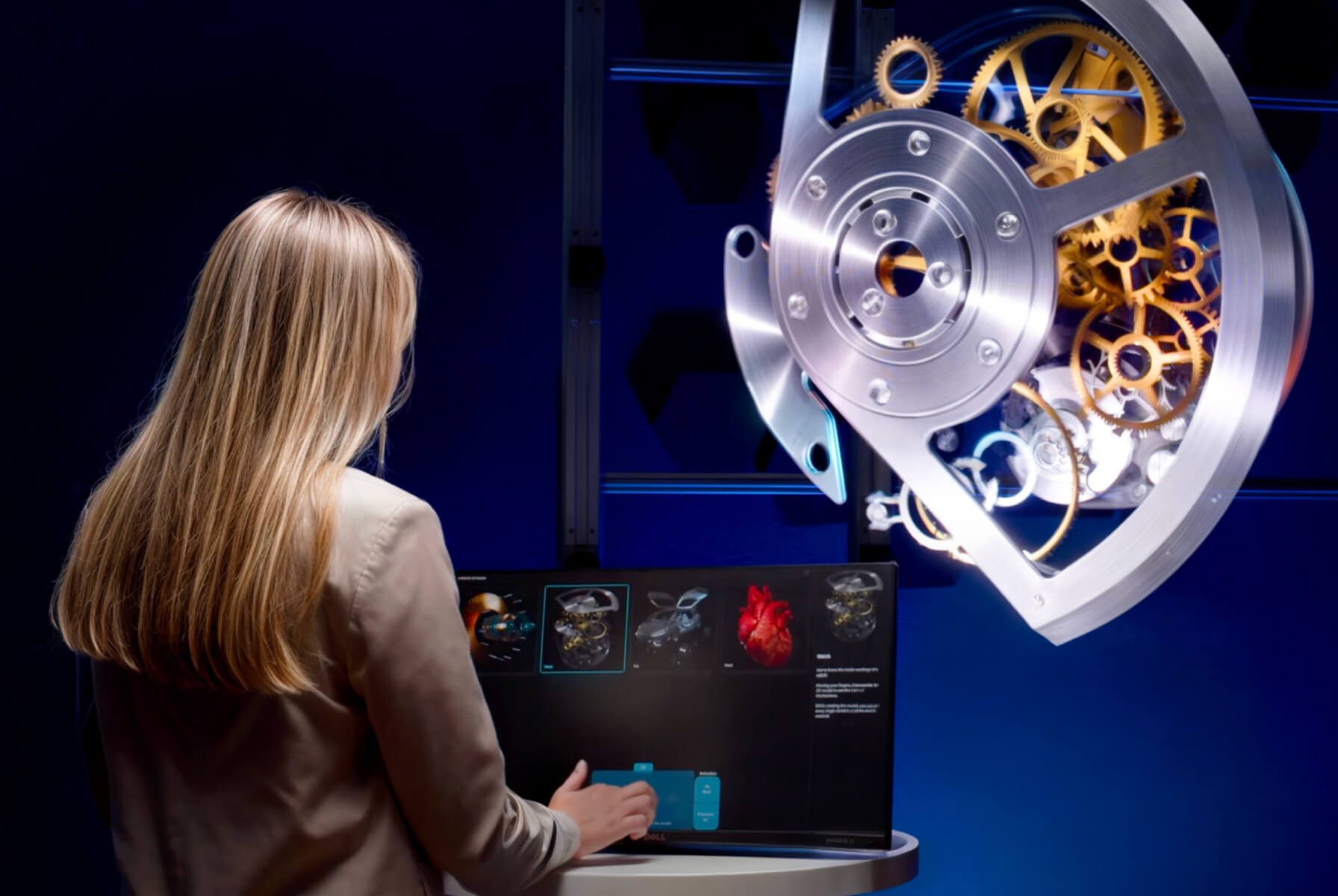
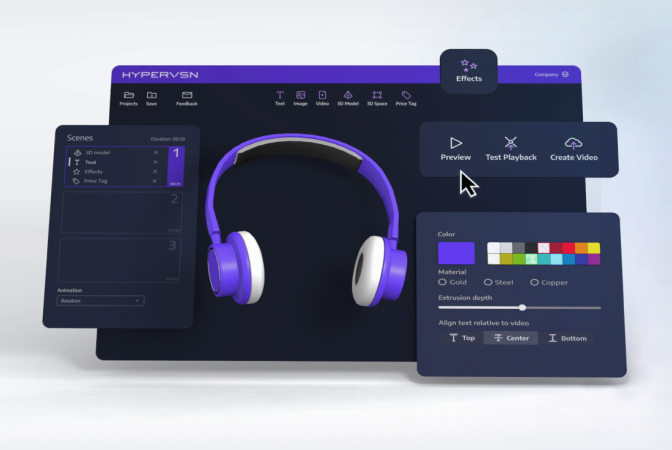
Animate individual components to explain how a product works.
Highlight materials, technical features, or signature details.
Create a visual demonstration for products that are difficult to display physically.
Keep the animation focused on the product’s real benefits. A clear demonstration of one distinctive feature is often more useful than an elaborate animation that leaves shoppers unsure what they are seeing.
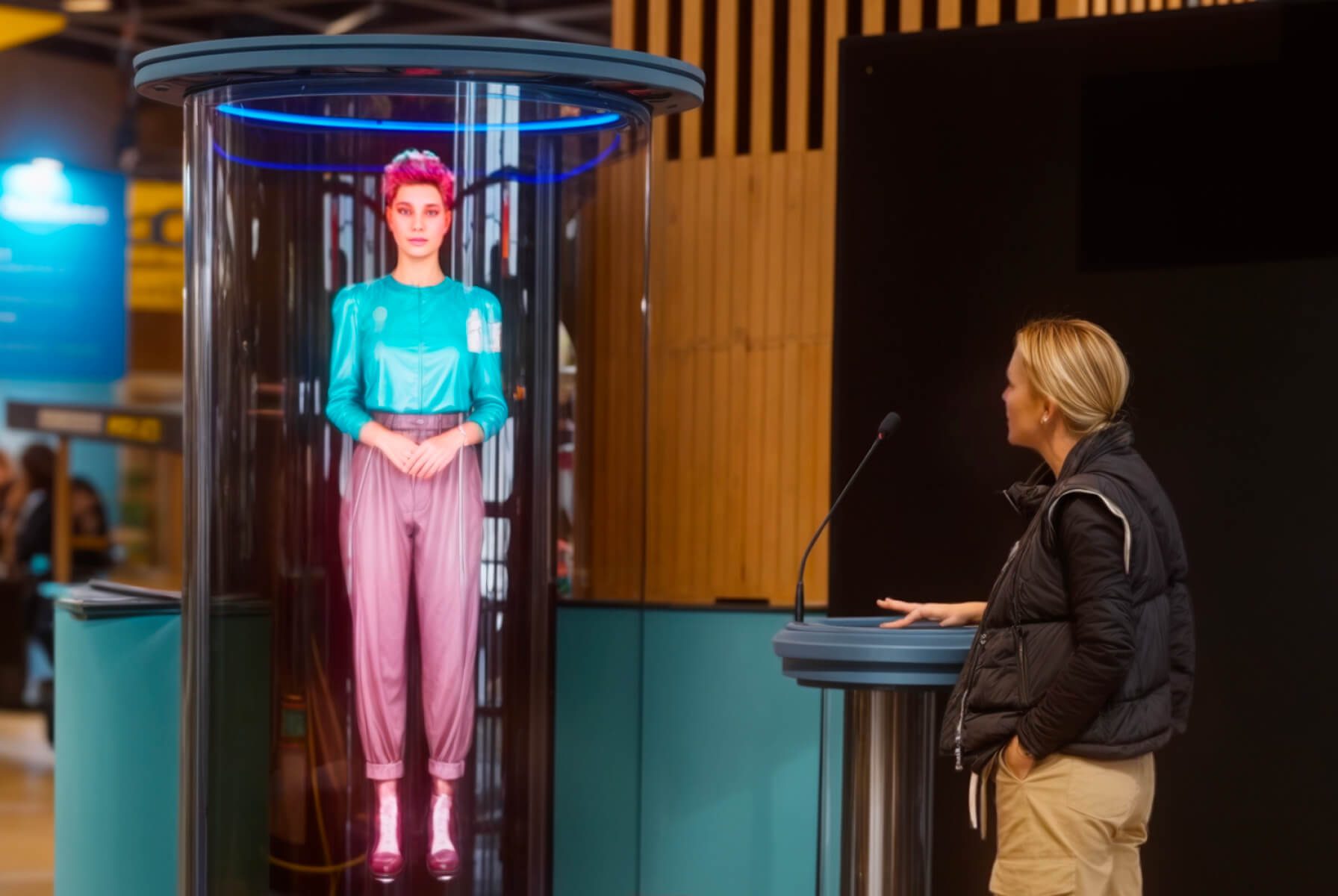
3. Bring Your Brand to Life with Holographic Humans
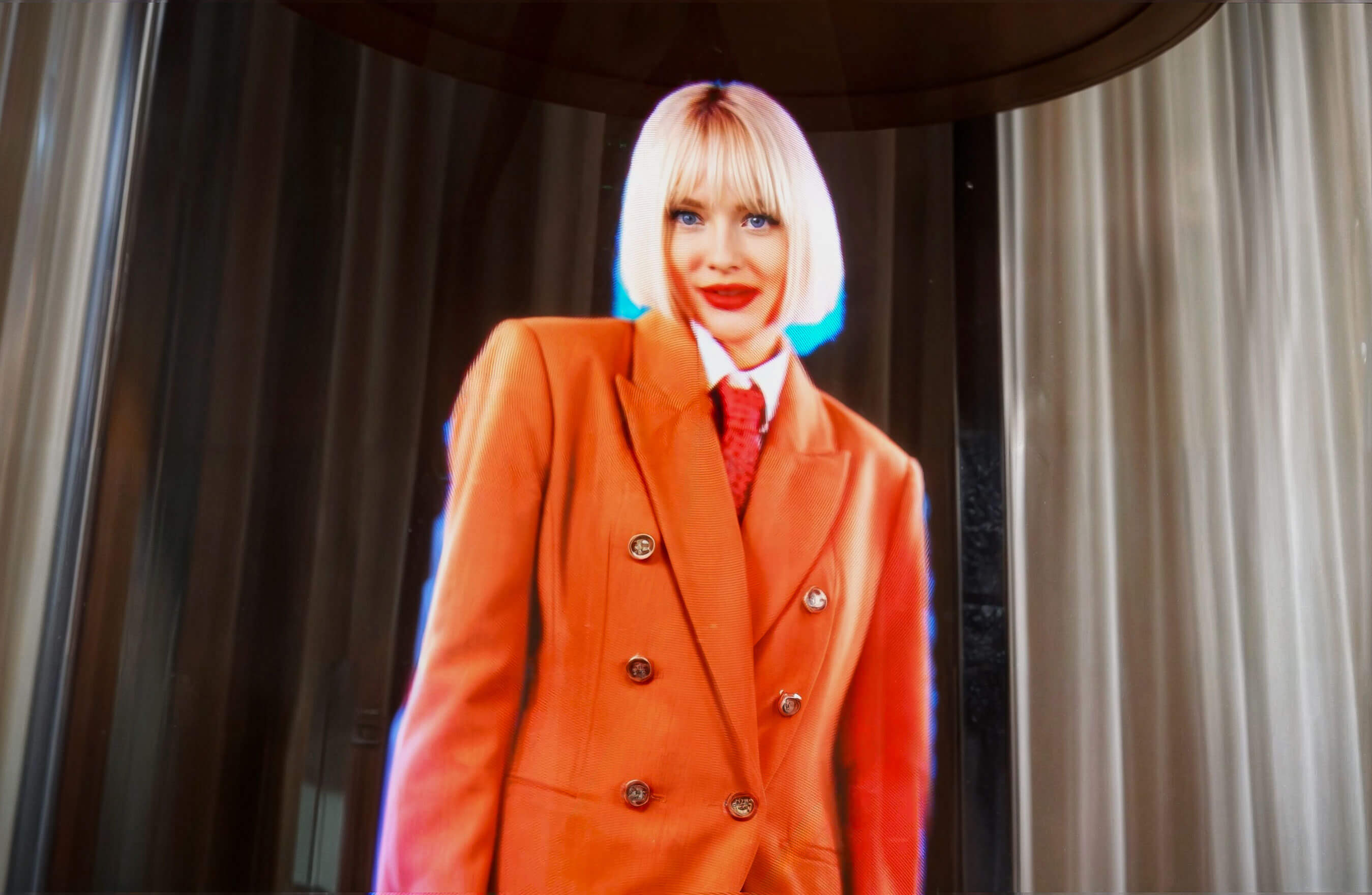
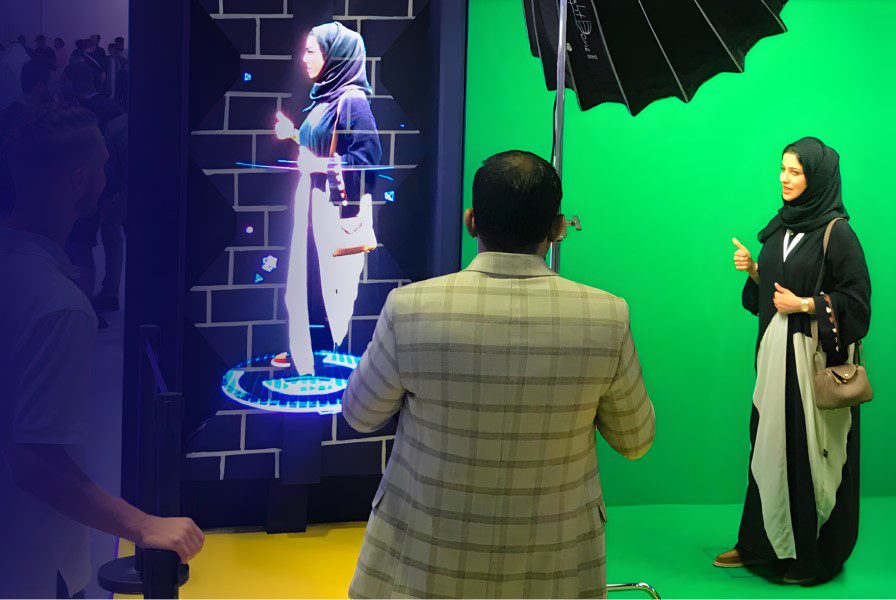
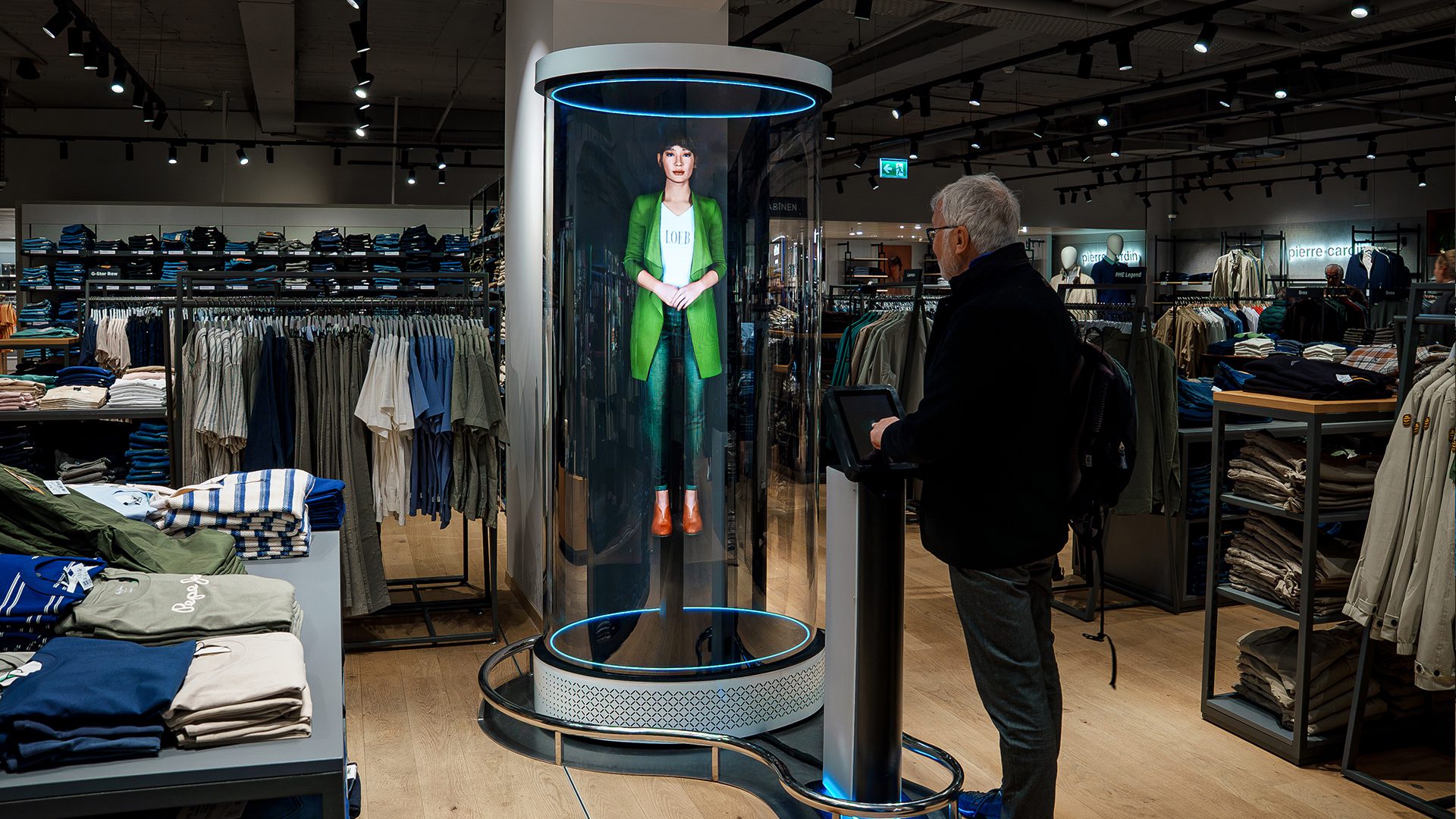
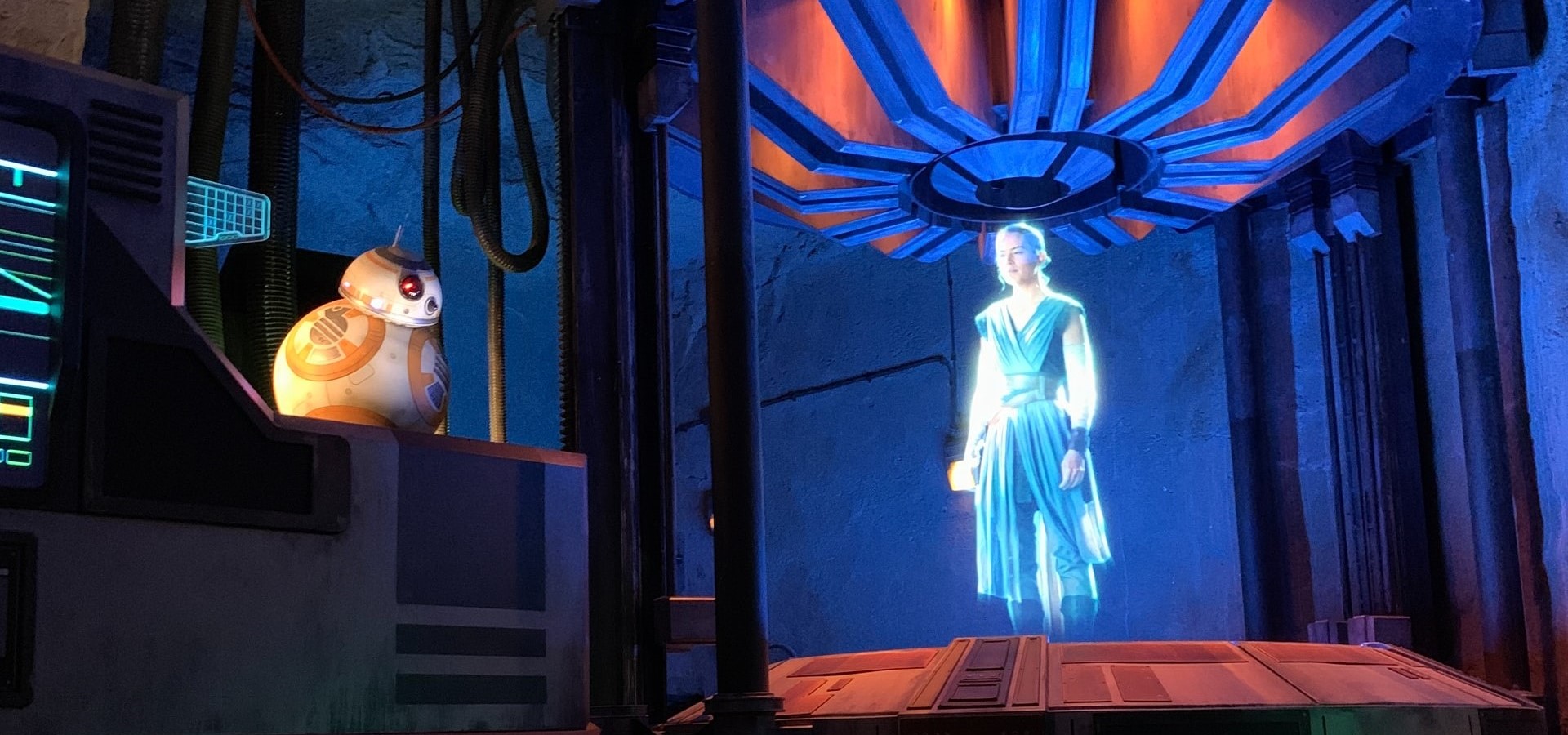
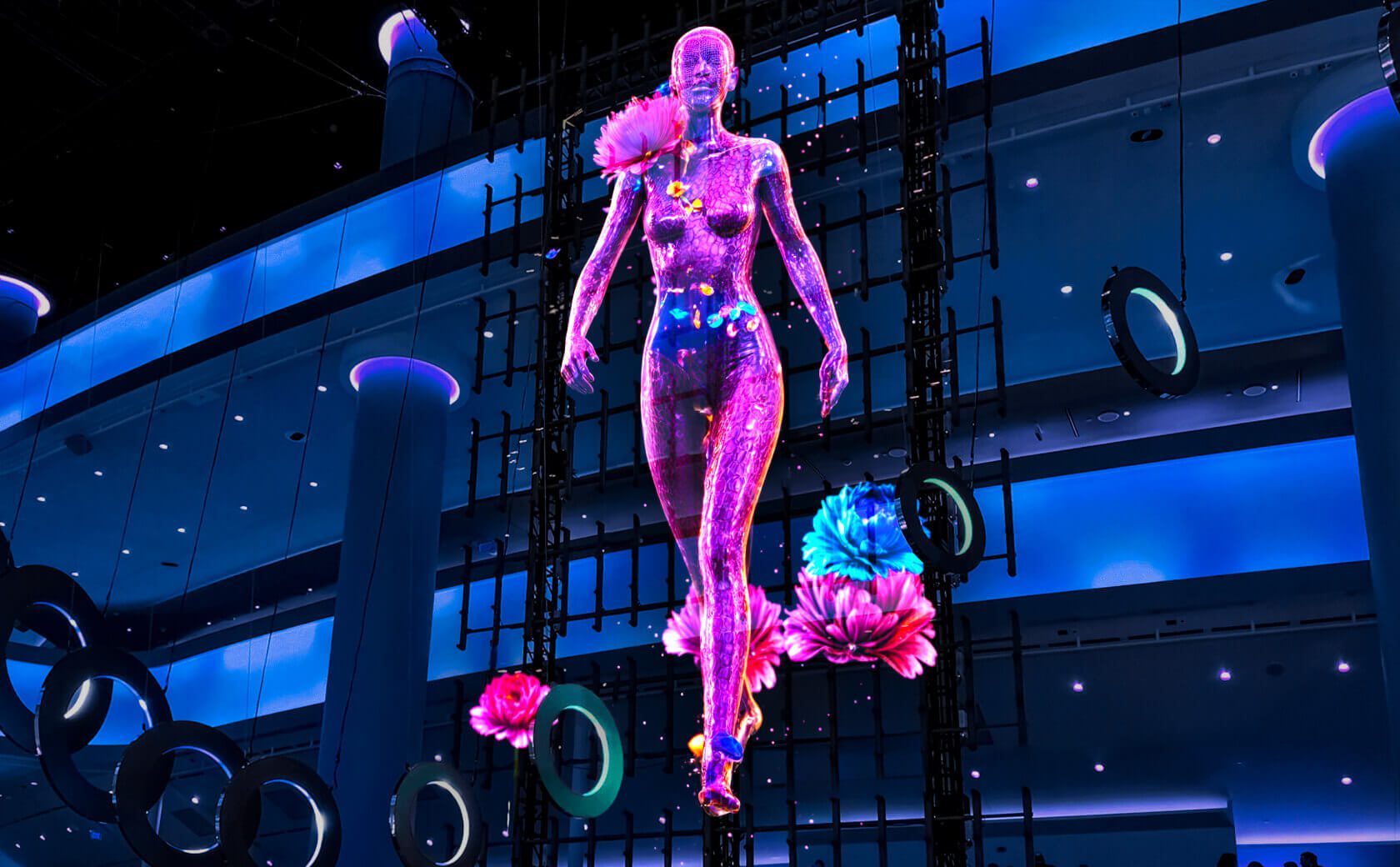
People are a powerful part of brand storytelling. A holographic human or digital avatar can introduce a campaign, present a collection, or act as a recognisable visual ambassador in a retail environment.
Rather than using a conventional mannequin or static promotional image, retailers can create a lifelike digital character that moves, gestures, or showcases different looks.
How to use this idea:
Present a fashion collection using a digital model.
Introduce a brand ambassador or campaign personality.
Create a virtual host for a product launch.
Deliver a scripted welcome or product introduction.
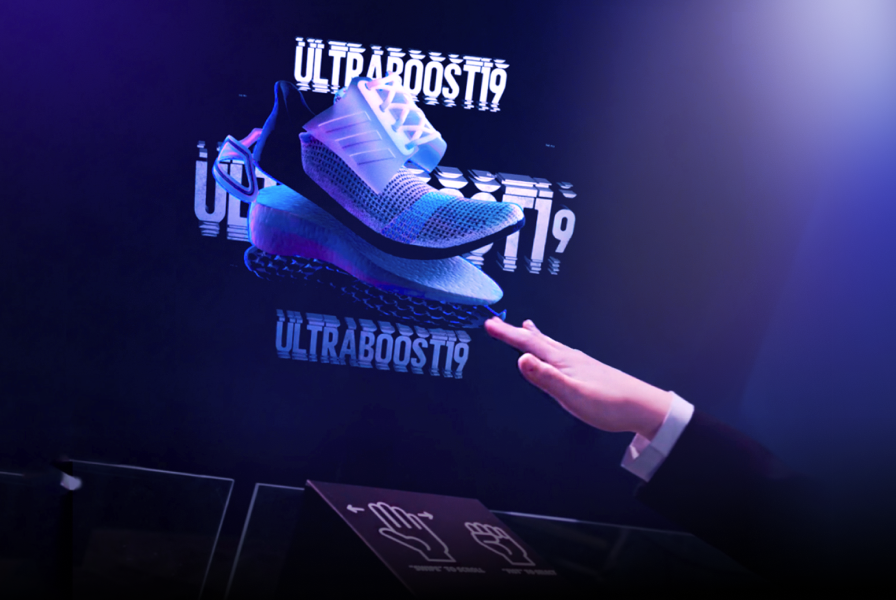
Pair the display with supported gesture-based interactions.
Content quality matters. Realistic proportions, natural movement, suitable backgrounds, and appropriate placement help the digital character fit the physical environment.
Real-world example: HUGO used HYPERVSN technology to present a holographic digital twin of influencer Jean Carlo León in a store window. Shoppers could explore different outfits using gesture-based interaction.
Seasonal merchandising gives retailers a natural reason to refresh their storefronts and in-store creative throughout the year.
Holographic visuals can add movement and a sense of spectacle to campaigns for Christmas, Valentine’s Day, Halloween, summer collections, and other retail moments.
How to use this idea:
Animate seasonal products and decorative elements.
Create floating festive characters or branded motifs.
Build a themed installation around a new collection.
Coordinate 3D visuals with window decorations and in-store lighting.
Adapt the same campaign concept for multiple stores.
For multi-location retailers, reusable content can help maintain brand consistency while allowing creative updates for different markets or promotional periods.
The key is to make the technology serve the seasonal story. A visually striking display should still make the product, offer, or brand easy to recognise.
5. Combine Holographic Displays with Physical Visual Merchandising
Holographic displays do not need to replace traditional retail design. They can work alongside physical products, mannequins, display plinths, lighting, printed graphics, and architectural elements.
This combination creates a layered visual experience in which digital content interacts with the physical space.
For example, a footwear retailer might place a 3D animation above a product pedestal, while a luxury boutique could pair holographic jewellery visuals with elegant materials and restrained lighting.
How to use this idea:
Build a display around one central holographic visual.
Use physical props to establish scale and context.
Match colours, movement, and lighting to the brand identity.
Contrast traditional craftsmanship with futuristic visual elements.
Keep the installation visually coherent from the customer’s main viewing angle.
Avoid overcrowding the display. The holographic element should have enough visual space to remain legible and distinctive.
Interactive displays invite shoppers to do more than watch. They can explore products, select options, discover information, or engage with a branded experience.
Depending on the hardware, software, and interaction setup, a holographic retail installation can support gesture-based controls or other interactive experiences.
How to use this idea:
Let shoppers browse product variants or fashion looks.
Build an interactive 3D catalogue.
Invite visitors to explore product features.
Create branded games or promotional activations.
Connect a physical retail display with a wider digital campaign.
Interaction should have a clear purpose. If customers can change a product view or explore a collection, make the available actions intuitive and the feedback immediate.
Before planning the installation, confirm which interactions are supported by the chosen configuration and whether additional sensors, software development, or custom content are required.
7. Use 3D Visual Storytelling for Attention-Grabbing Campaigns
In a crowded retail environment, a strong visual concept can help a campaign become more noticeable.
Holographic displays allow brands to move beyond straightforward product rotation and create imaginative visual sequences: a product emerging from a virtual environment, a dramatic transformation, or an unexpected interaction between brand elements.
The objective is not simply to surprise shoppers. The creative should connect the visual effect to a recognisable product, benefit, or campaign message.
How to use this idea:
Reveal a product through a short visual transformation.
Visualise an abstract product benefit.
Build a playful scene around a brand mascot.
Create a surprising transition that leads into a product reveal.
Develop a campaign concept that can be shared on social media.
Use bold creative carefully. Visual effects that are confusing, disturbing, or disconnected from the brand can distract from the product and weaken the overall experience.
8. Build Immersive Experiences for Product Launches and In-Store Events
Retail events provide an opportunity to bring customers together around a new product, collection, or brand story.
Holographic displays can serve as a visual centrepiece for product launches, pop-up stores, demonstrations, retail anniversaries, and promotional activations.
How to use this idea:
Reveal a new product with a 3D animation.
Present technical features during a live demonstration.
Create a visual focal point for a branded event.
Support a pop-up experience with immersive campaign content.
Develop a memorable backdrop for photo and video capture.
For technical products, animated 3D visuals can show components, product architecture, or functions that are difficult to demonstrate using a physical sample alone.
Plan the installation around audience movement, visibility, equipment placement, and the event schedule. Where the content is part of a live presentation, rehearse the sequence and prepare backup playback arrangements.
9. Make In-Store Information More Engaging
Holographic displays can also support informational communication, not just entertainment.
Retailers may use them to introduce a product, highlight a promotional message, explain a feature, or reinforce campaign information at a relevant point in the customer journey.
How to use this idea:
Present a concise product benefit.
Highlight a featured collection or promotional offer.
Introduce a product demonstration.
Display short brand messages or campaign information.
Support wayfinding or other informational content where the installation is suitable.
Keep text short and easy to read. Fine details and long paragraphs are rarely effective when shoppers are standing or walking past a display.
For essential information such as prices, terms, or product specifications, use a format that remains reliably legible at the intended viewing distance. A holographic display can complement conventional signage rather than replace it.
10. Create Shareable Brand Moments
A well-designed retail installation can become part of the brand experience customers remember and share.
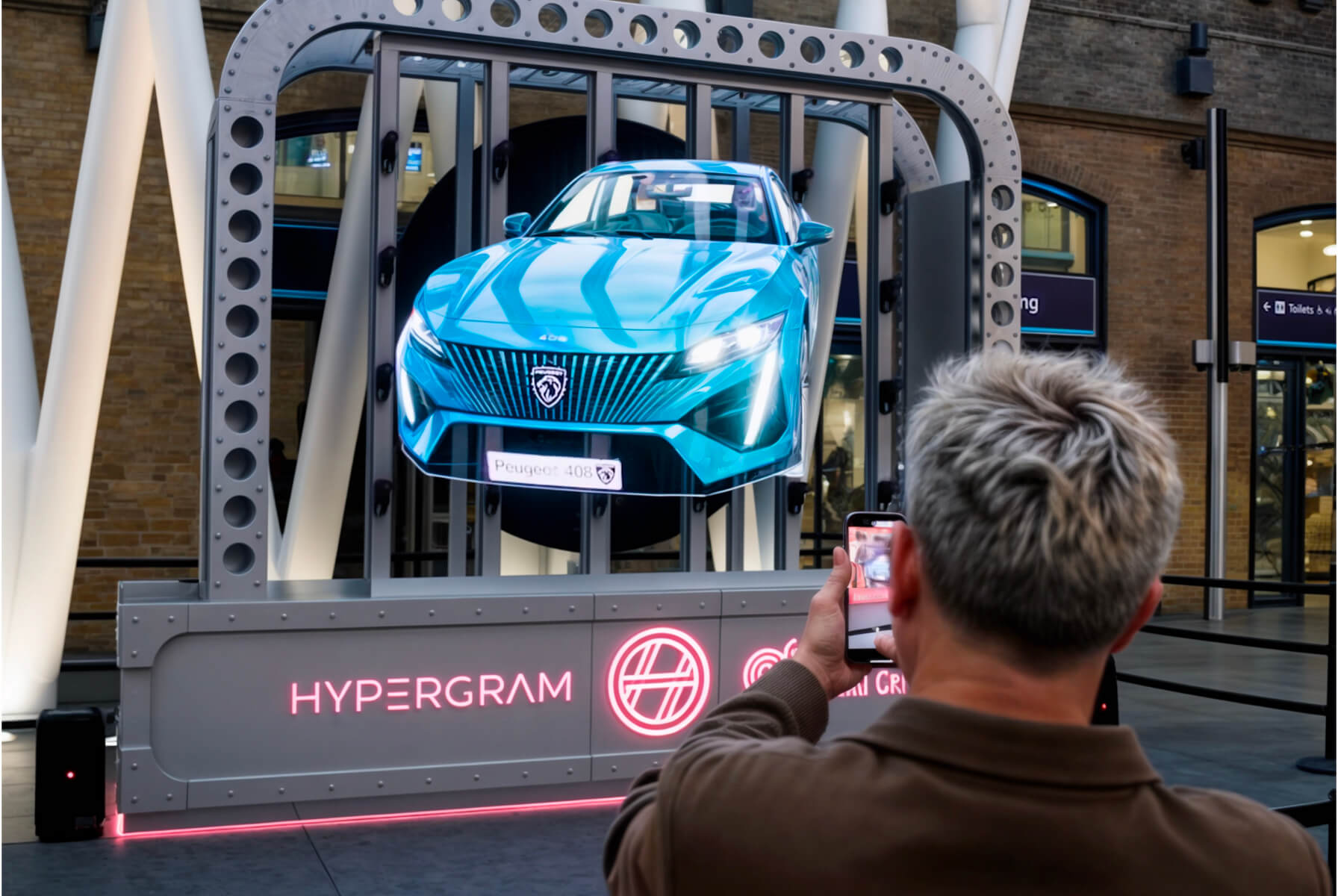
Holographic displays can help create visually distinctive moments that encourage people to stop, watch, photograph, or film a campaign. This can extend the experience beyond the physical store when customers choose to share their content online.
How to use this idea:
Design a recognisable visual moment around a hero product.
Build a branded installation that looks compelling from common camera angles.
Coordinate the in-store creative with social media campaign assets.
Use a launch event to encourage audience participation.
Measure engagement alongside commercial outcomes.
Shareability should be a design consideration, not an assumed result. Outcomes depend on the creative concept, audience, location, campaign distribution, and customer motivation.
Brands should also consider filming conditions, privacy requirements, and any permissions needed for audience-generated content.
How to Choose the Right Holographic Display for Your Store
The best holographic store display depends on your retail objective, available space, audience, and content requirements.
Before choosing a solution, consider the following factors:
Decision factor
What to consider
Retail objective
Brand awareness, product education, shopper engagement, or promotional support
Placement
Store window, entrance, point of sale, open retail floor, or event space
Viewing conditions
Ambient lighting, viewing distance, sightlines, and customer traffic
Content
Product animations, 3D models, digital humans, text, or interactive experiences
Scale
A single display or a larger installation using synchronised devices
Interactivity
Whether gesture controls, sensors, or custom software are needed
Operations
Content updates, installation, maintenance, and multi-store management
Measurement
Attention, dwell time, interactions, store visits, or sales of promoted products
A focused pilot campaign can help retailers understand how customers respond before rolling out the experience across multiple locations.
Define success metrics before installation. For example, a product launch might prioritise engagement and sales of the featured product, while a flagship storefront campaign may focus on foot traffic, brand exposure, and social sharing.
How Brands Are Using Holographic Displays in Retail
Real-world examples help demonstrate how 3D holographic technology can support different retail strategies.
Swarovski: Premium storefront storytelling
Swarovski used HYPERVSN holographic installations at Harrods in London and Galeries Lafayette in Paris to showcase jewellery and support a campaign associated with its Ariana Grande collection.
The example illustrates how 3D product visuals can complement premium visual merchandising and a wider brand narrative.
HUGO presented a holographic digital twin of influencer Jean Carlo León in a store window, allowing passers-by to explore different looks through gesture-based interaction.
The activation demonstrates how holographic humans and supported interactivity can bring fashion campaigns into physical retail environments.
Nike’s House of Innovation in Paris featured a HYPERVSN installation for an Air Max Dn activation. The experience used 3D holographic visuals to support the presentation of the footwear and its technology.
This example highlights the potential of holographic displays to make product launches more visually engaging.
These examples show that holographic retail displays can serve different purposes—from premium product presentation to interactive brand experiences. The right implementation depends on the audience, creative concept, placement, and intended business outcome.
Why Use HYPERVSN for Holographic Retail Displays?
HYPERVSN develops 3D holographic display solutions for brands looking to create distinctive experiences in physical environments.
Depending on the solution and configuration, retailers can explore applications such as:
Storefront displays: Create eye-catching visuals for shop windows and entrances.
3D product presentations: Showcase products through motion, depth, and detailed animation.
Holographic humans: Introduce digital characters, presenters, or campaign personalities.
Interactive experiences: Build customer interactions using supported hardware and software.
Scalable installations: Combine multiple display units to create larger visual experiences.
The process begins with the business objective and the environment in which the display will be used. Hardware configuration, content production, placement, and ongoing management should all be considered together.
Frequently Asked Questions About Holographic Store Displays
What are holographic store displays used for?
Holographic store displays are used to showcase products, attract attention to storefronts, support brand storytelling, communicate promotional messages, and create interactive retail experiences. Their suitability depends on the product, location, audience, and campaign objective.
How do 3D holographic displays work in retail?
HYPERVSN uses specialised LED-based display technology to create the illusion of floating 3D visuals. The content can be used for product animations, branded visuals, and other applications, depending on the selected configuration.
Where can holographic displays be installed in a store?
Potential locations include shop windows, entrances, points of sale, product display areas, flagship retail spaces, pop-up stores, and event areas. Installation planning should account for viewing conditions, customer flow, equipment placement, and safety.
Can holographic displays showcase real products?
Yes. Retailers can create 3D digital representations of products, animate product details, and highlight selected features. The quality of the result depends on the source assets, 3D content production, and display configuration.
Are holographic displays interactive?
Some installations can support interaction, such as gesture-based controls. Available functionality depends on the hardware, sensors, software, and content developed for the specific project.
Can holographic store displays increase sales?
They can support sales and promotional objectives by drawing attention to featured products and making product communication more engaging. However, commercial results are not guaranteed and depend on factors such as campaign execution, location, audience, product appeal, and measurement methodology.
How should retailers measure the success of a holographic display?
Useful metrics may include audience engagement, dwell time, interaction rates, store visits, social media sharing, and sales of promoted products. Choose metrics that align with the campaign objective and, where possible, compare performance with a relevant baseline.
What should a retailer consider before investing in a holographic display?
Start by defining the business objective, target audience, installation location, creative requirements, budget, and success metrics. Then evaluate suitable hardware configurations, content production, installation requirements, and ongoing operational needs.
Transform Your Retail Space with HYPERVSN
A successful retail display does more than attract attention. It helps customers understand a product, experience a brand, and discover a reason to engage.
From 3D product presentations and holographic storefronts to digital brand ambassadors and interactive campaigns, holographic displays offer retailers new ways to connect physical spaces with digital storytelling.
The first step is to identify the experience you want to create and the outcome you want to measure.
Ready to explore holographic displays for your retail environment?